

 dfir-iris
[BUG] Major timestamps not visible when exporting visual timeline as .png file
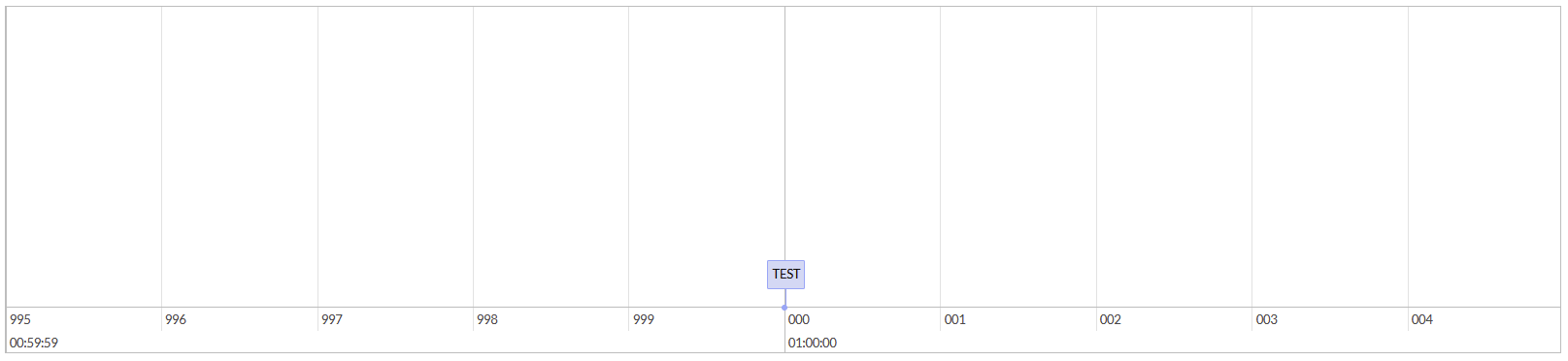
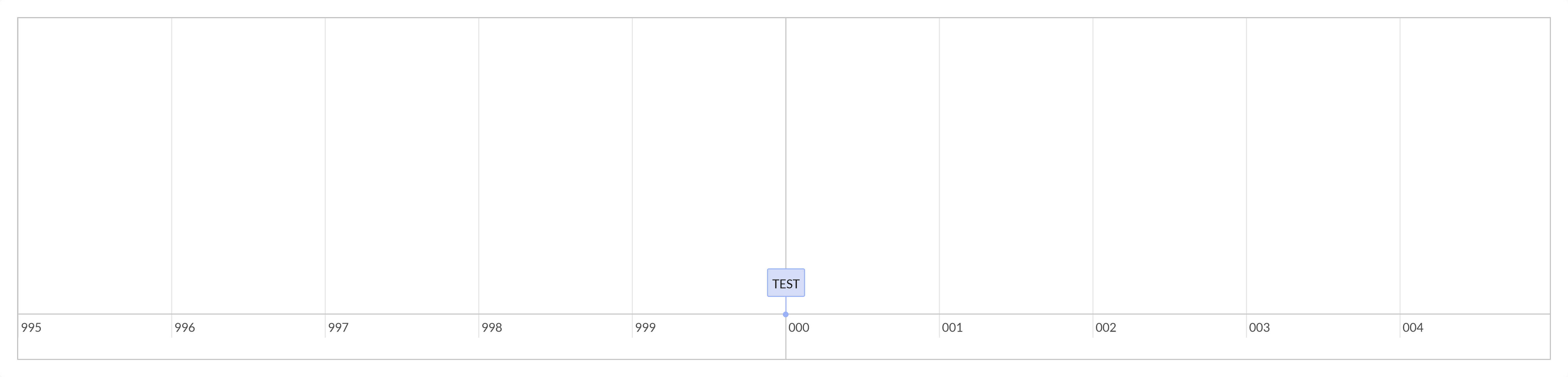
Describe the bug The "major" timestamps of the visualized timeline are not visible when using the "Take screenshot of content" functionality.
To Reproduce Steps to reproduce the behavior:
- Visualize a timeline (grouping irrelevant)
- Download .png via "Take Screenshot of content" button
- Compare screenshot against displayed timeline
- See error
Expected behavior Screenshot should show the same as the screen.
Screenshots
Manual screenshot (OS utility):
 Screenshot functionality:
Desktop (please complete the following information):
- Windows 10
- Firefox, Chrome
- Version v1.4.1
Additional context It appears to be an inconsistency / limitation of the canvas2html library. When removing the naked "div" elements inside the "vis-major" elements in DOM and putting the values in the "vis-major" elements, then the html2canvas function picks up the dates / times correctly. Possible fixes would be: a) change the timeline.js to not nest the major timestamps in naked "div" elements or fix the rendering inconsistencies in html2canvas

Thanks for the report @sebastiandemmer.
Indeed the html2canvas lib has multiple limitations. There is another known bug in the default /timeline page ; a long timeline fails to be captured due to a rendering size limitation of the lib.
We might need to find another lib or try to fix this one yes :/ don't hesitate to PR if you have ideas on how to implement
