

 devinit
Bug on multilateral profiles
I'm submitting a ...
Check one of the following options with "x" and add the appropriate label to the issue as well
[X] Bug report
[ ] Regression (behaviour that used to work and stopped working in a new release)
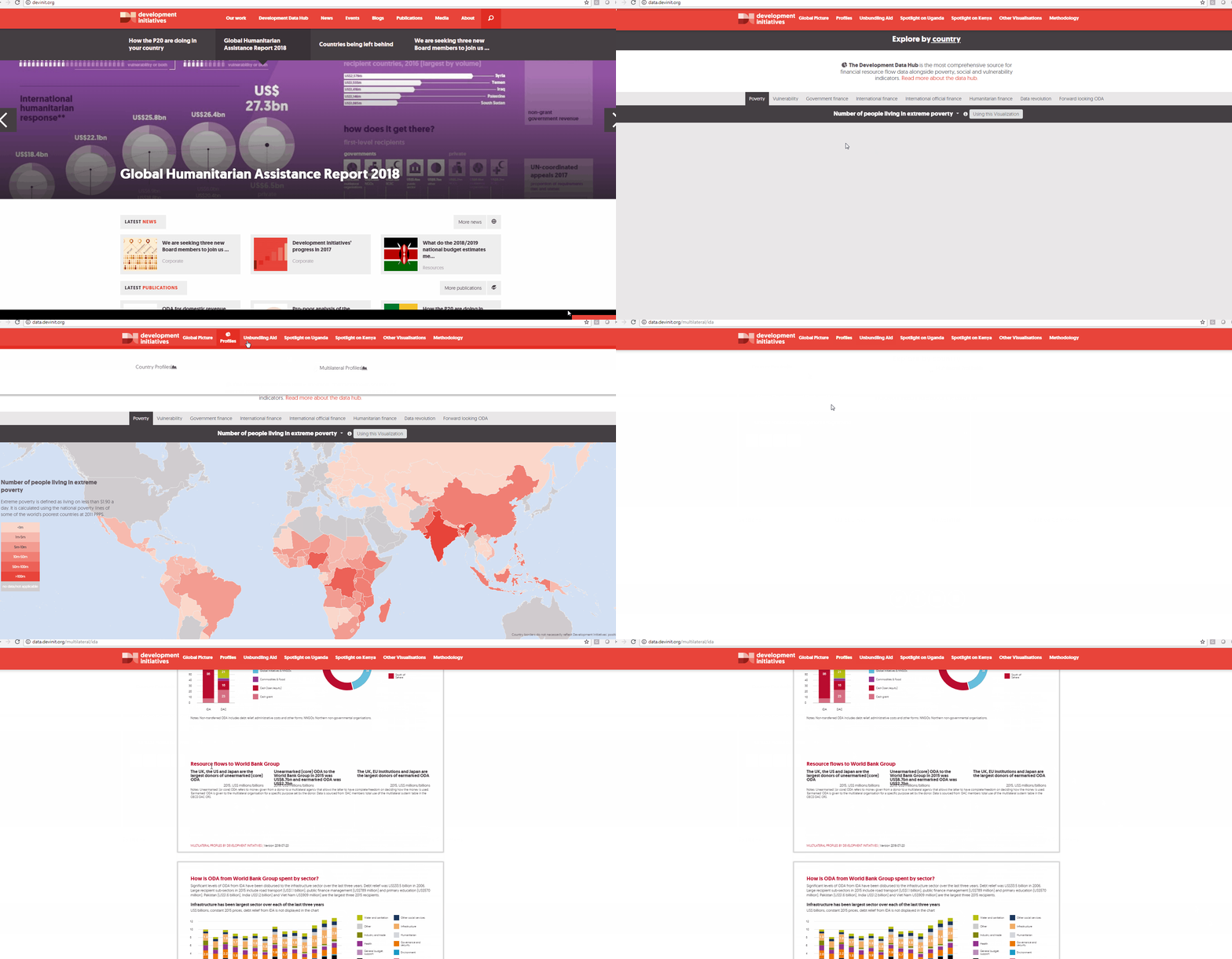
Describe the Issue Multilateral profiles chart has disappeared from page
To Reproduce Replace the content below with the steps to reproduce the behaviour.
- Go to 'Profiles'
- Click on 'Multilateral Profiles and open a profile for an individual multilateral'
- Scroll down to 'Bottom of page one'
- See error
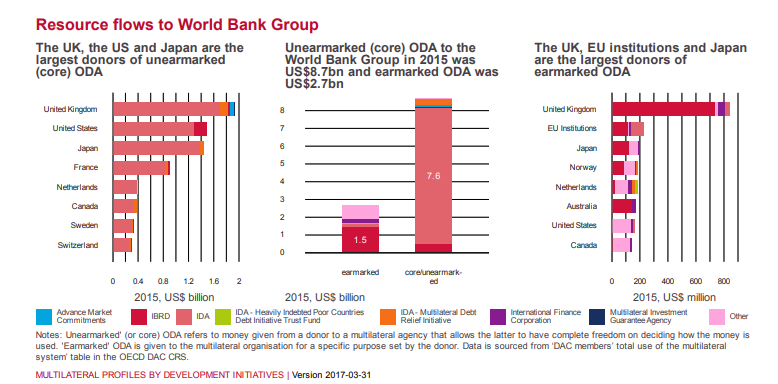
Expected Behaviour Three charts should show
Screenshots/GIF If applicable, add screenshots or a GIF to help explain your problem.
'
'
'
'
Should look like:
Desktop (please complete the following information):
Chrome
Environment/Server:
- [X] Production
- [X] Staging
- [ ] Test
- [ ] Development
Additional Context
Requested Delivery Date: 31/08/2018

Hi @Duncan-Knox ... A lot of the time on this was spent investigating. The fix took a few seconds. Oh well, as long as it's fixed :) Should be fine on the live version too, since the problem had nothing to do with the actual datahub.

Thank you @edwinmp, what was the case with the investigations - was there a clear reason causing this, you have me curious? Thank you for the fix. I can confirm it is now fine and great to have this one sorted out. I hope the investigative time is fruitful for other work on the DDH for you.
It looks like this issue has made a return.
http://212.111.41.68:8080/multilateral/ida


Since this is on the multilateral profiles, it'll be fixed once they too are migrated to the current DDH.