

 derceg
pasting image data -> resulting BMP image is broken
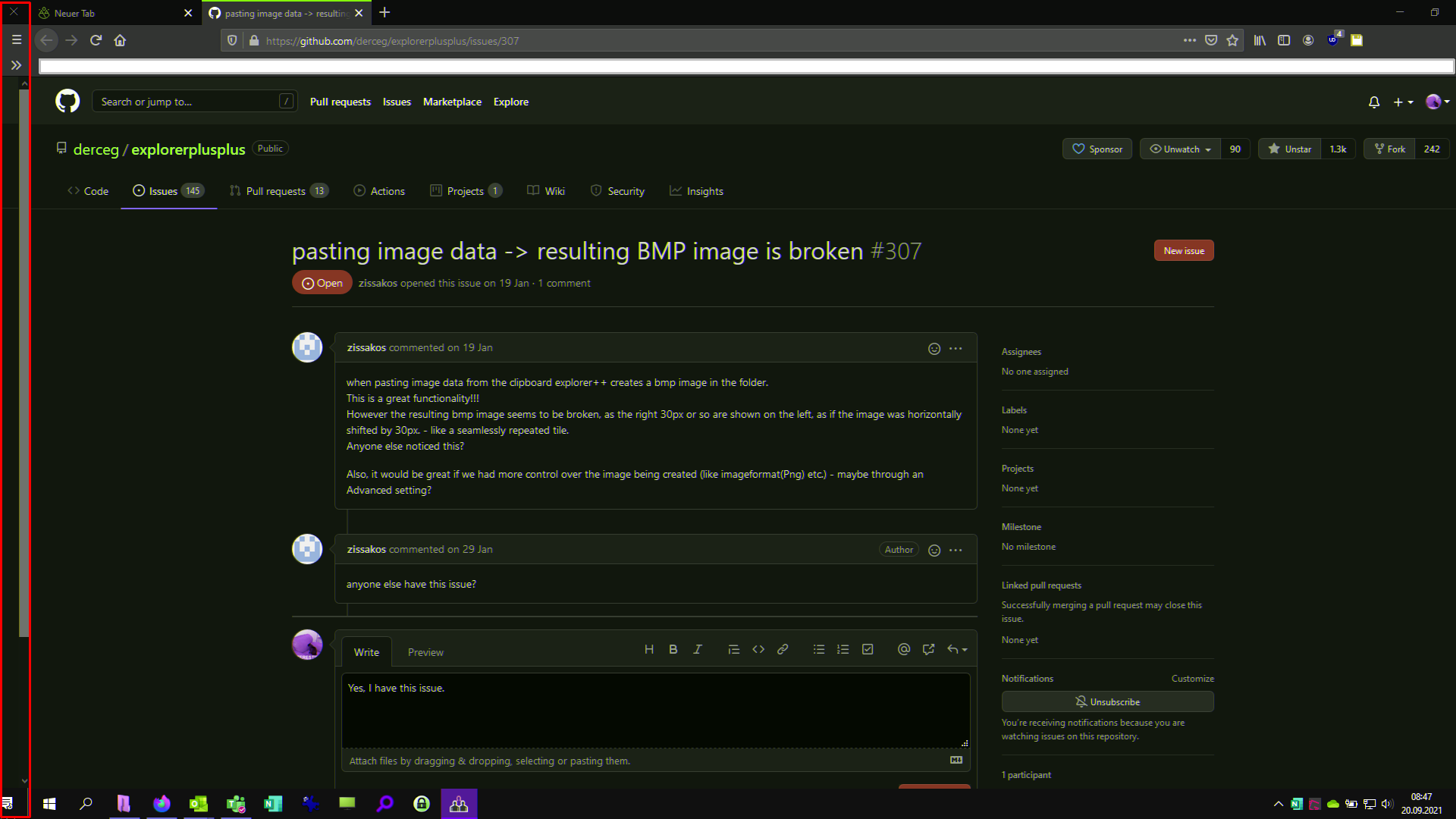
when pasting image data from the clipboard explorer++ creates a bmp image in the folder. This is a great functionality!!! However the resulting bmp image seems to be broken, as the right 30px or so are shown on the left, as if the image was horizontally shifted by 30px. - like a seamlessly repeated tile. Anyone else noticed this?
Also, it would be great if we had more control over the image being created (like imageformat(Png) etc.) - maybe through an Advanced setting?

Yes, I have this issue. The broken image also has its color offset. Here is an example:
I'm not sure why, but sometimes it happens, and sometime not. I use Greenshot (https://github.com/greenshot/greenshot), and when I save a screenshot (as file), it comes out fine.
But if I save a screenshot to clipboard and paste it in Explorer++ via CTRL+V, things get interesting. When I open it with Paint or the Windows Photos App, it looks fine. When I open it with IrfanView, I get the broken image.
