axe-core
 axe-core copied to clipboard
 dequelabs
Support content-visibility:hidden in axe-core's visibility functions
Content inside an element with content-visibility:hidden should be treated as hidden. This currently only works in Chrome, but we should make sure we're ready for this kind of change.

This implementation would be a part of resolving #2768, we'll deal with 2768 later though.
How do we want to classify the hidden state of this property (isVisibleOnScreen vs isHiddenForEveryone)? From https://web.dev/content-visibility/#a-note-on-accessibility it seems that it would be visible to the accessibility tree but not visible on screen. However, there's also the caveat that things with display: none would still be visible to screen readers since their styles aren't rendered (I haven't been able to test this as my JAWS version is 2 years behind).

@straker , can you please confirm me the QA things on this ticket,
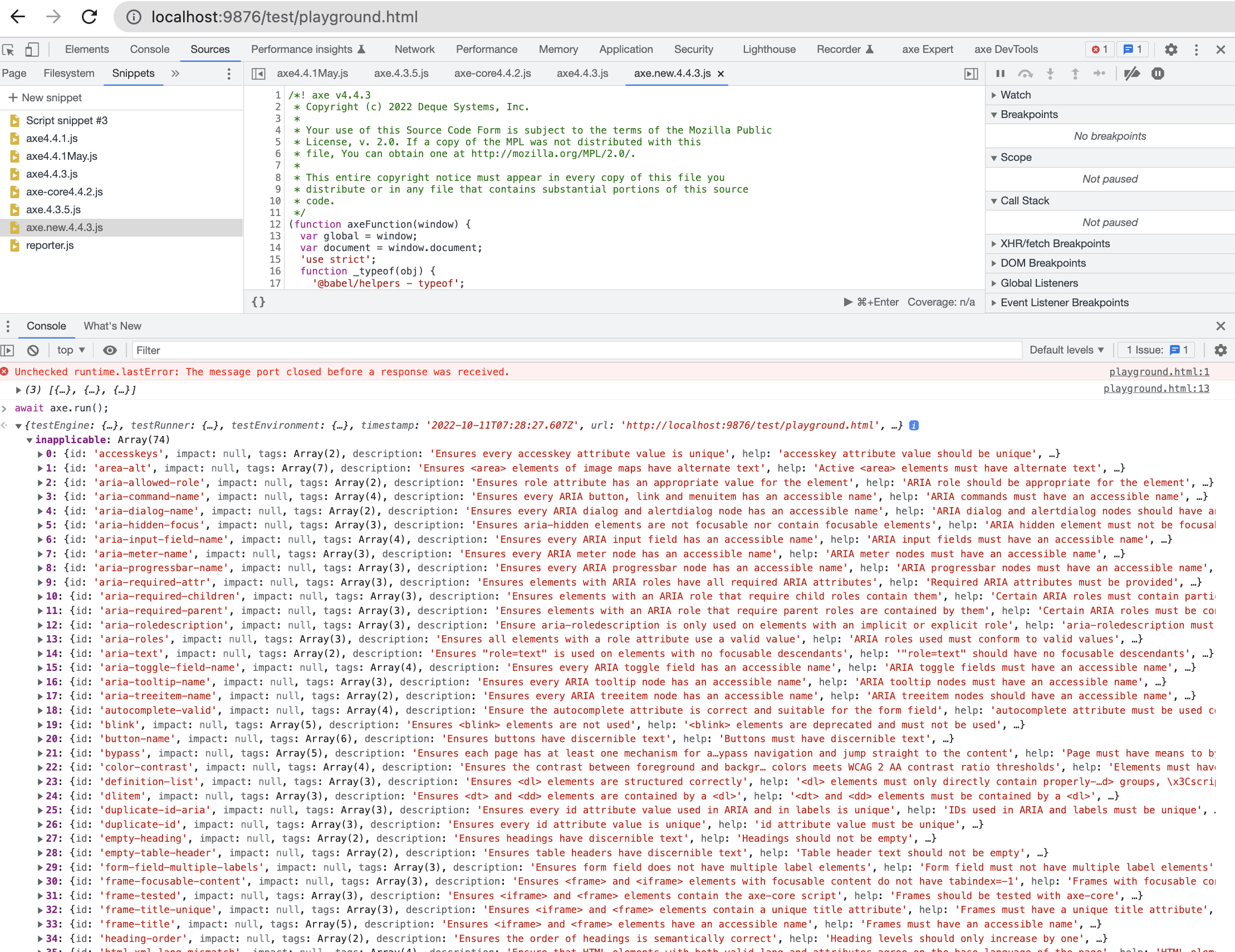
Validated against latest axe-core develop branch code base - axe,
<div id="target" aria-hidden="true">Sample</div> this is passing
getting color-contrast issue in incomplete for <div id="target" style="content-visibility: hidden">contentExample</div>


As per Steve's input, content-visibility: hidden only applies to descendants of the node. It doesn't hide the node itself,
so we need to make the target a descendant of the node with content-visibility: hidden
When the content-visibility is hidden and aria-disabled then aria-hidden-focus is in inapplicable
test script: `