debrief

debrief copied to clipboard
 debrief
Background color of the map panel changes while adding new layer
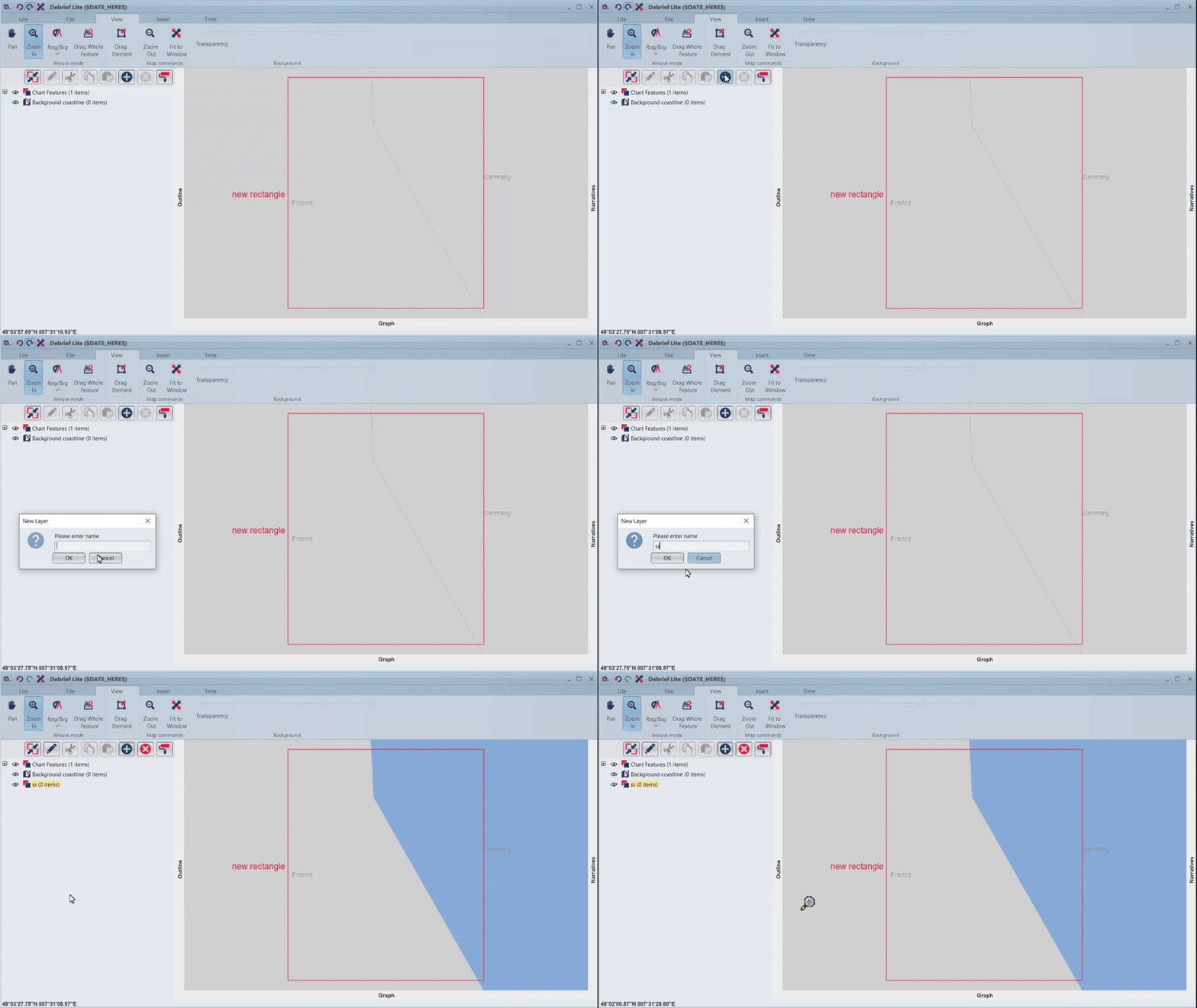
When we add new layer using add layer action in outline panel, the background color of the map panel changes to the default.
Steps :
- Launch D-Lite
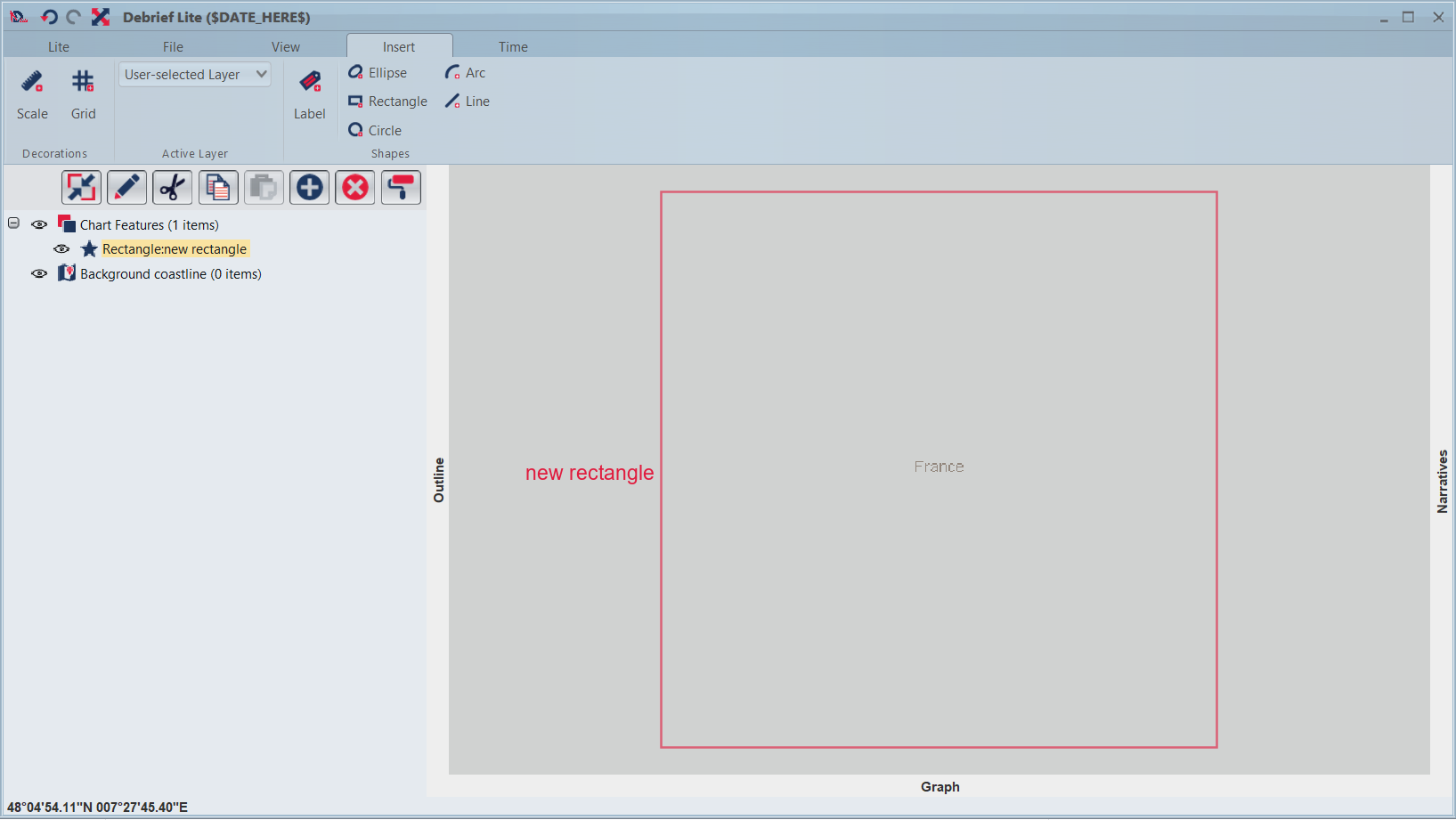
- Insert any shapes, rectangle or circle
- Add new layer
- See that the background color of the map panel changes to the default color.
Video:

@IanMayo @helenayele Cant replicate this. When I zoom out, rectangle is drawn somewhere close to Algeria for me. Whereas in the map in the screenshot it shows France and Germany Is this intentional?

For me , when I draw rectangle, it locates in France by default. steps:
- Launch D-Lite
- Insert Rectangle