

 deadlyjack
Acode doesn't show which line is throwing error in JavaScript!
I was trying to edit a JavaScript file. But I got an error on the console saying there is a error in my code.
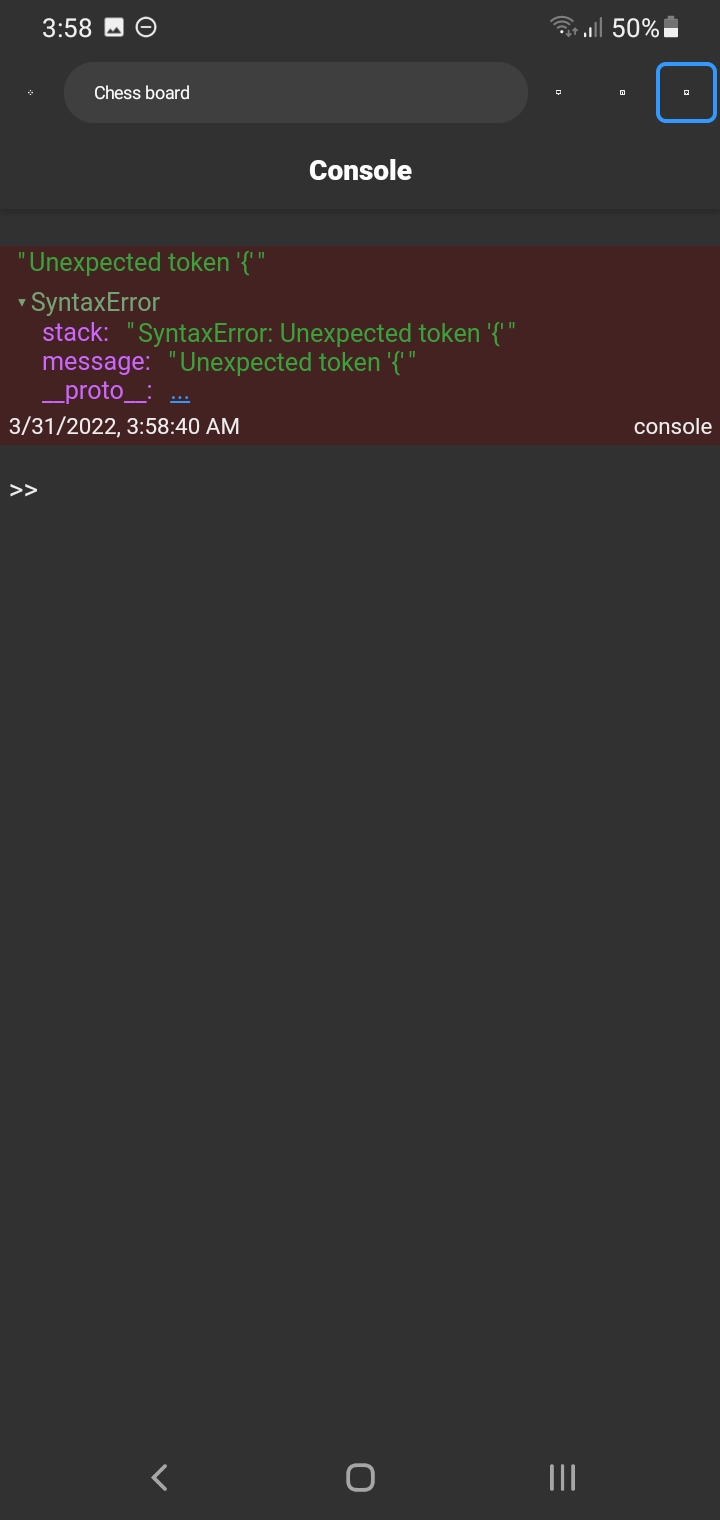
But the problem is I can't figure out which line is throwing the error. The console doesn't show any hints or line number. I also tried to set preview mode to "browser" but the browser console shows the same message. I wrote at least 150+ lines. It is really annoying to manually find error by reading the whole file.
correct me if I am wrong, I think the previous versions had no such issues. I don't know if it's a bug or the feature has been removed. But please fix this issue as soon as possible.
My device: Samsung A10 (android 11)

Please can you provide a sample code to test? Because it's working for me.

testFunc (argument) { console.log(1) }
The above code didn't use "function" keyword. It doesn't show line number if you click and hold the run button. It doesn't matter if you run it with HTML or not, It doesn't show any line numbers.
