

 deadlyjack
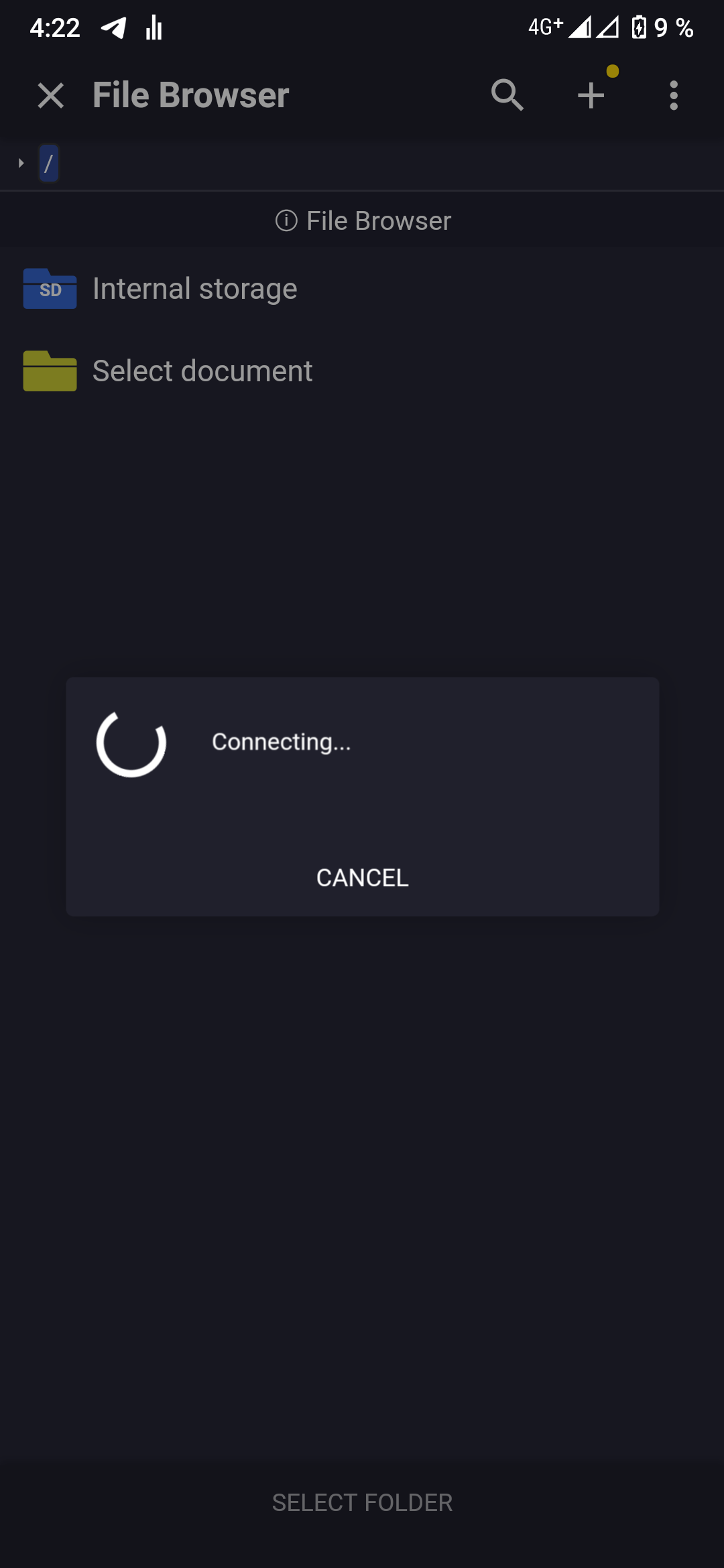
Acode stucks on "connecting..." screen
I'm trying to log in with my SFTP server credentials to connect, but the app stucks on the "connecting..." screen.
My credentials are not incorrect because I have a file management app through SFTP and it works properly.
(I think this can help) Every time I connect to my SFTP server for the first time in an app, this window appears.
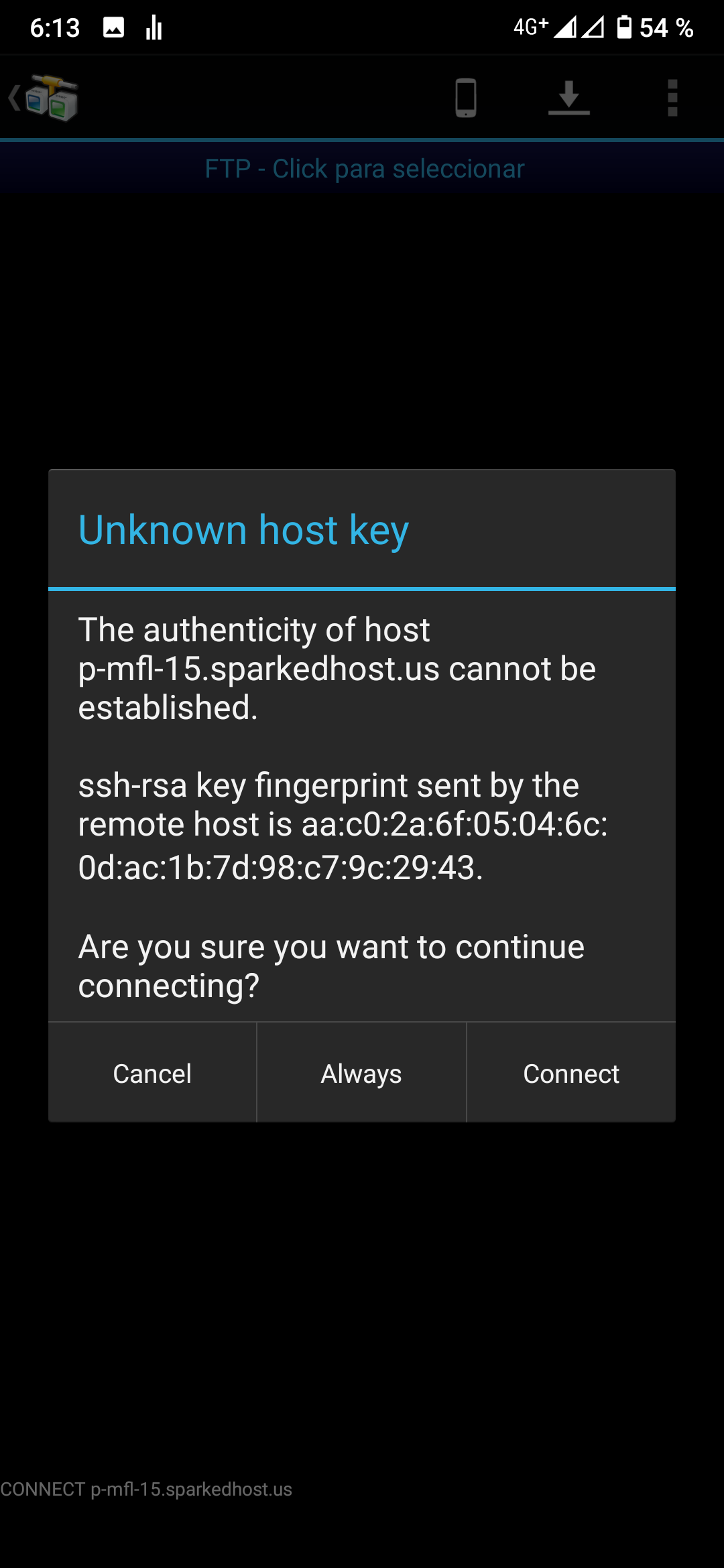
I think this is what prevents Acode from connecting properly to the SFTP server.

Click always. You are connecting to sftp using rsa file. To connect with rsa file first time you need to accept rsa fingerprint as a trusted fingerprint. Without accepting it you can't really connect. Then comment if it is working or not

Click always. You are connecting to sftp using rsa file. To connect with rsa file first time you need to accept rsa fingerprint as a trusted fingerprint. Without accepting it you can't really connect. Then comment if it is working or not
I meant that maybe that's why Acode can't connect to my SFTP server.
Oh I see.. Acode is not prompting for rsa fingerprint. Yeah, you said right. That could be a problem. Dev can fix it by prompting user for accepting and save the fingerprint or dev also can fix it by adding another input file where user can select their saved fingerprint.
