

 davidmarble
not able to create mkvirtualenv project after using this ( pip install virtualenvwrapper-win). please help me
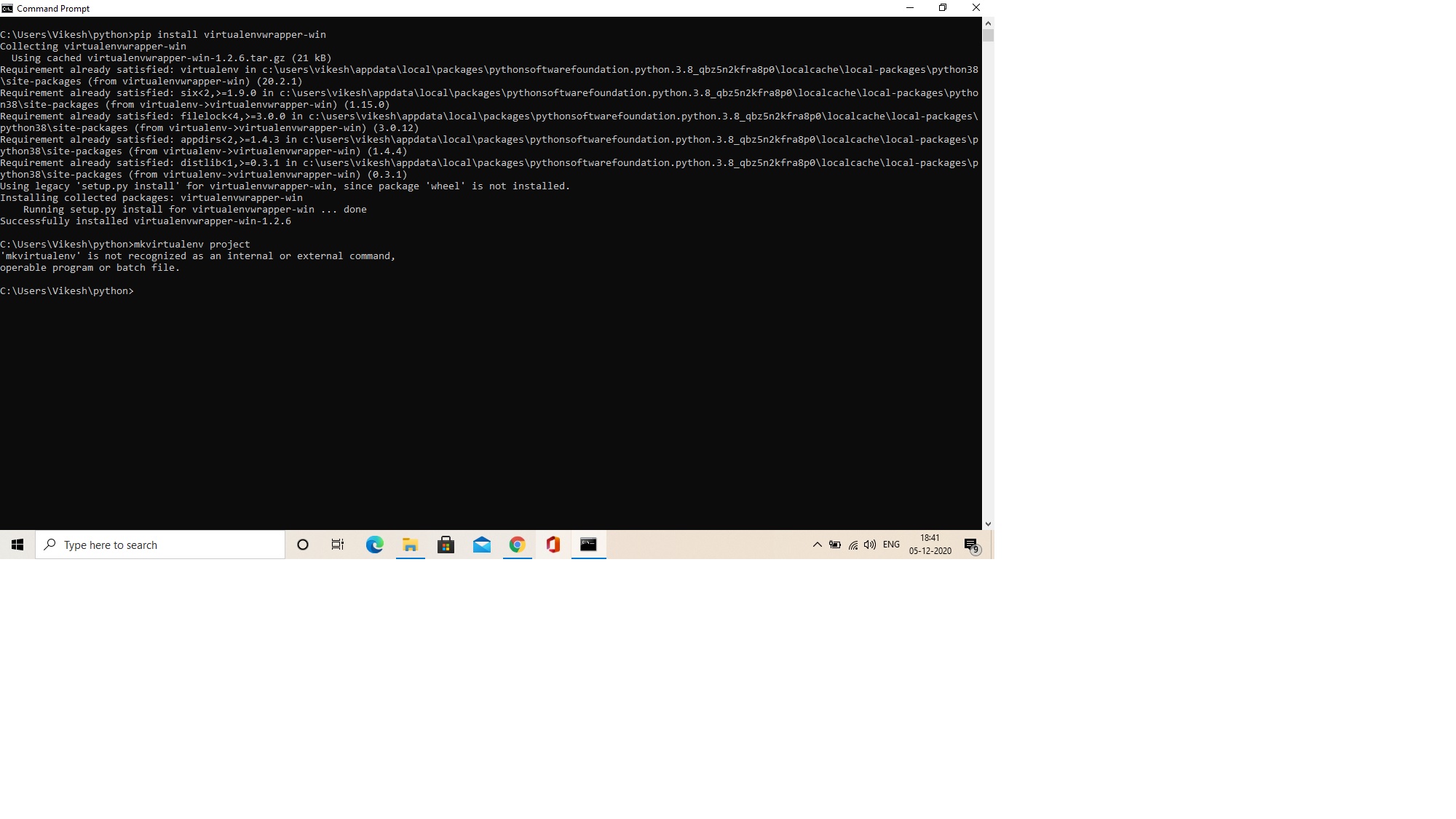

Hey @mrvikesh, you may just need to run the virtualenvwrapper.bat file before using the mkvirtualenv command.
"path" is the path to your base python installation file that contains the "Scripts" file.
$ path\Scripts\virtualenvwrapper.bat
Then you can run through the quick start on the docs website here: https://virtualenvwrapper.readthedocs.io/en/latest/install.html#quick-start

Please don't use pictures of text... ever ;-)
Your python scripts directory needs to be on your path (that is where virtualenvwrapper-win installs its .bat files and they need to be on the path to be findable from the command line).

The issue is likely you installed the module to your local user AppData. Uninstall ALL OF THE THINGS (i.e. all dependencies as well) and then re-install using admin privileges. (Literally had to deal with this TODAY.)
I only figured this out when I was trying to do a different module install or uninstall because I received this error: Defaulting to user installation because normal site-packages is not writeable
This lead me down a rabbit hole to see that when I looked at the scripts in AppData vs Python scripts, the python program folder didn't have what I needed
