
dat-desktop

dat-desktop copied to clipboard
 dat-ecosystem-archive
Throttling UI




@juliangruber I think we need a footer similar to the examples above. Can you describe your use case a bit? What's the data you'd want to see there (and that we can show)? What are the settings you wanted to adjust?
I'd want to
- limit the upload bandwidth
- turn off throttling completely at night
- turn on throttling during the day
- see how much it's uploading in total
- see how much it's downloading in total
First draft:
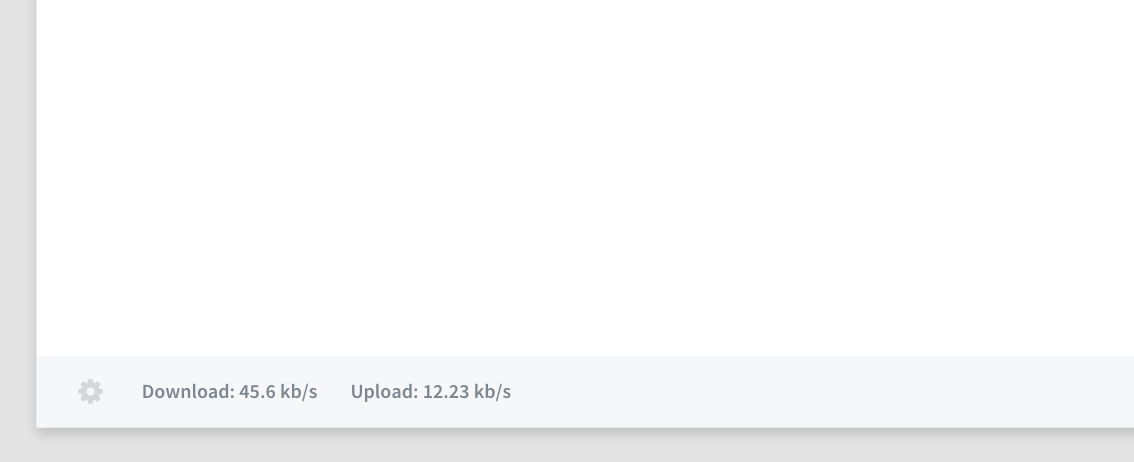
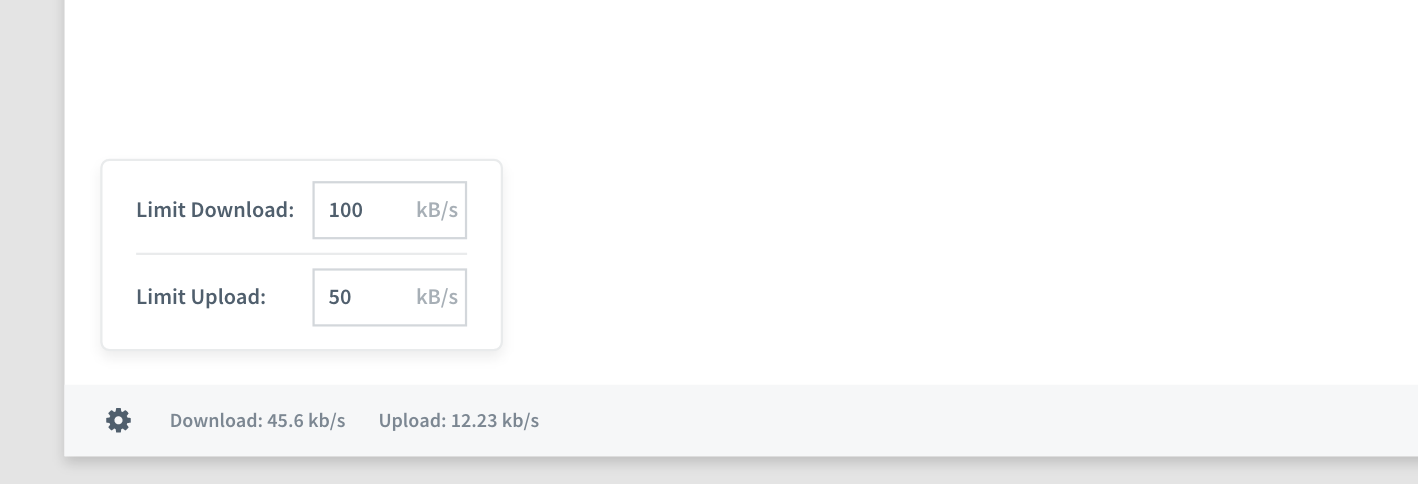
- [ ] box with input fields appears on click on settings icon. disappears when clicking anywhere else.
- [ ] when upload/download limit is entered, it is saved and applied immediately (no save button)
- [ ] empty input field = no throttling

@juliangruber Is the popup with the limit options implemented yet? Can't find it.