

 dasher-project
Spacing required to right of predictor
There’s an option in v5 for altering the spacing to the right of the predictor so your thumb doesn’t cover it. We need to have a configurable size.

Sorry, I don't understand this feature request. Please add some explanation and maybe a screen capture image.

Sorry Jim - that was a terrible example of how to write an issue.
Current Problem
Open redash on a Phone in Portrait mode. Try and use it. If you use your thumb at least you cant see the letters
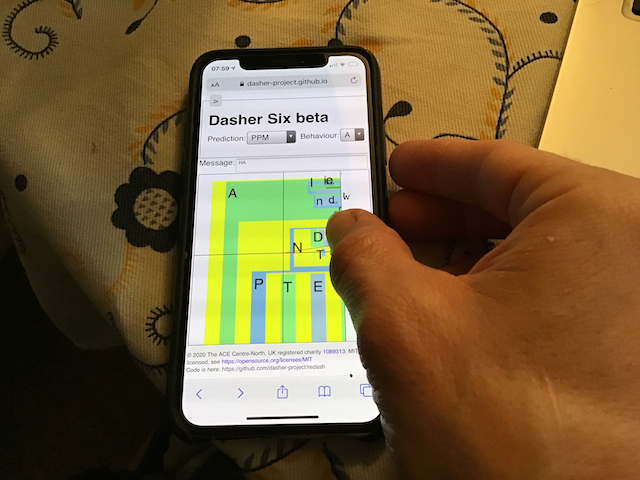
Solution?
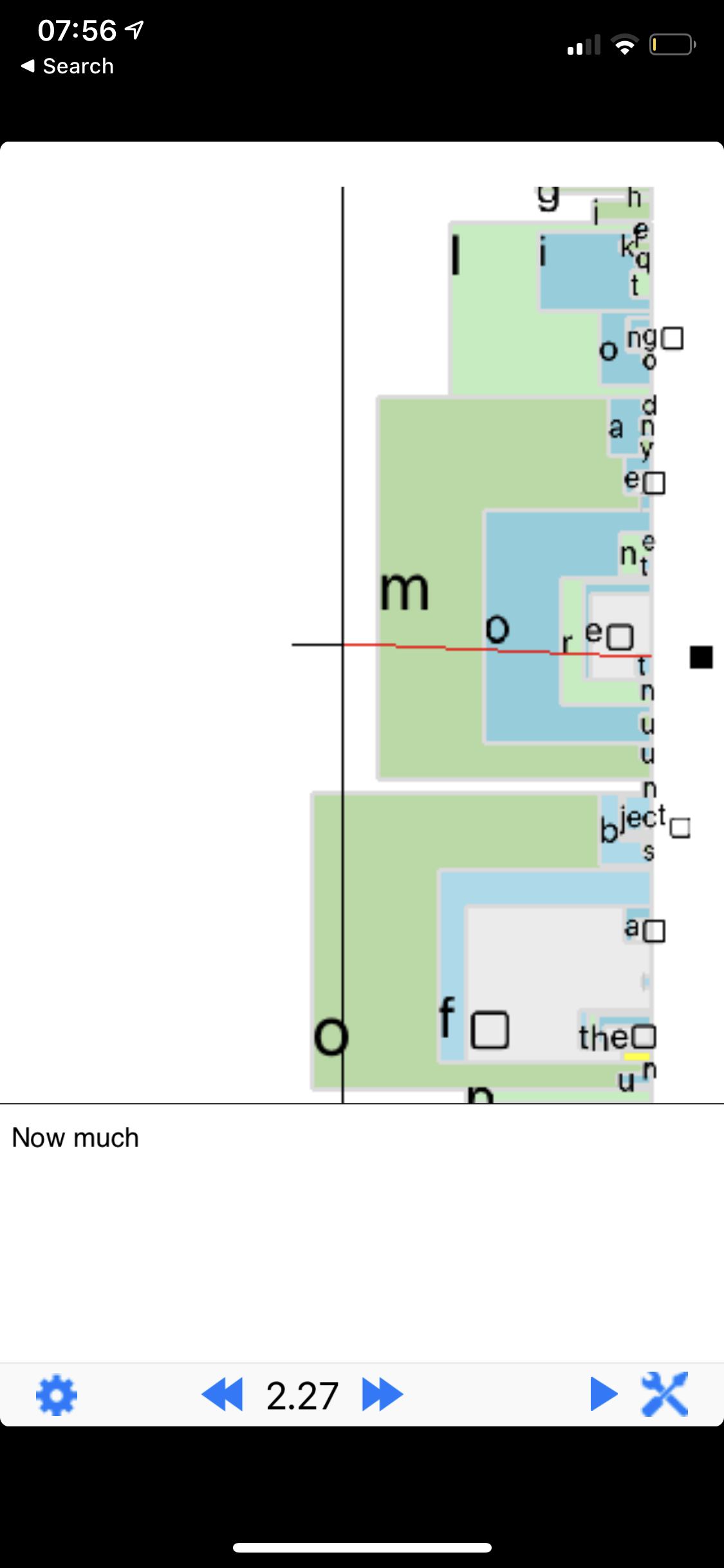
On Dasher for iOS at least there is an option called "MarginWidth" - which alters the right side Margin. The aim of this is to give you more space. You can still put your cursor in the blank space but it doesn't obscure the letters you are driving towards
Dasher v4 on iOS with Default MarginWidth:
Dasher v4 on iOS with MarginWidth pushed up:
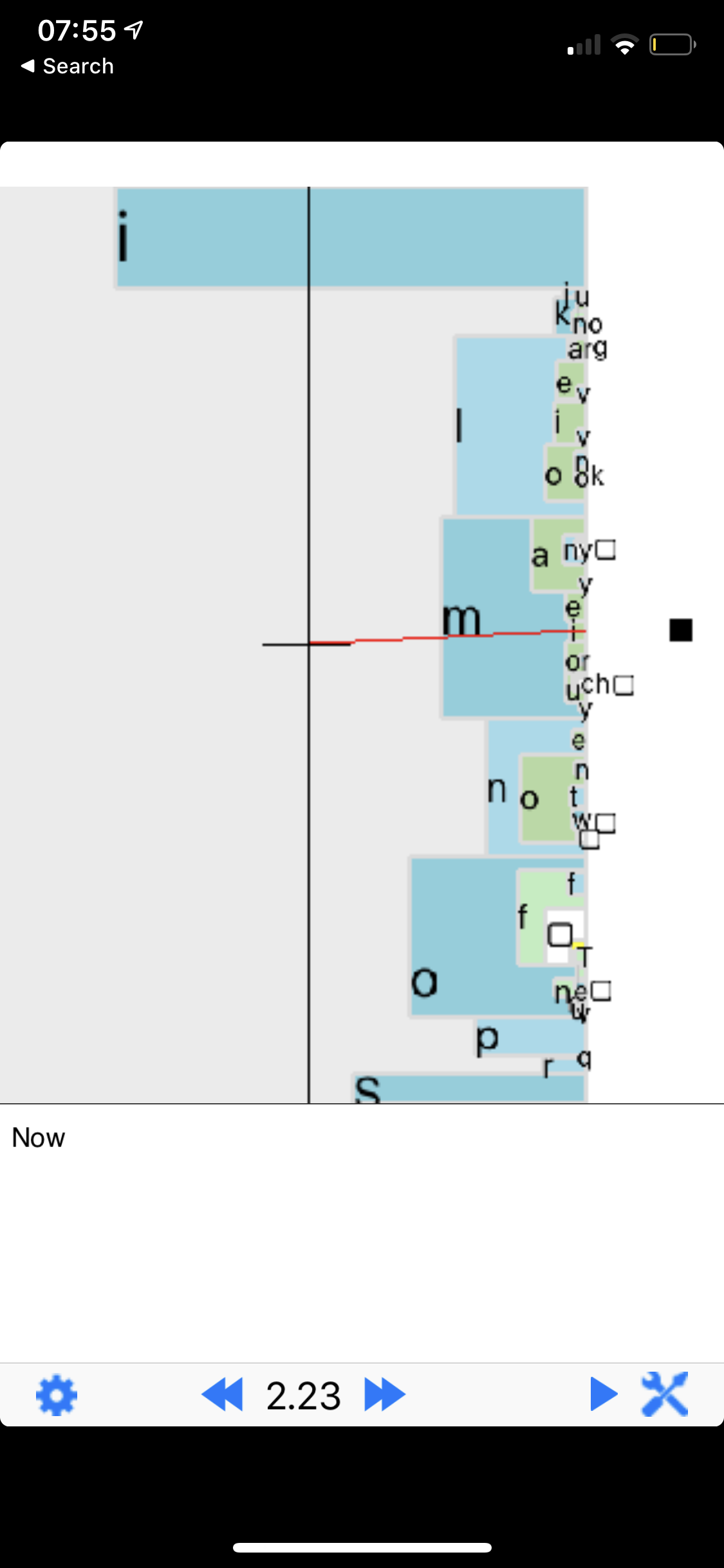
Thanks Will, It looks like the origin has also moved to the left in the second screen capture.
Hi, The origin is defined near here in the specification: https://github.com/dasher-project/redash/blob/master/documents/Specification/01ZoomingUserInterface/ZoomingUserInterface.md#zooming-user-interface-diagram