

 darktable-org
Black image on Windows after color calibration detect from edges
Introduction I first reported on Pixls.us by two windows users. I was able to replicate on my system. It is not a feature I normally use, but it should still work. Per Pixls.us users it does not occur on ubuntu.
Did you buy darktable from an application store ? Build from master
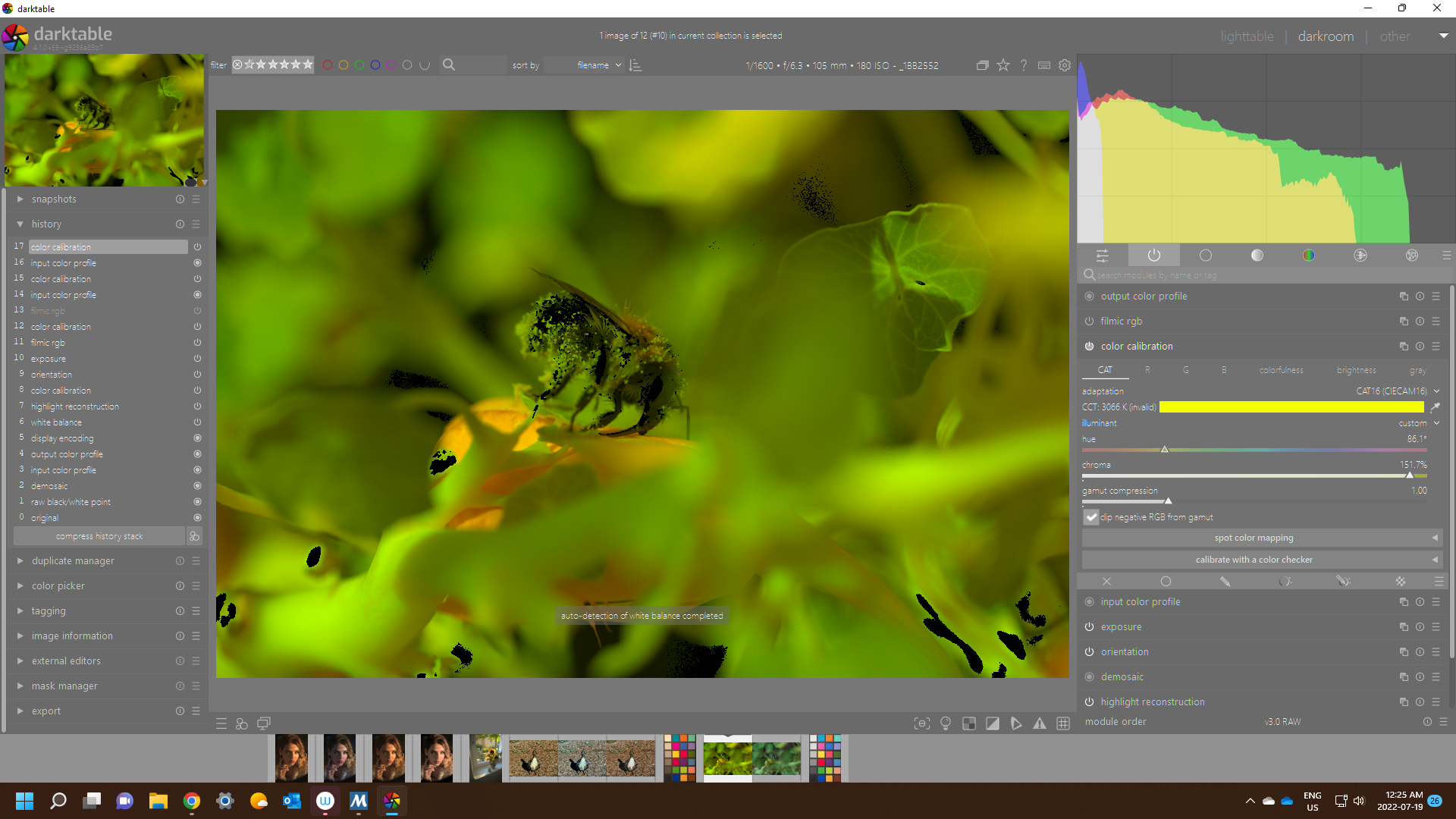
Describe the bug/issue Black image on Windows after color calibration detect from edges. It happens more often with detect from edges but it does happen with detect from surface too. The image flashes like it detects the correct white balance, but then changes to black. The slides are not available to tweak.
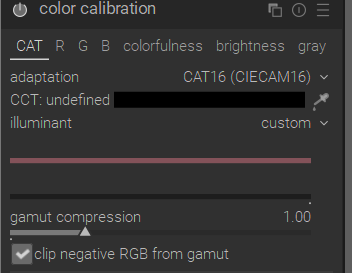
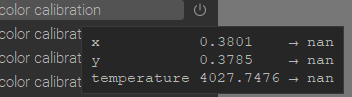
The history shows nan values
To Reproduce Open image Go to darktable Select (ai) Detect from image edges
OpenCL On or Off yields the same results.
Expected behavior No black screen.
Which commit introduced the error Unknown
Platform
- darktable version : 4.1.0+67~gb2d742c53
- OS : Windows 11
- Memory : 16Gb
- Graphics card : Nvidia 3060
- Graphics driver : 516.59
- OpenCL installed : Yes
- OpenCL activated : Yes (tested with it OFF)
Additional context https://discuss.pixls.us/t/color-calibration-dt4-0/31706
- Can you reproduce with another darktable version(s)? I did not try
- Are the steps above reproducible with a fresh edit (i.e. after discarding history)? Yes

I add so windows support as labels. I can confirm that this works great on Linux (I use that function really often on Linux and never had that issue).

I actually only see an effect on Win11, 32 GB DDR5 3060TI recent driver... If the working space is sRGB or linear rec 2020 then on the provided image noted from pixls of the bee I see this with calculate from surfaces....
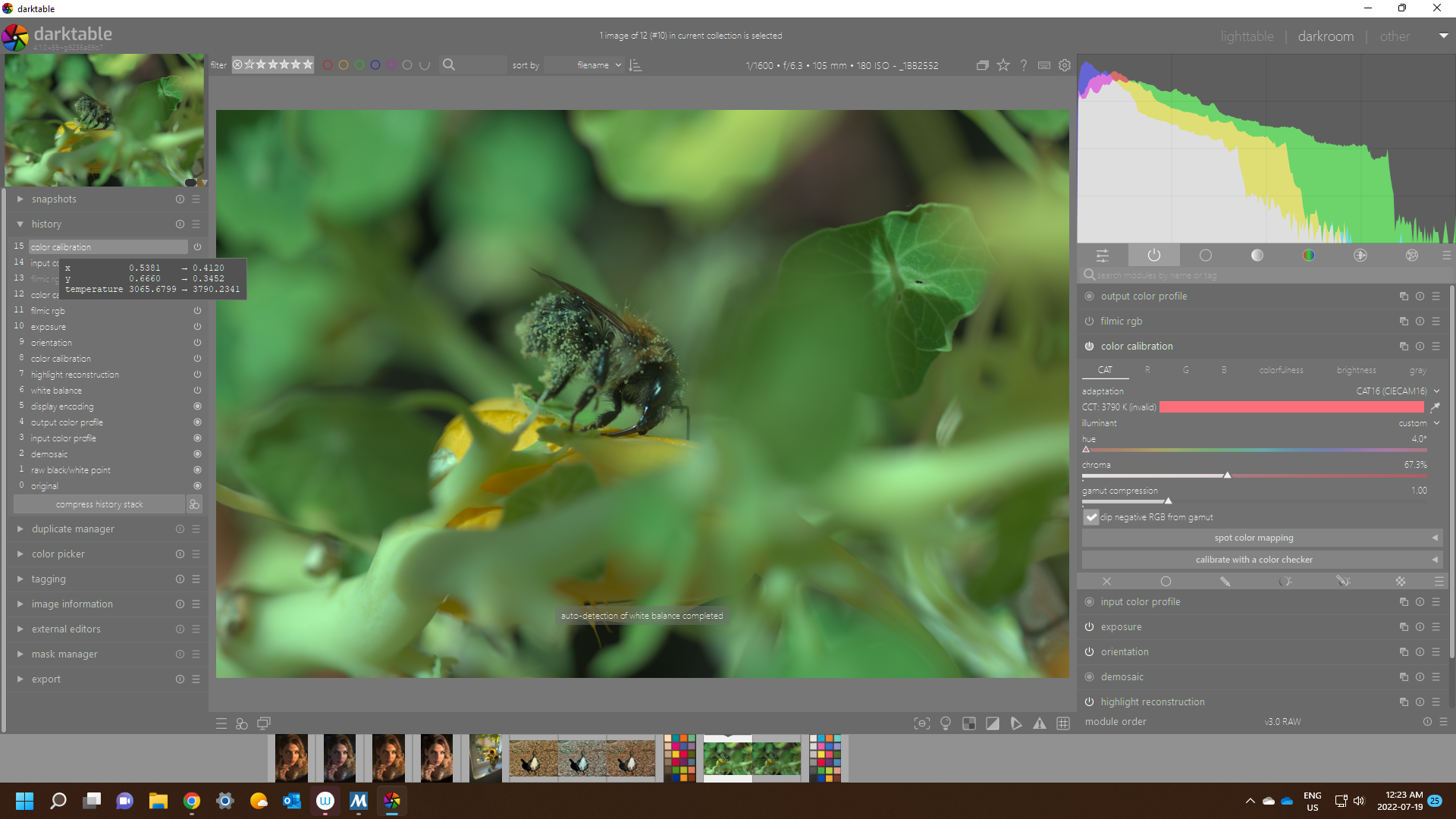
No issue with calculate from edges...
And if the working space is linear rec709 or linear prophoto then I don't see this
I have tried a few other cr2, orf arw from a few recent playraw and I don't see this or the effect reported above...

Still don't see the described effect...using updated 12 Gen Intel with 3060TI
https://discuss.pixls.us/t/color-calibration-dt4-0/31706/21?u=priort
me neither Kernel: 5.18.11-1-default Dell product: XPS 8950 12th Gen Intel Core i7-12700 NVIDIA GA104 [GeForce RTX 3060 Ti

@ptilopteri I have basically the same PC with the I5. I have also just built DT this moring and tried on my Work PC...WIn 10 Pro. Older core i7 PC with older video GTX 745 Nvidia with 4 GB. No issues on 4 or 5 images I tested. Neither "AI" mode introduced any issues....
I had more time to investigate this further. I noticed the effect of black image is fairly strange. I normally import and apply a style to turn on some modules (eg. lens calibration, denoise). If I try to use the ai edges, I will get the black image. If I reset the image history (clears all the modules to default), then it works. If I try to turn on and off modules, I will start to get the black screen but here is the strange part. Most of the time, turning on denoise (profile), it will yield the black screen. One time I was getting the black screen with the lens calibration, but now I cant get it to repeat (using the same image, same dt build).
Further research shows that I can keep the denoise on if I use the mode: non-local means or non-local means auto. Using the denoise in wavelets, then it leads to a black image.
Looking at the log, I noticed this: validation check failed in _iop_validate_params for type "float", field: aspect validation check failed in _iop_validate_params for type "dt_iop_borders_params_t" but I dont know if that's relevant to this issue.
I just want to report that I also have this problem from time to time. Using Darktable 4.0.0, Windows 10, 32GB RAM, AMD 3700X, AMD RX 480 (8GB), OpenCL enabled, CR3 files

@mfg92 can you try turning off the denoise module or reset the history of an image?
It happens for me too in DT 4.0 with both "detect from surfaces" and "detect from edges", even without denoise or any other module activated. It didn't happen with DT 3.8 Windows 11, Nvidia 1060 3GB
EDIT: if I build DT master in Debug mode I don't get any issue, which makes me think it is something related to compiler optimization flags. Also, it happens even with OpenCL disabled, so no relation with video card driver

Perhaps not related to this bug, but.... Selecting "detect from image surfaces / edges" gives for a split second the message on the screen "auto-detection of white balance started" and then "auto-detection of white balance completed". However if you select the same option more than once, the third time it only gives "auto-detection of white balance started". This happens on both Windows and Ubuntu and let me think there is some problems in the control flow of the module.