

 danny0838
Browser right-click menu not showing.
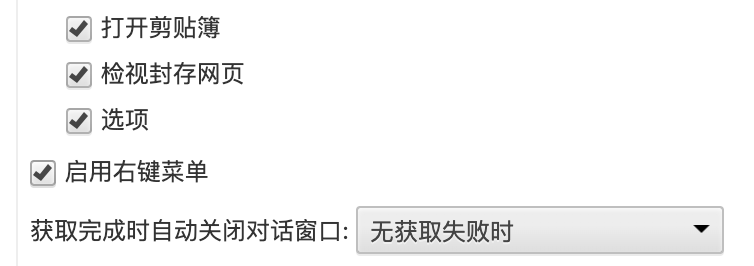


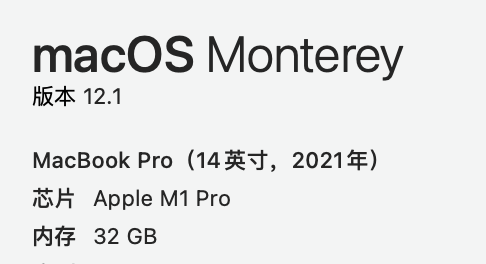
What is the web page URL? Where do you right-click at? Can you provide a screenshot?
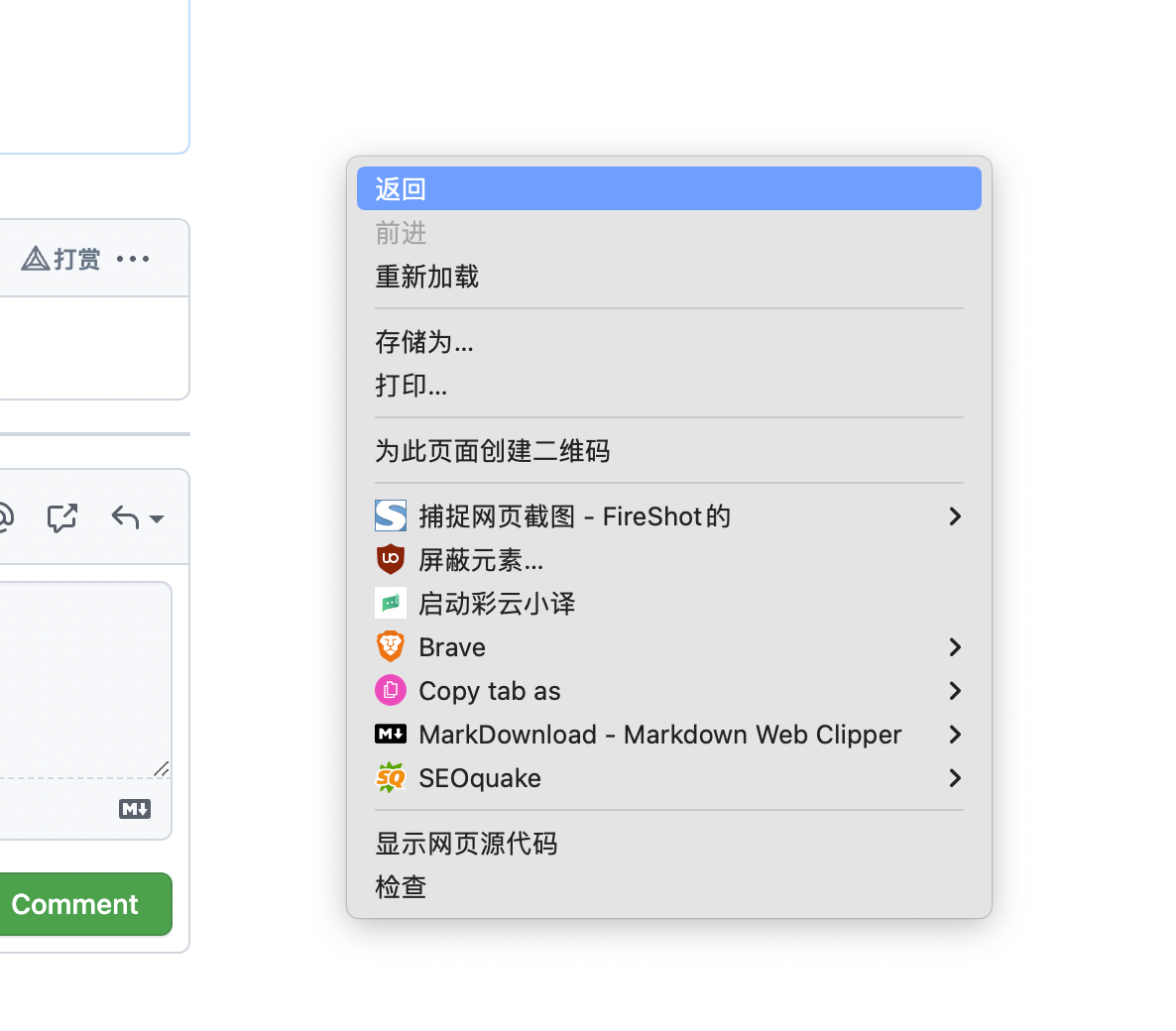
Where do you right-click at? This is important, as the context menu may show differently when right-clicking on different elements.
If you still can't get it shown when right-clicking anywhere, please provide the exported options for further investigation.
When I highlight some content. And I would right-click at text of highlight era. Like:
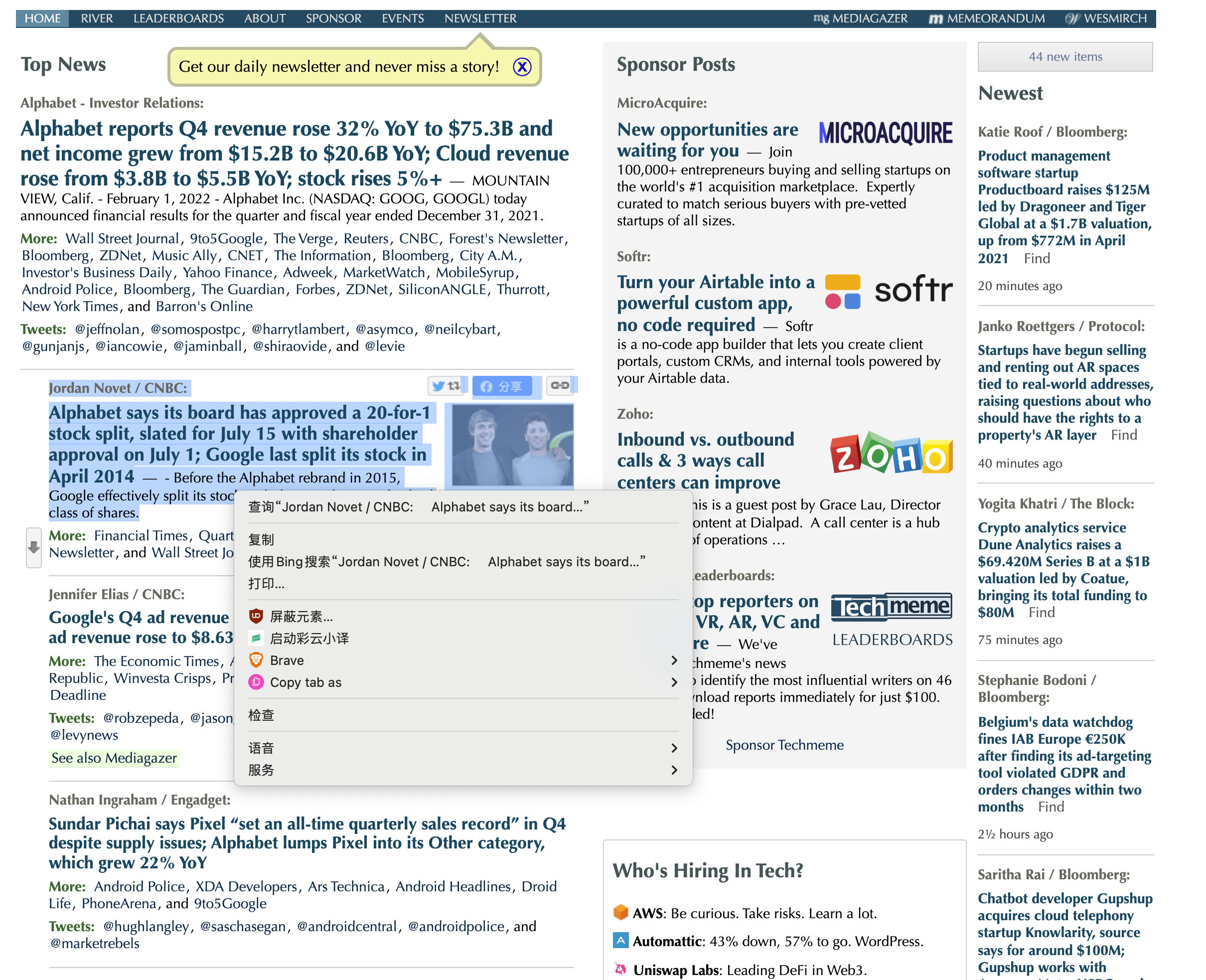
But, now, I found that right-click at the blank era of web page, the menu can not show the webscrapbook option, too.
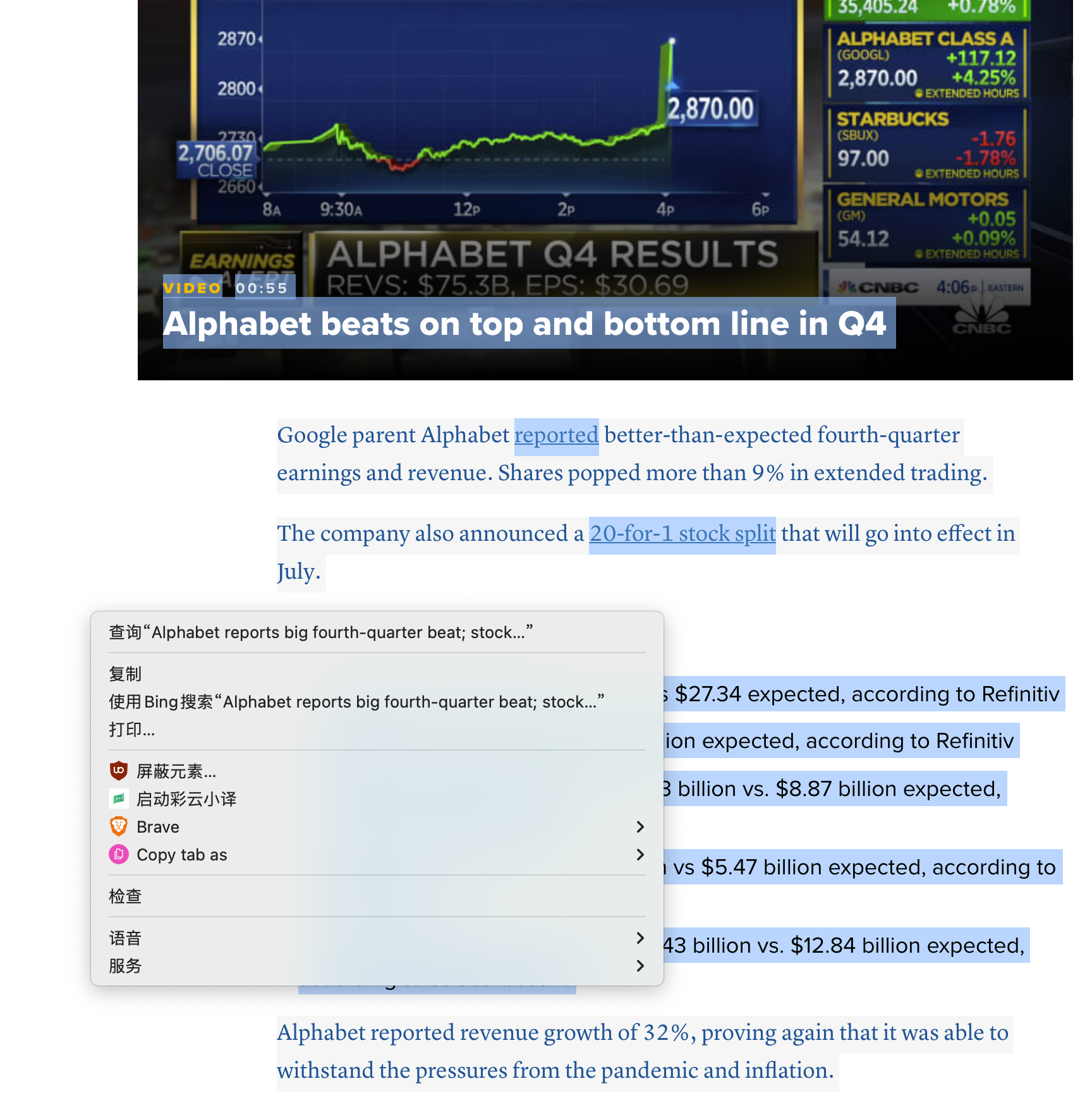
As above mentioned, please provide the exported options for further investigation.
Close issue as no further information has been provided for investigation.