ng-file-upload
 ng-file-upload copied to clipboard
 danialfarid
ngf-fix-orientation creates invalid image file due to misinterpretation of exif metadata
Hello!
I want to display a thumbnail of my uploaded image. For portrait image, I must use ngf-fix-orientation="true" to display correctly the thumbnail. Problem: sometime the generated image is invalid (black background...) This never occurs when I upload a landscape image so yes, the problem comes from ngf-fix-orientation.
I tried with Firefox (latest version), Chrome (latest version) on my app but also in your demo (https://angular-file-upload.appspot.com/)
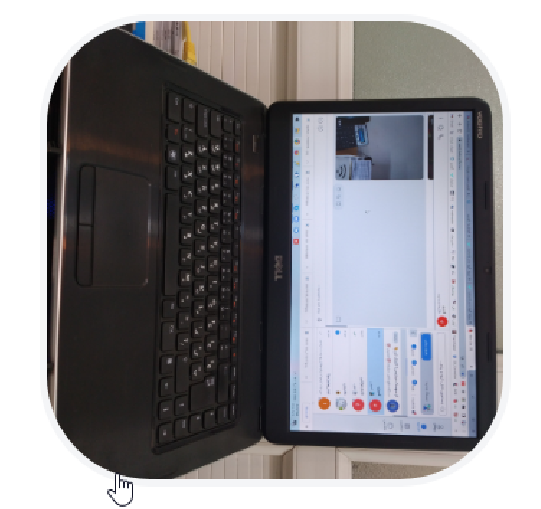
After investigation, this comes from a misinterpretation of exif metadata. I always have the problem when I upload this image: Image 1 But never with this image: Image 2
If it could help, when I open image 1 with GIMP, the program asks me if I want to rotate the image according the exif metadata as you can see (sorry it's in french): GIMP dialog
GIMP doesn't ask me anything when I open Image 2.
But as you can see, the EXIF metadata are setted in Image 1 because GIMP asks me if I want to use them to rotate my photo. But ngf-fix-orientation cannot do that.
Thank you for your help!

If it could help, on server side, I'm using a Java library called Thumbnailator.
This library is able to correctly read exif metadata because the resulting thumbnails respect the orientation (for image 1 and 2).
You should take a look here: Exif utils

ExifJS is able to read the value "orientation" of my Image 1:
https://github.com/exif-js/exif-js/blob/master/example/index.html
Reading is fine, the problem is rotating it and adding the exif data back to the image.
I'm not sure that you have to add exif data back to the image. Your library is an upload library, not an image manipulation library.
You should only read the exif data to correctly display the thumbnail (because thumbnail is a well popular feature for uploading scripts) but keep the original image well... original :-)
I'm just saying that to simplify your life but why not considering it? ;-)
If you don't want to remove your current work, perhaps introduce a new parameter ngf-fix-thumbnail-orientation="boolean" for example.
If you don't want to change exif data just don't use ngf-fix-orientation. The browser is responsible for displaying exif images correctly and some browsers already do consider the exif orientation data and rotate the image properly. So it could break it for those browsers if you rotate the image with css.
Sorry but this is not the case with my picture 1.
With the latest Google Chrome: screenshot And also with Firefox: screenshot
I don't use thumbnail, my code to display the image is the following:
<div class="imageBox" ngf-background="vm.originalImage"></div>
Hi, I'm facing the same issue. can you tell me if this has been fixed? thanks


I have an img tag for showing the thumbnail image and it rotate the image , I used ngf-fix-orientation="true" for img tag but not work. What should we do?
Upload button :
<img style="margin: auto 0.8rem !important"
    src="https://theme.behsamanco.com/Amoozyar/Themes/ModabberV2/Messenger/Icons/ba_attachment_icon.svg"
    alt="send" class="css-1y0ae99 e1qlltyt0"
    ngf-multiple="!vm.isInEditMode"
    ngf-keep="true"
    ngf-select="vm.uploadFileModal()"
    ngf-drop ng-model="vm.uploadFiles"
    ngf-accept="vm.validateExtension"
    ngf-validate="vm.validateObj"
    ngf-reset-on-click="vm.resetOnClick"
    ngf-reset-model-on-click="vm.resetModelOnClick"
    ngf-max-size="vm.maximumSize"
    ngf-fix-orientation="true">
Thumbnail image :
<img class="css-9wi73b" ngf-thumbnail="file" ngf-fix-orientation="true"/>