

 dan200
Add map-like rendering for pocket computers
This has been a suggested feature for as long as pocket computers have been a thing, so I thought it'd be worth seeing what other people think.
All in all, it works pretty well though there are a couple of issues:
- Text is near illegible when in the off-hand. I don't think this is too big an issue as I see this being used for more graphical readouts.
- Pocket upgrades have the ability to interact with right clicks. This may be less intuitive when rendering items like this.
- The aspect ratio of the item's screen are different to the actual terminal's ratio. This means there is a wide margin to the left/right of the terminal. Rendering the background colour to the edge is even uglier, so I think we'd have to leave as is.
Despite that, I feel it works pretty well. Tragically you can't interact with it whilst in item form, but it's still pretty neat.
Screenshots
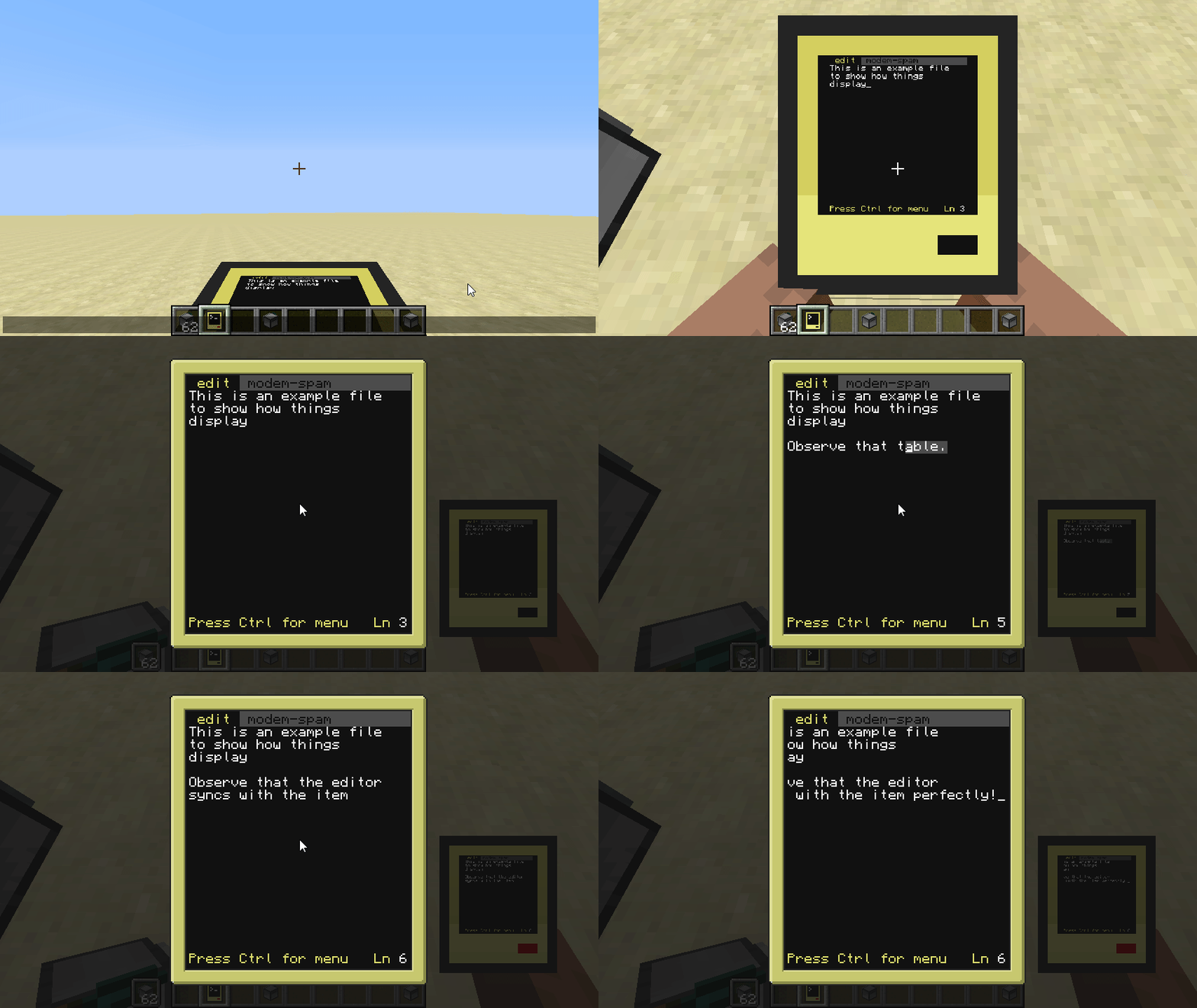
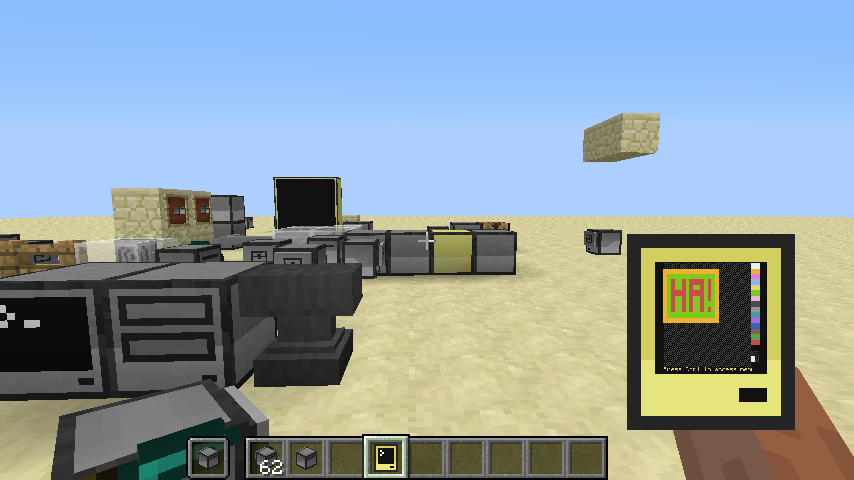
The image was meant to say "Hai!" but I dropped a letter. Sorry.
Really great!! So much more stuff will be possible if this is merged... Kudos! Just one question - how does one get it into map-like form (keybind)?

Just one question - how does one get it into map-like form (keybind)?
It's like that by default. It would be possible to add a config option/keybind/per-computer setting but I'm not sure how user-friendly that is.
