NotepadNext

NotepadNext copied to clipboard
 dail8859
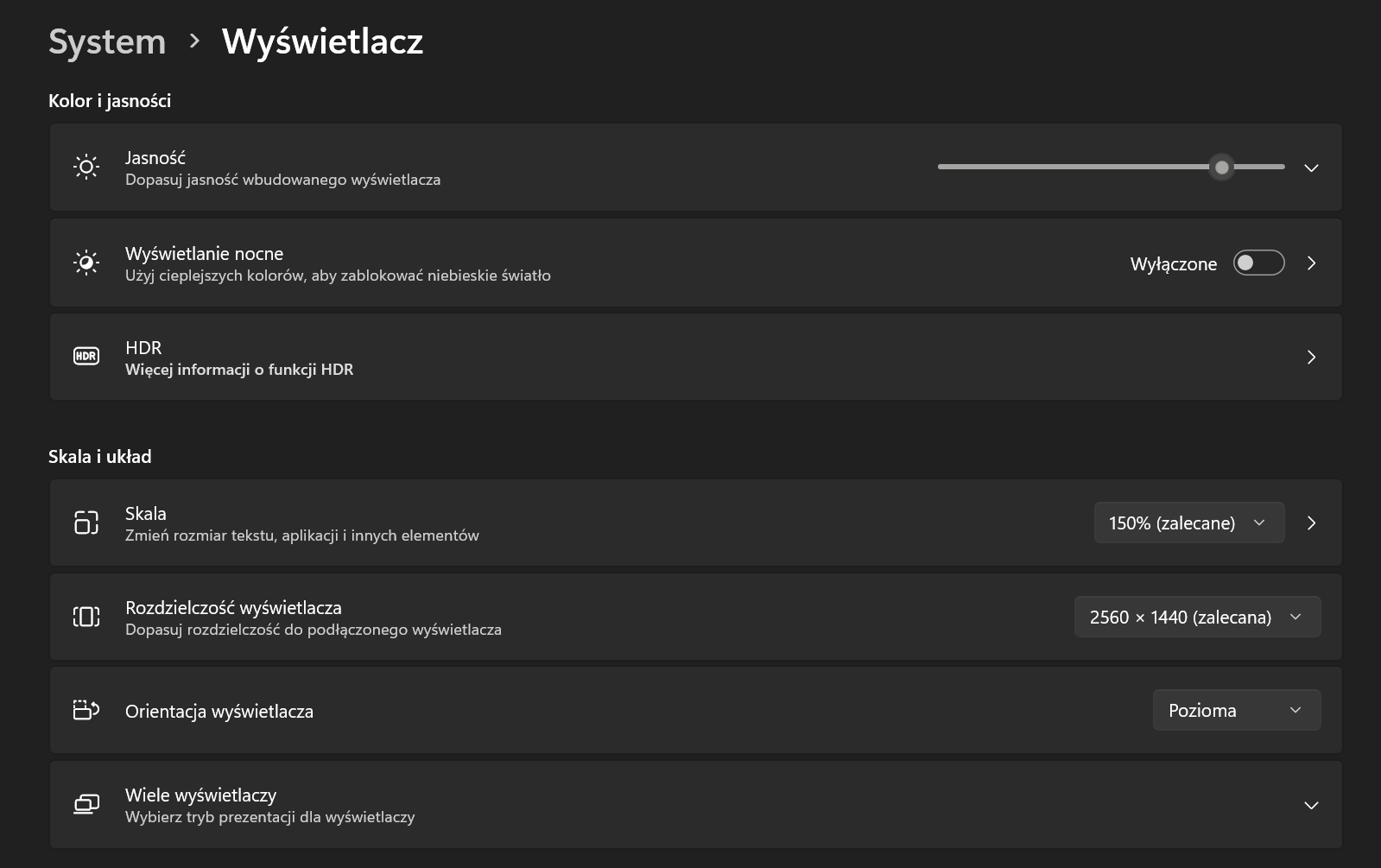
HiDPI QT workaround in Windows
NotepadNext.cmd
:: NotepadNext.cmd :

set QT_SCALE_FACTOR=0
set QT_AUTO_SCREEN_SCALE_FACTOR=0
set "QT_SCREEN_SCALE_FACTORS=DISPLAY2=1;DISPLAY1=1"

start "" "NotepadNext.exe"
NORMAL
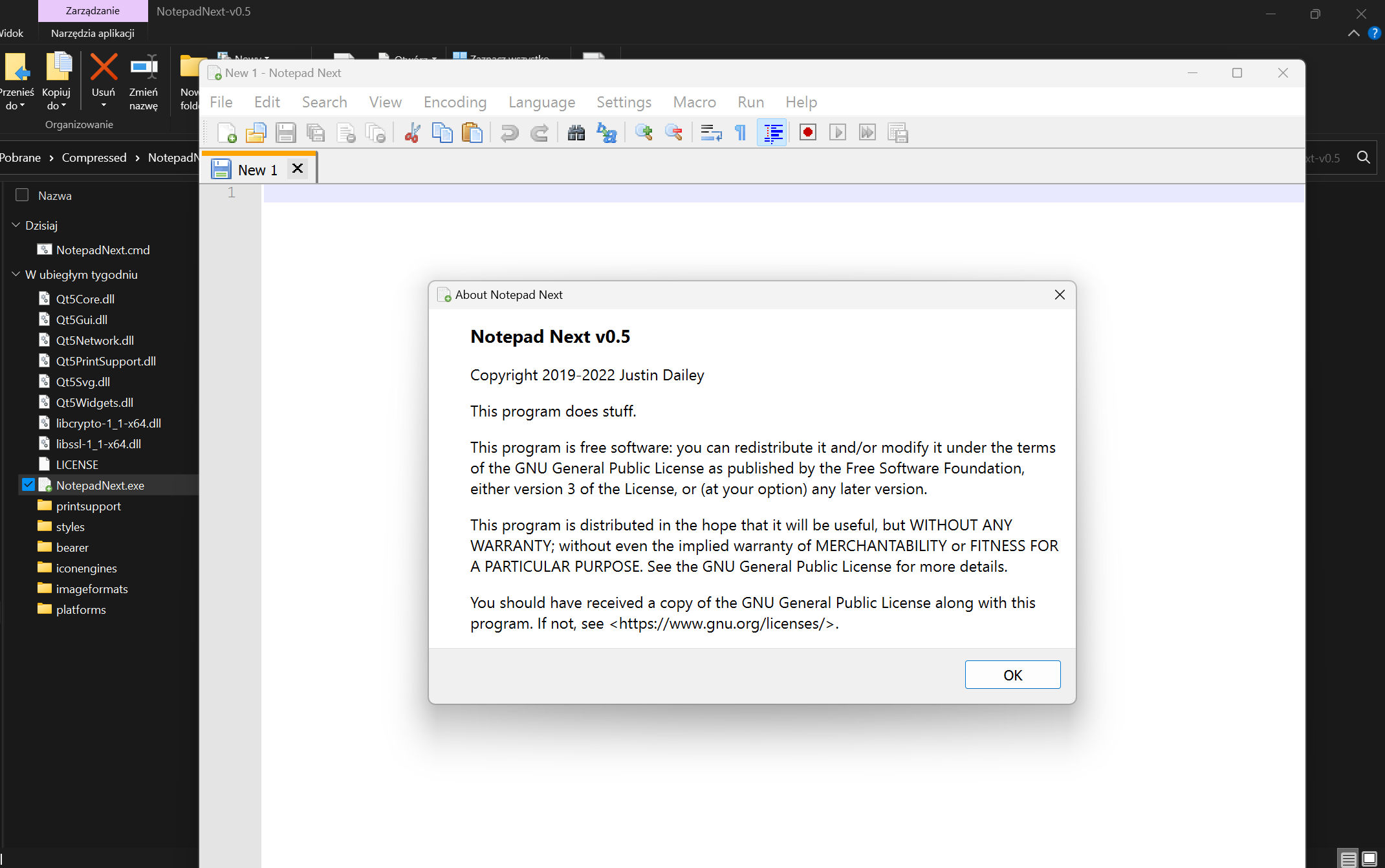
FIX FROM CMD


@FadeMind
Thanks for info! My understanding is Qt6 handles scaling differently vs Qt5.
If you get a chance try this Qt6 snapshot build to see if the behavior is any better for you without the need for environment varaibles?
https://github.com/dail8859/NotepadNext/suites/6189635741/artifacts/217956067
I'll have to read up on high DPI in Qt because I thought this was suppose to make high DPI scaling work...guess not.
https://github.com/dail8859/NotepadNext/blob/3477b35e484376c0bfa3331c7f8d1dc5305b39b5/src/NotepadNext/main.cpp#L41-L44