

 cypress-io
Memory leak in long running single test
Current behavior:
Currently if a test runs the same actions repetitively over a long period of time, the memory of the cypress process increases until it crashes. (headless mode, video off, numTestsKeptInMemory 0) The sample to reproduce runs 15 minutes increasing the memory ~300MB. (the longer the run the more memory is used..)
Desired behavior:
Performance tests should be possible with cypress, without increasing memory and crashing.
Steps to reproduce: (app code and test code)
Config cypress.json
{
  "baseUrl": "http://localhost:8080/",
  "defaultCommandTimeout": 60000,
  "viewportWidth": 1280,
  "viewportHeight": 720,
  "numTestsKeptInMemory": 0,
  "video": false
}
Cypress test
describe('memory dummy test', () => {
    const endTime = Date.now() + 60000 * 15;

    before('visit', () => {
        cy.visit('/memory-test.html');
    });

    it('should test', () => {
        const test = () => {
            cy.get('#testinput').clear().type('hello world');
            cy.wait(2000);
            cy.then(() => {
                if (Date.now() < endTime) test();
            });
        };
        test();
    });
});
Simple static html site
<!DOCTYPE html>
<html lang="en">
<head>
</head>
<body>
	<input id="testinput">
</body>
</html>
Versions
Cypress 3.2.0 / 3.5.0 / 3.6.0 Windows 10

see https://github.com/cypress-io/cypress/issues/1906#issuecomment-502465837

I actually believe this issue will be fixed by this PR which will be merged in the next patch release: https://github.com/cypress-io/cypress/pull/4406

It was an oversight / bug that we were still taking snapshots when a single test even though numSnapshotsKeptInMemory was 0 - so it's expected that the memory would grow larger after each command runs - until the next test runs.
Closing this issue as duplicate because I'm very confident this is describing the same behavior as https://github.com/cypress-io/cypress/issues/4104
![cypress-bot[bot] avatar](https://avatars.githubusercontent.com/in/24384?v=4 "Published by a pub.dev verified publisher")
@brian-mann / @jennifer-shehane: Retested it with version 3.6.0... still the same issue! :(
This issue will be closed to further comment as the exact issue here was resolved and tested.
If you're experiencing a bug similar to this in Cypress, please open a new issue with a fully reproducible example that we can run. There may be a specific edge case with the issue that we need more detail to fix.

I ran the provided code and was unable to reproduce the crashing described in the original issue. The spec ran for 15 minutes and finished to completion in Cypress 3.8.3 in Electron 78.
*Couldn't fit log in one screenshot

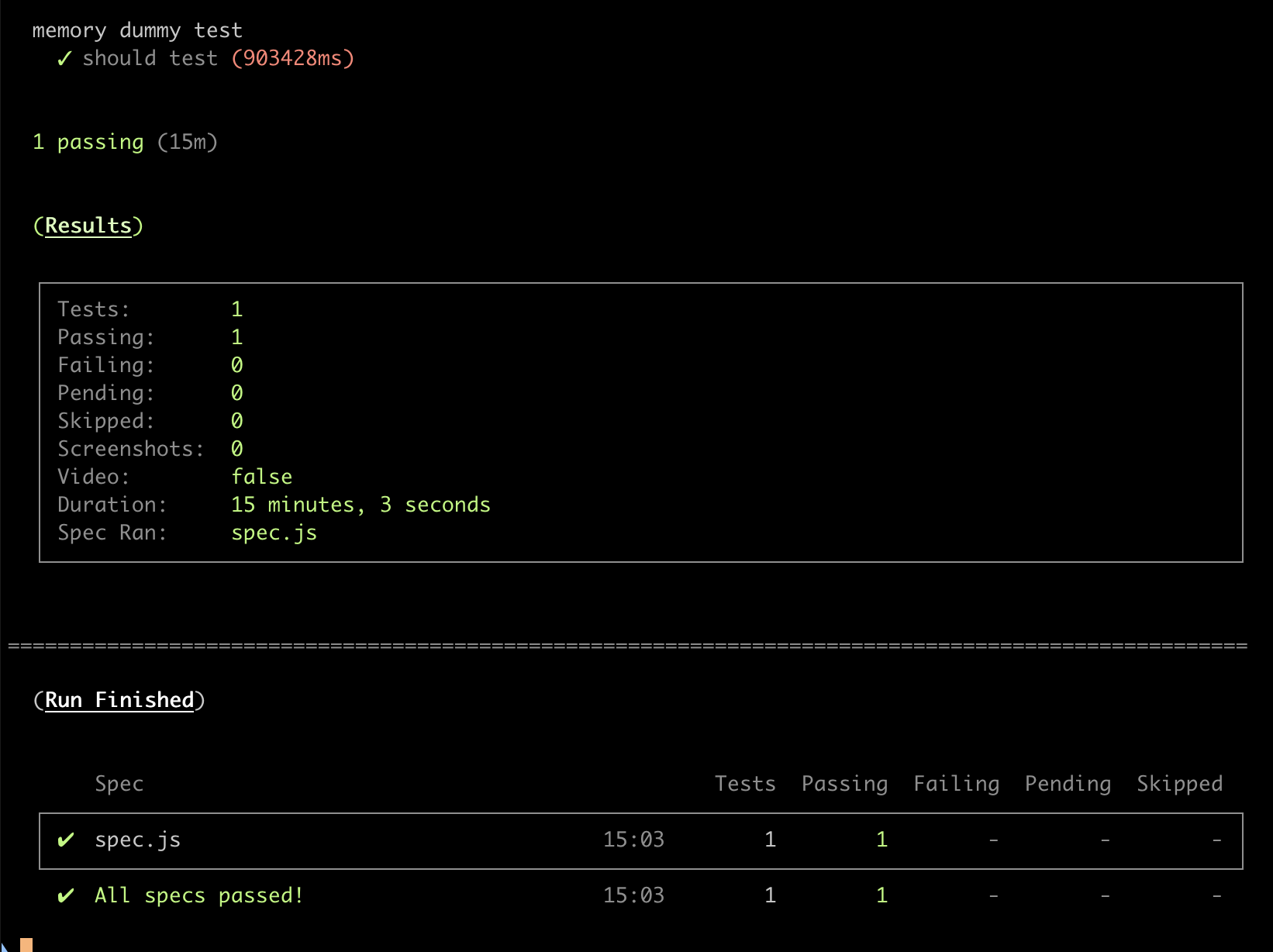
There will be a new PR in 4.0 that will log process usage that would be helpful to see what is going on here memory wise https://github.com/cypress-io/cypress/pull/6171. How did you assess this is consuming more memory over time?
thx for getting a look again at that issue...
the crashing only occurs if the system gets out of memory.. the consumption increases over time, 15 min will be too less see the crash ...
nevertheless you can track the memory consumption in the task manager..
eg the test started with ~100mb memory usage:

after 45min it increased to ~360mb ... and rising...

@jennifer-shehane if you want another easily reproductible example
=> I guess I'm experiencing something similar in this project on cypress 4.10.0
it runs a single test which is pretty fast at the beginning and starts to be really slow after ~50 seconds of execution
I tried to use "numTestsKeptInMemory": 0 cypress configuration but it didn't help at all 🤷
if you want to try it out, please install node v12.x and run the following commands:
git clone https://github.com/Oliboy50/coinche.git
cd coinche

cd client
npm install
cd ..

cd server
npm install
cd ..

cd e2e
npm install
npm run dev
Cypress GUI will pop up and you'll be able to run the test I'm talking about
hope it will help (I'd love to have a faster test, one which does not make my computer burn ❤️)

We're investigating some performance issues related to the rendering of the Command Log such as https://github.com/cypress-io/cypress/issues/6783 where I think the solution to that may also solve this issue. Will have to investigate once there is a proposed PR there.
Our team has worked around this issue by simply using:
launchOptions.args.push('--max_old_space_size=1500');
launchOptions.args.push('--disable-dev-shm-usage');
inside of our plugins/index.js
Note that we are on an older version of Cypress and older image, and we are running this on Gitlab CI:
package.json: "cypress": "^4.12.1"
.gitlab-ci.yml (image): name: cypress/included:4.9.0
Hopefully this can help someone else 👍

@pardamike I've tried to put the following in my plugin.js file but it didn't help (at least not in chrome view):
module.exports = (on) => {
  on('before:browser:launch', (_, launchOptions) => {
    launchOptions.args.push('--max_old_space_size=1500');
    launchOptions.args.push('--disable-dev-shm-usage');
  });
};
🤷
@Oliboy50 - Yea that looks good to me, for reference this is what we have in our plugins/index.js:
module.exports = (on, config) => {
    on('before:browser:launch', (browser = {}, launchOptions) => {
        if (browser.name === 'chrome') {
            launchOptions.args.push('--disable-web-security');
            launchOptions.args.push('--disable-site-isolation-trials');
            launchOptions.args.push('--max_old_space_size=1500');
            launchOptions.args.push('--disable-dev-shm-usage');
            return launchOptions;
        }
    });
}
You also may need to increase or decrease the max_old_space_size setting, 1500 worked for us but maybe you need more or less memory. I would try: 500, 1000, 2000, and 10000 and see if any of those work
If that does not work, I suggest trying out this logging package so you can see the exact error you are getting in the terminal when you run your pipeline: https://github.com/flotwig/cypress-log-to-output (for us, Cypress was swallowing the console errors)
You will need to use the "chromeWebSecurity": false, setting in your cypress/environments/cypress.{env}.json files, this logging package seems to make the browser ignore that flag for some reason
Note that we are on an older version of Cypress and older image, and we are running this on Gitlab CI:
package.json: "cypress": "^4.12.1"
.gitlab-ci.yml (image): name: cypress/included:4.9.0
Hello,
After I made this modification, cypress displayed that the configuration is deprecated

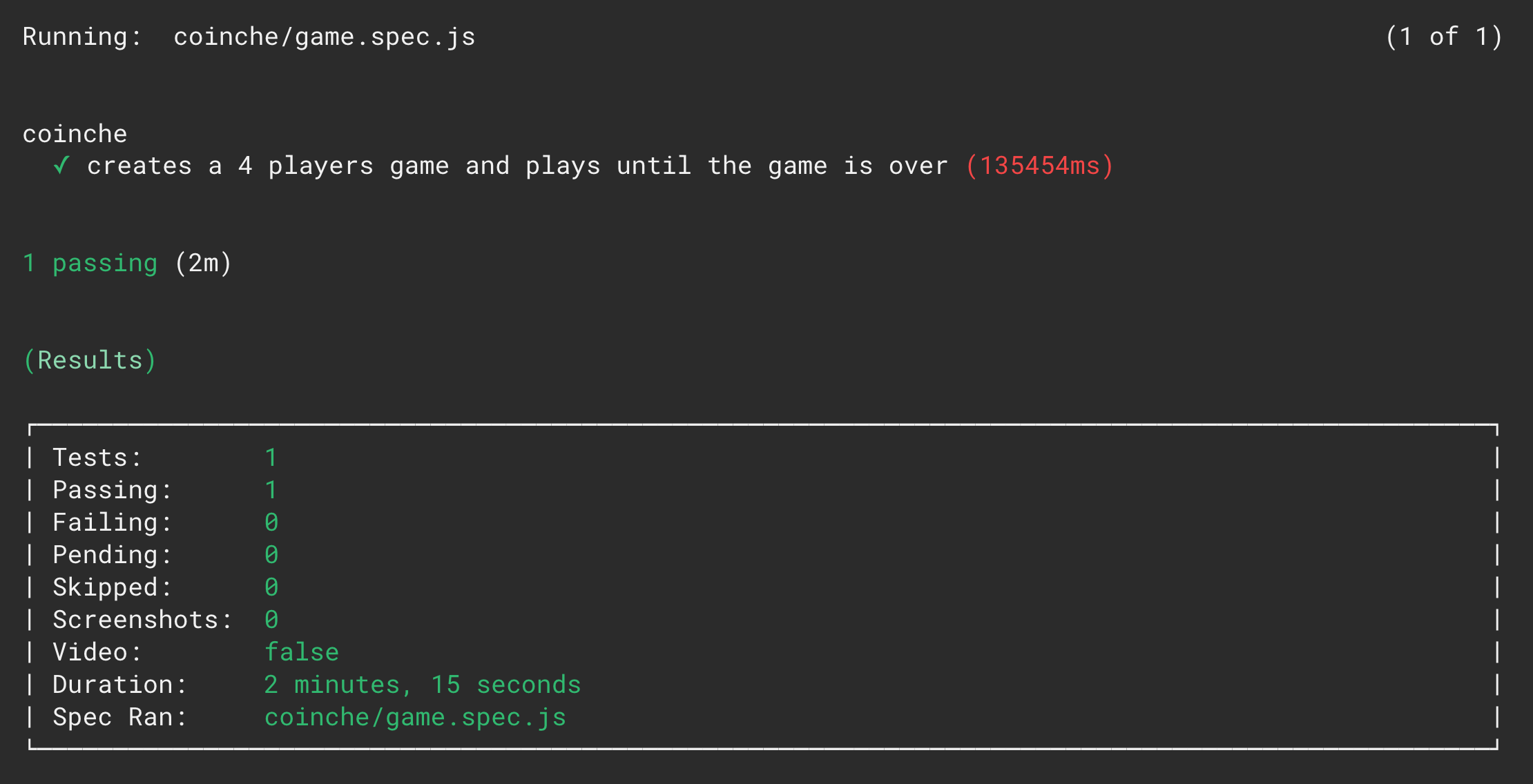
Just updated cypress from 4.12.1 to 5.5.0 and it results in a huge performance improvement for my long running test 🎉
Thank you for your work 💪
=> I think that memory leaks are gone in 5.5.0, so I guess this issue could be closed now (if @Konstruktour agrees)
4.12.1:
- GUI

- CI

5.5.0:
- GUI

- CI

@ brian-mann / @ jennifer-shehane Free memory from one test case to another in cypress

For me the problem was that it was keeping zombie processes in memory on the docker container.
I fixed it with running dumb init on that container Note this is for who uses docker
ADD https://github.com/Yelp/dumb-init/releases/download/v1.2.2/dumb-init_1.2.2_x86_64 /usr/local/bin/dumb-init
RUN chmod +x /usr/local/bin/dumb-init
ENTRYPOINT ["dumb-init", "--"]


same problem 9.6.1
import { links } from './links'; // 500 items

context('Full version tests', () => {
	beforeEach(() => {
		cy.login();
	});

	links.forEach(link => {
		it(`should load page ${link}`, () => {
			cy.visit(link);
			cy.wait(5000);
			cy.hasNotErrorMessage();
		});
	});
});


