KiTTY
 KiTTY copied to clipboard
 cyd01
cyd01
feature request: display available com ports with device name
Right now on connect window with connection type set as "serial" there is input for "serial name" with default value "COM1"
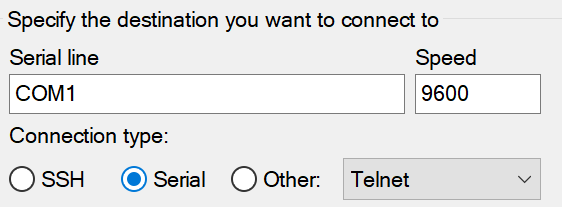
This port may not be available, also You don't know what device is used and if it's already in use. It would be great to see:
- what is available (number and device name)
- is it in use (you can't connect twice to same port)
- if it's bluetooth com port then what bt device use it
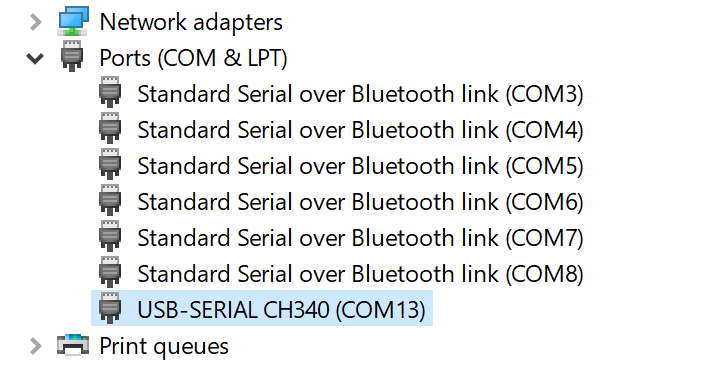
For available ports they can be found in: Device manager - Ports (Com & LPT)
For bluetooth more information can be found in BT section:
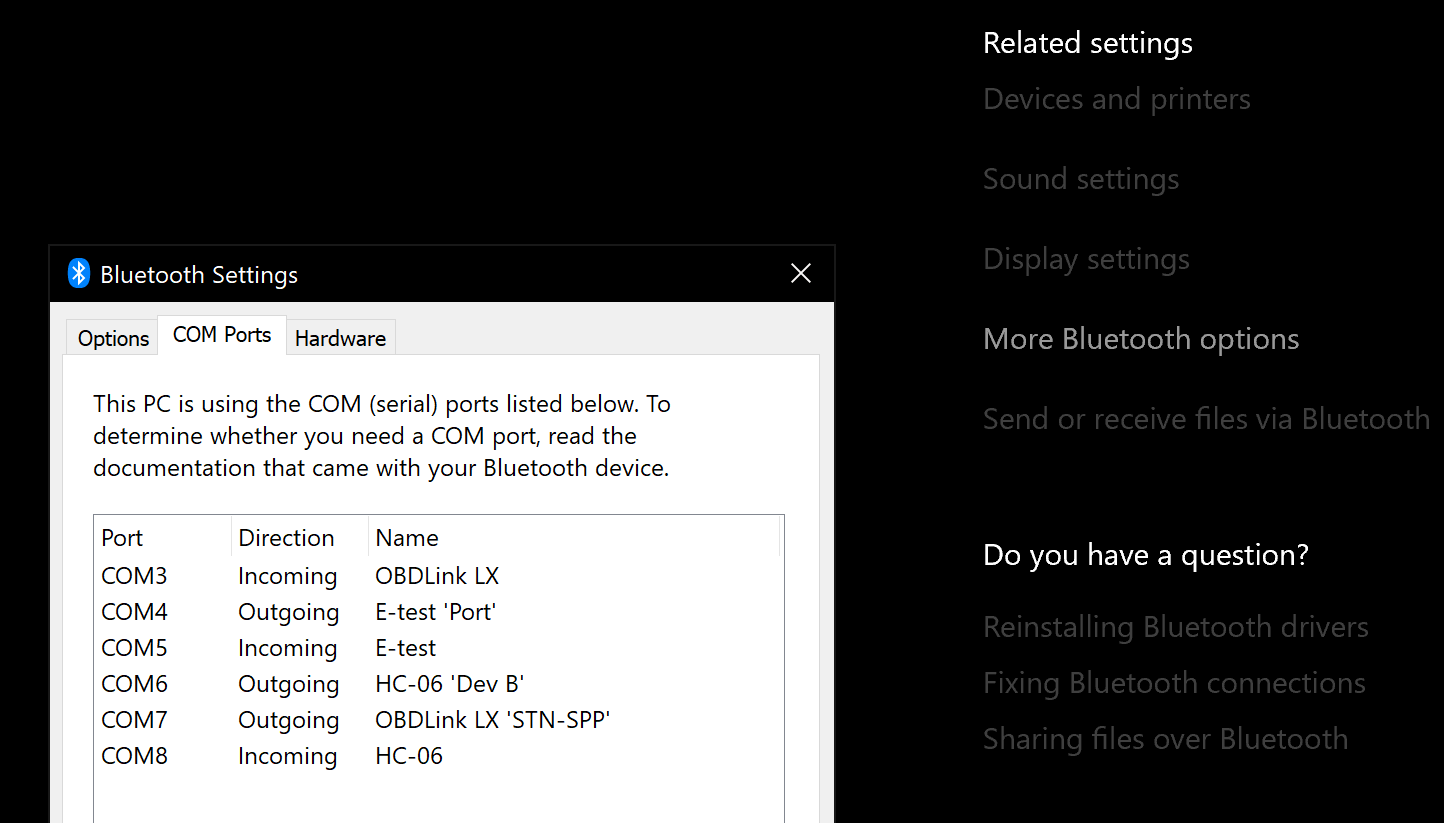 (bluetooth settings -> Related settings (right panel) -> More bluetooth options -> COM Ports (tab)
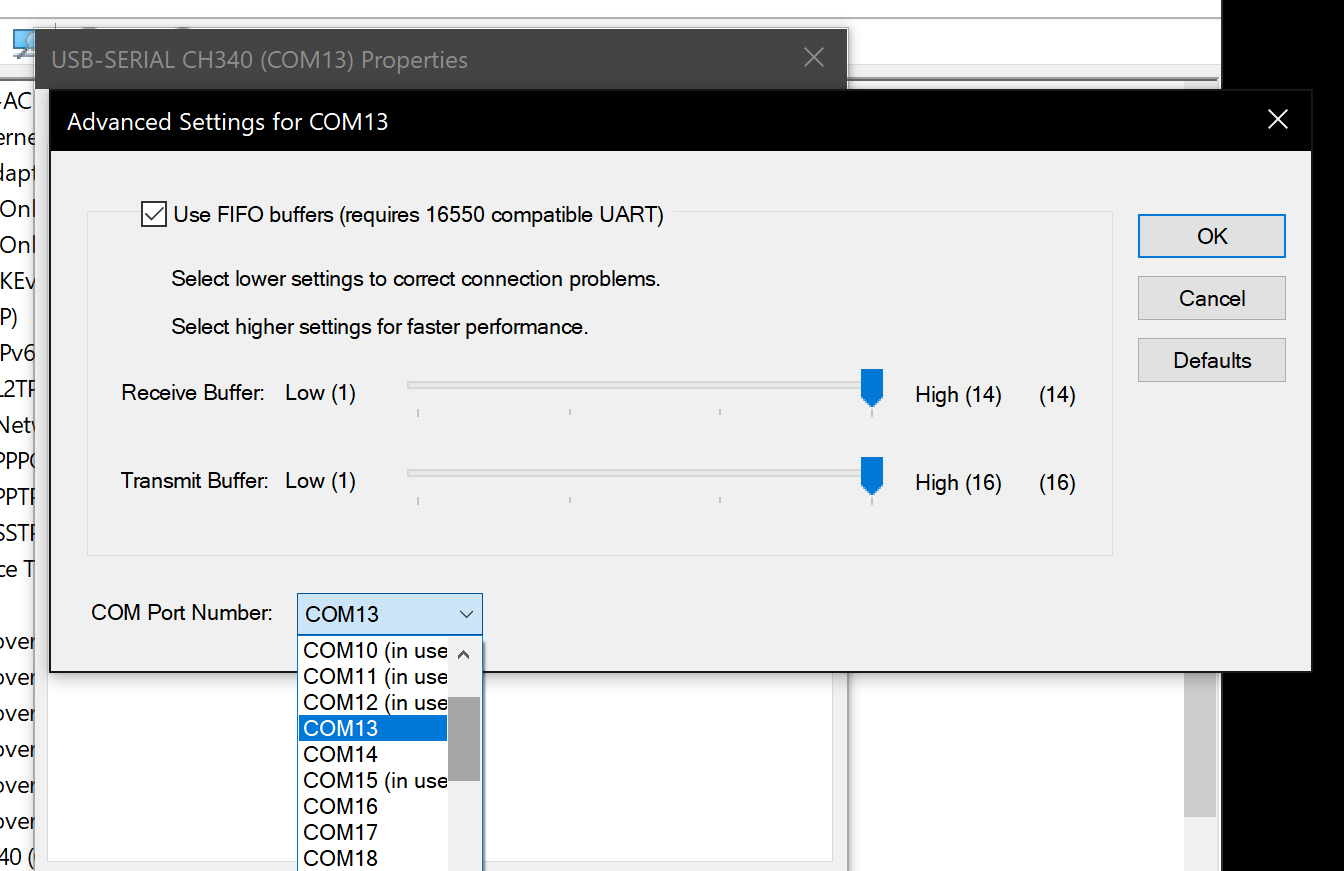
With USB serial adapters they can have different port numbers on each plug in. Same adapter will get new port number when connected to left or right side of laptop. All this makes just difficult to find right com port to connect. With BT they stick with their numbers, with usb I need to check device manager each time to see what is correct number, with few CH340 I need to guess which one is open or not. It would be just great to have drop down list with available COM ports, device names and connection state.
BTW: port number can be changed in settings: