uninstall-tool
 uninstall-tool copied to clipboard
 crystalidea
Two options in context menu on Windows 11?
I'm using v3.7.1 of Uninstall Tool and was wondering why there are two options in the context menu on Windows 11 Pro 22H2 (Build 22621.1105).
When right-clicking an EXE file, you could see the new Windows 11 context menu. Here you'll find the option "Install with Install Tracker".
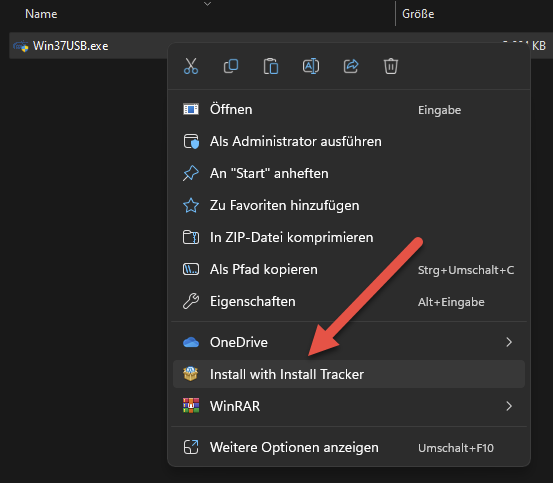
After clicking "Show more options" to get the full list of options in the context menu, again you'll find the option "Install with Install Tracker". But also you'll find another option, "Install and trace with Install Tracker...".
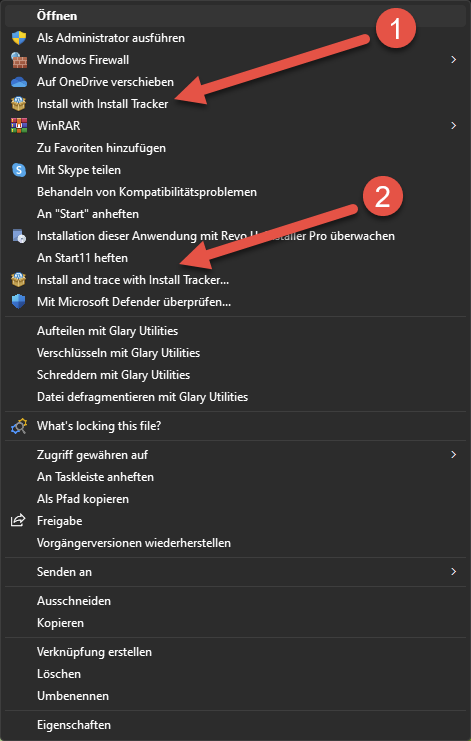
Both options are doing the same. So there seems to be no difference.
Is this a bug or a feature?

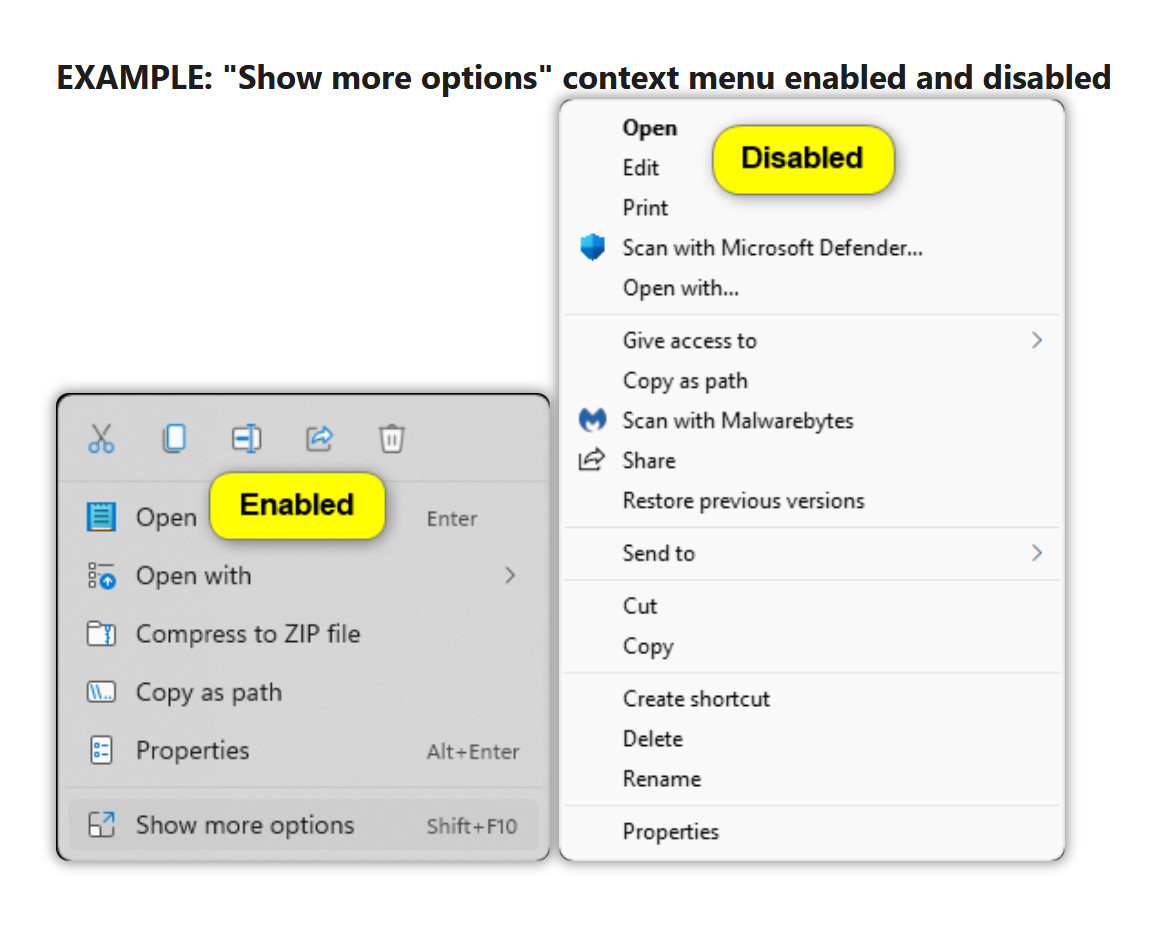
I also have. This is a feature of Windows 11. Try disabling Show more options. The context menu will become short and the 2nd duplicated line will be hidden in the Show more options Shift+F10 submenu.
https://www.elevenforum.com/t/disable-show-more-options-context-menu-in-windows-11.1589/