
subatomic-theme
 subatomic-theme copied to clipboard
 cryon
cryon
Emacs color theme
About
An emacs 24 (deftheme) color theme. It's super nice!
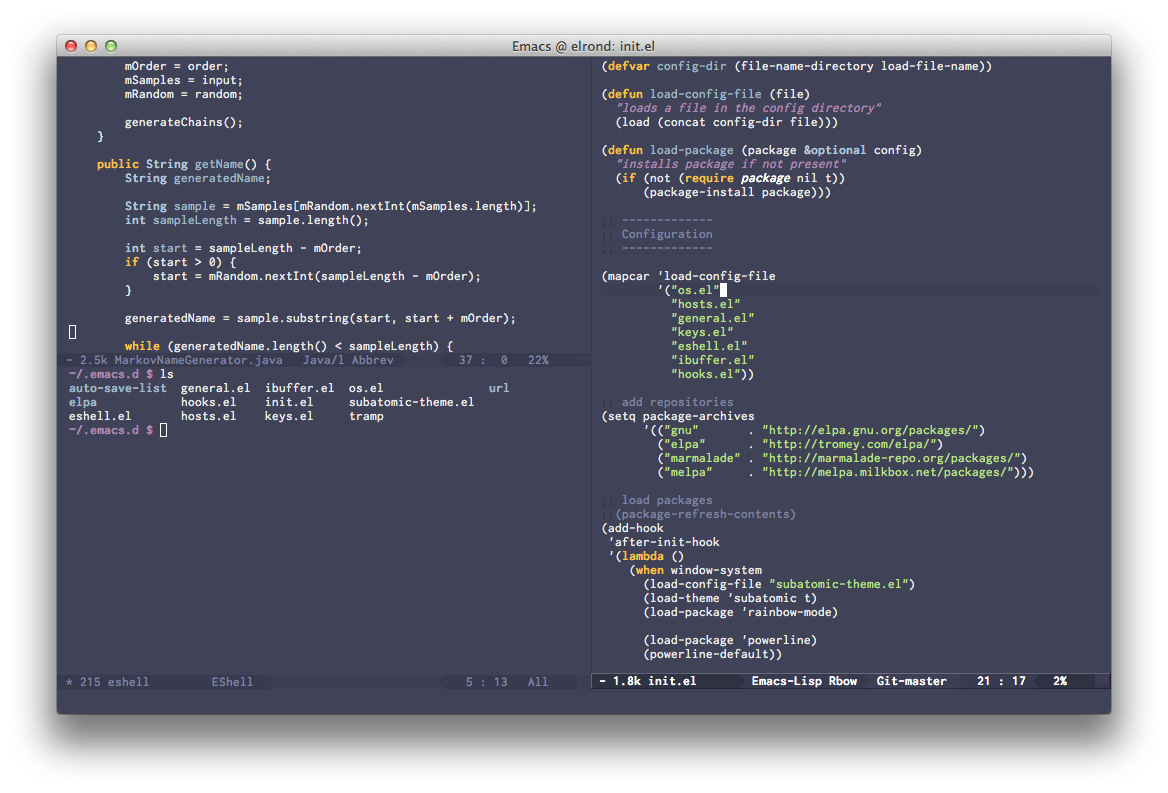 Now also featuring a high contrast mode!
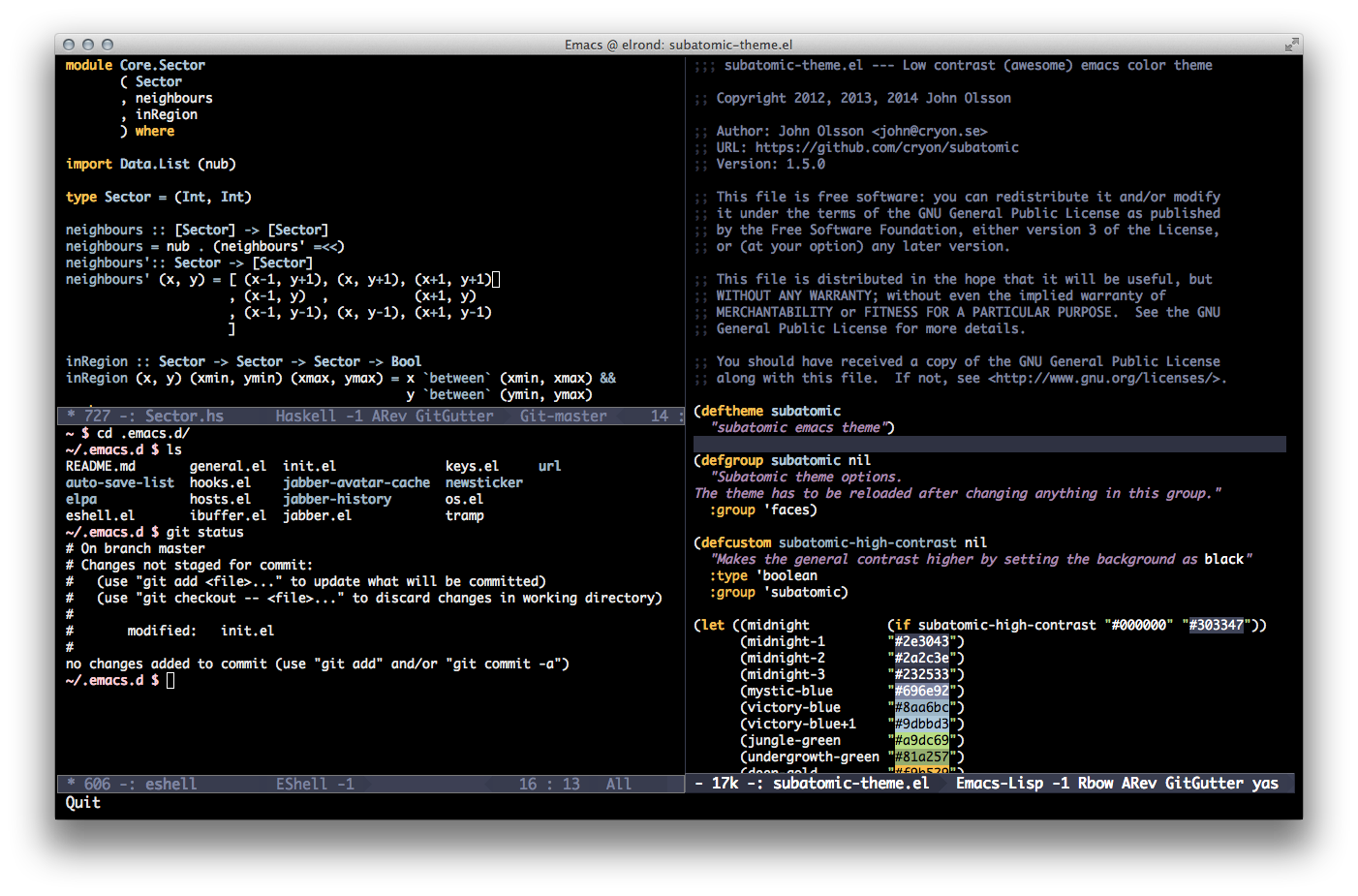
M-x customize-group subatomic and toggle "Subatomic High Contrast" to enable.
To customize the apperance of comment delimiter characters toggle subatomic-more-visible-comment-delimiters
Default

Brighter delimiters

Installation
MELPA

Subatomic is available in MELPA. Assuming MELPA is added to your archive list you can list the available packages by typing M-x list-packages, look for subatomic-theme, mark it for installation by typing i and then execute (install) by typing x.
(Or you can install it directly with M-x package-install RET subatomic-theme)
After that, enable the theme by M-x load-theme RET subatomic.
Or if you want to do it in your init file, add:
(load-theme 'subatomic t)
Manual installation
If you prefer, you can install Subatomic manually by downloading subatomic-theme.el and place it somewhere in your custom-theme-load-path.
You can set your custom-theme-load-path by adding this to your .emacs.d or .emacs.d/init.el:
(add-to-list 'custom-theme-load-path "~/.emacs.d/themes")
You should now be able to load Subatomic with M-x load-theme RET subatomic!
Improvements
Feel free to report any problems or make suggestions. There are always more faces to color!
 cryon
cryon