ui

ui copied to clipboard
Published
1 week ago
•
 creativetimofficial
creativetimofficial
CustomInput component issue in chrome desktop site view for Mobile
NPM name - material-dashboard-react Module version - 1.5.0
I used your default custom input component for input search element.
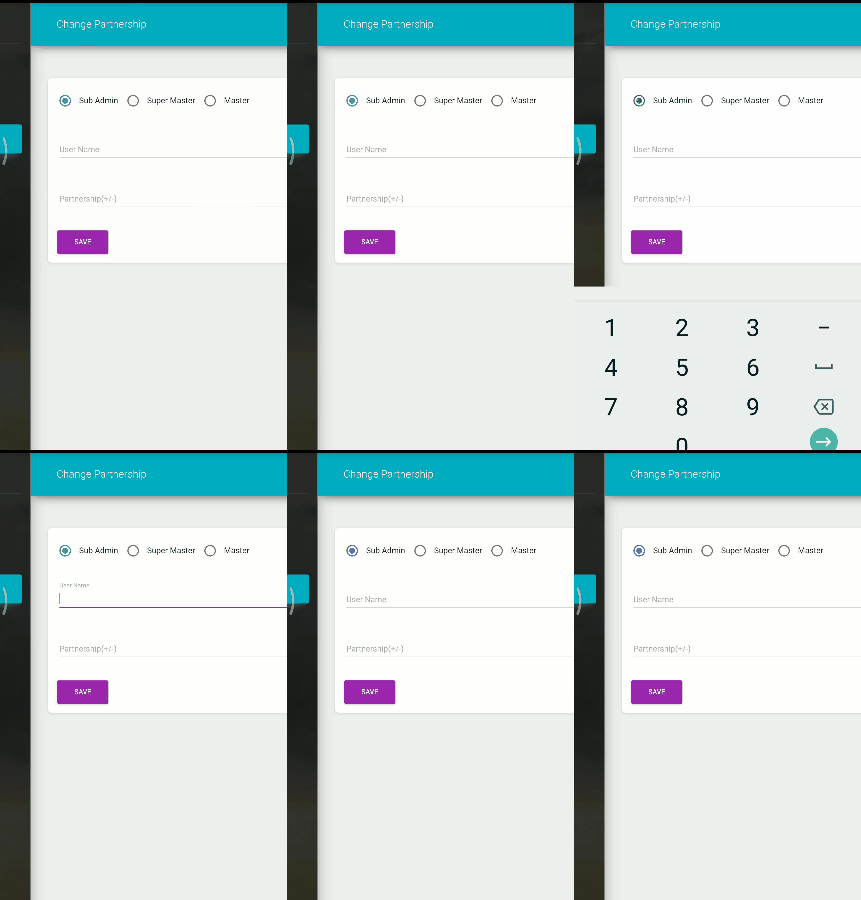
Steps 1 - Open material ui admin panel in mobile (desktop version). 2 - Click any input element. 3 - Automatically close mobile keyboard.
Sample of custominput component used in our admin panel
<CustomInput
    labelText="Search"
    id="search"
    formControlProps={{
        // fullWidth: true
    }}
    inputProps={{
        name: "search",
        type: "text",
    }}
    onChange={(e) => { this.setState({ searchValue: e.target.value }) }}
/>
Please check gif.
You can better understand.