
cms

cms copied to clipboard
 craftcms
Widgets overlapping
Description
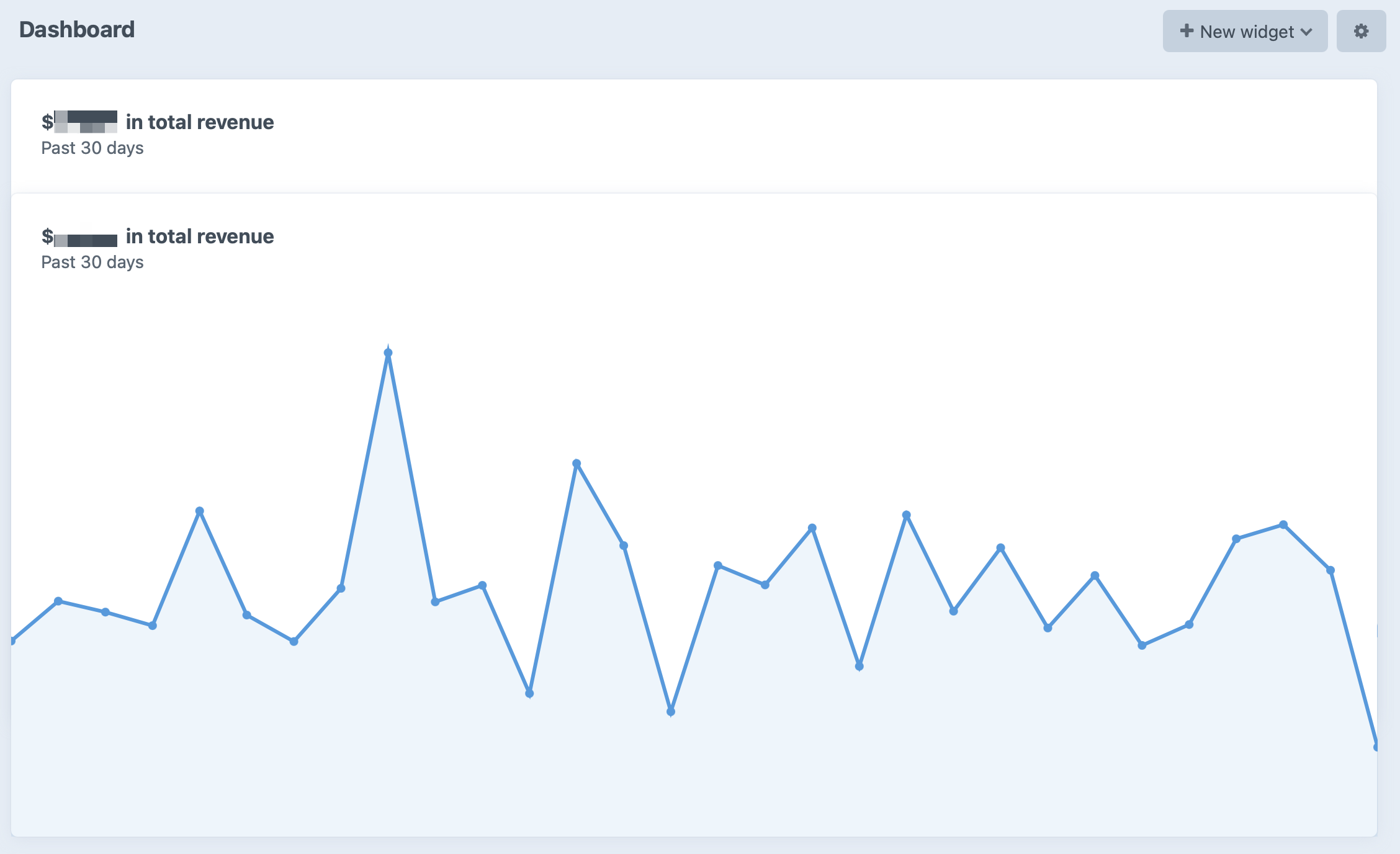
We have two “Total Revenue Settings” widgets stacked vertically. When we change the settings of the first one (from “Past 30 Days” to “Past 7 Days”, for instance), the second widget moves up and overlaps the first one:
Steps to reproduce
- Add 2 “Total Revenue Settings” widgets, one on top of another, on the Dashboard.
- Click on the little cog icon on the top right corner of the first widget.
- Change the value of the “Date Range” field.
- Click “Save”.
- Notice the second widget is now overlapping the first.
Additional info
- Craft version: 3.6.12
- PHP version: 7.4.13
- Database driver & version: MySQL 5.5.5
- Craft Commerce: 3.3.2


I’m not able to reproduce this, but I’ve seen similar quirks so going to keep this open. There are some planned improvements to the grid layout class that should resolve it.