
cms

cms copied to clipboard
 craftcms
Keyboard Focus- Accessibility
Below are keyboard focus issues/improvements recommendations for the Assets and the Categories section
- When the page is open, the focus is landing on the search button then goes through sort by, view and then to asset/ categories folders (likely to miss the select button for trashed an all); a more logical flow would be to land on the folders and then the filters
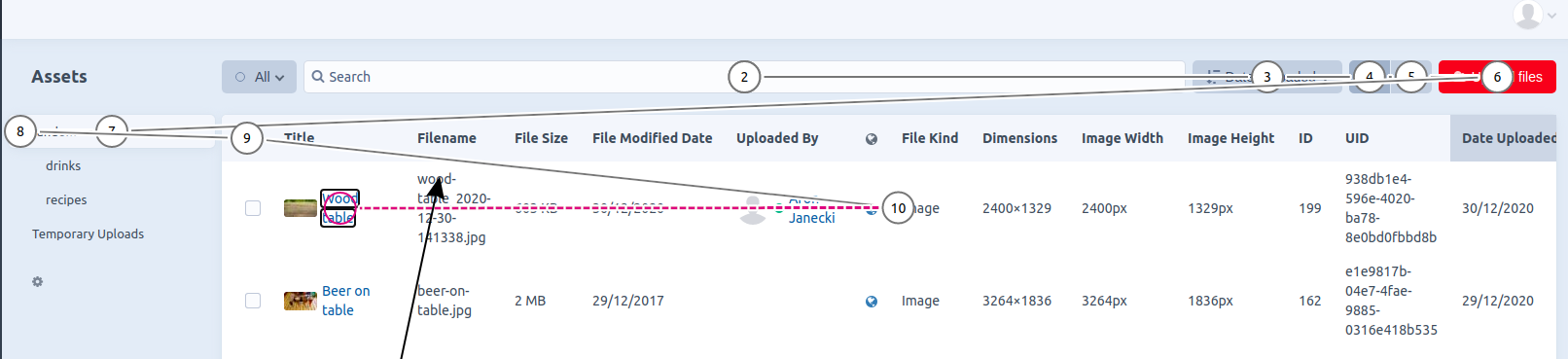
- Poor keyboard focus indication
- Whenever the trigger buttonin the navigation panel is activated using the keyboard, the focus moves away from the component, need to do shift + tab to come back (Assets page only)
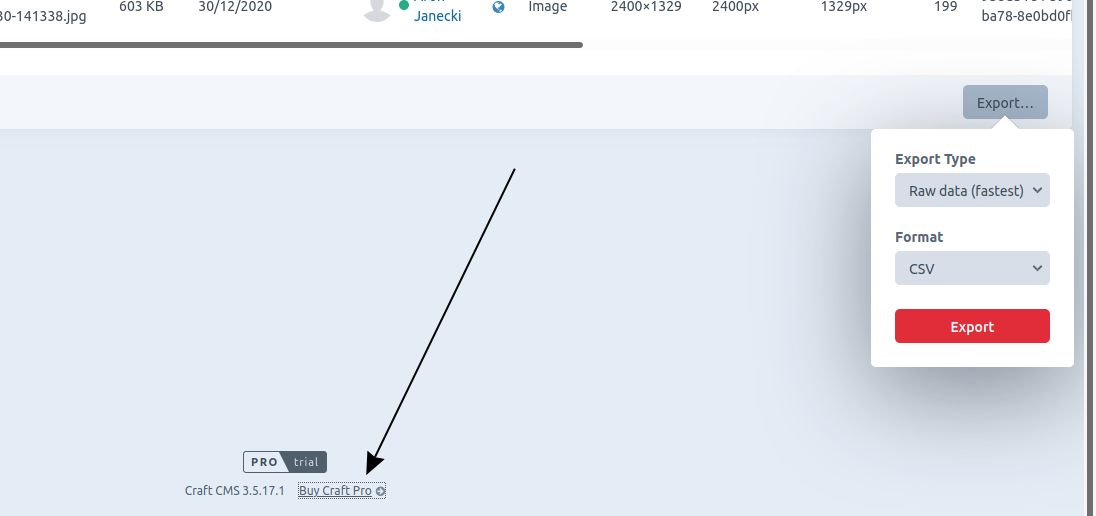
- Illogical focus order for the export button, after it’s activated the next Tab stop is the “By Craft Pro” instead of the “Export type” button
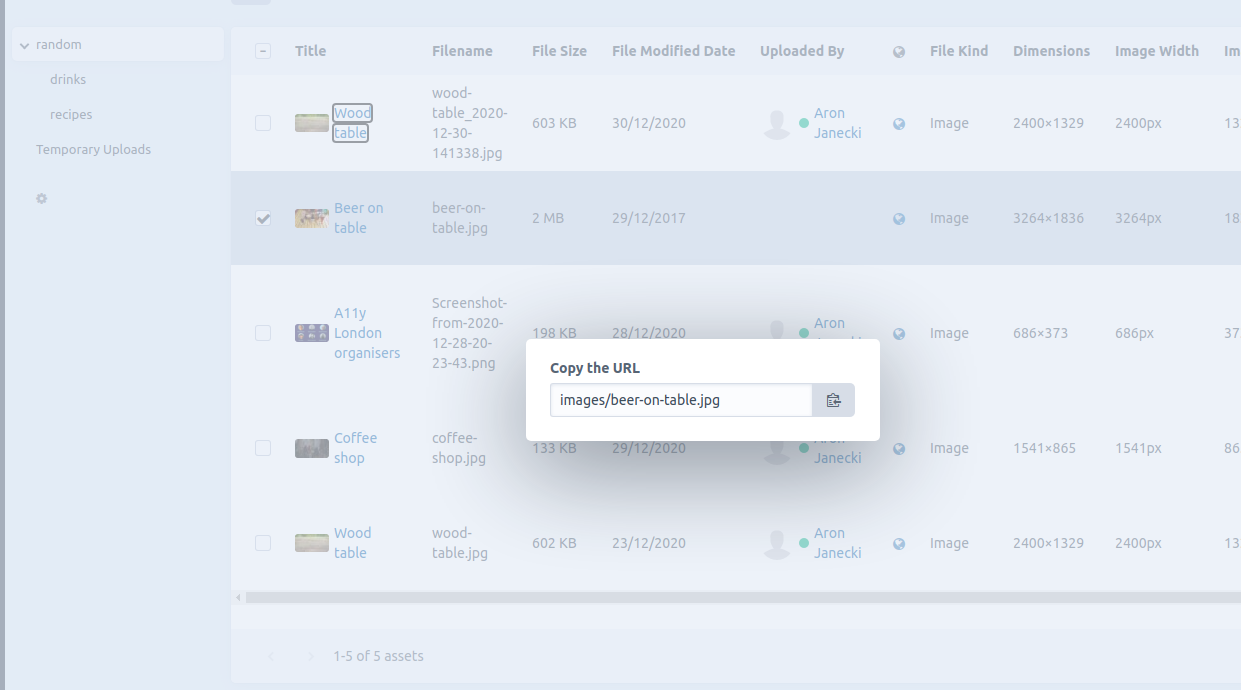
- Copy url and copy reference tag dialogs don’t move keyboard focus into the read-only input and do not trap it (Assets page only)
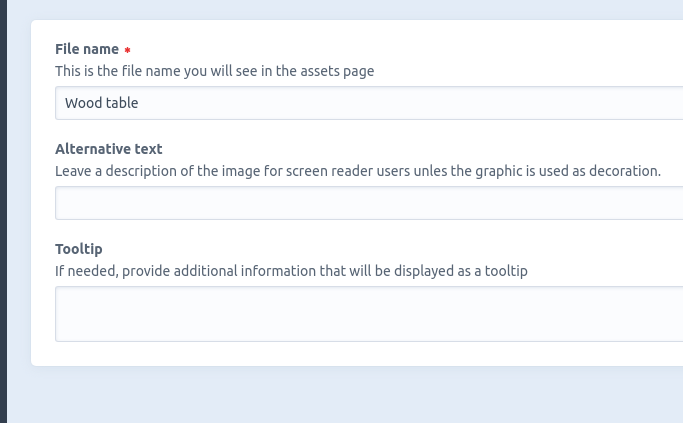
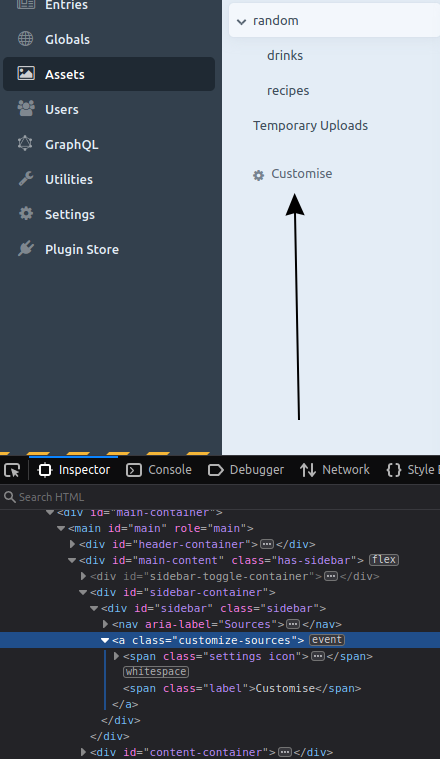
- Focus is not moved inside the customise dialog when activated; it’s also not trapped and doesn’t come back to the trigger; related #7297
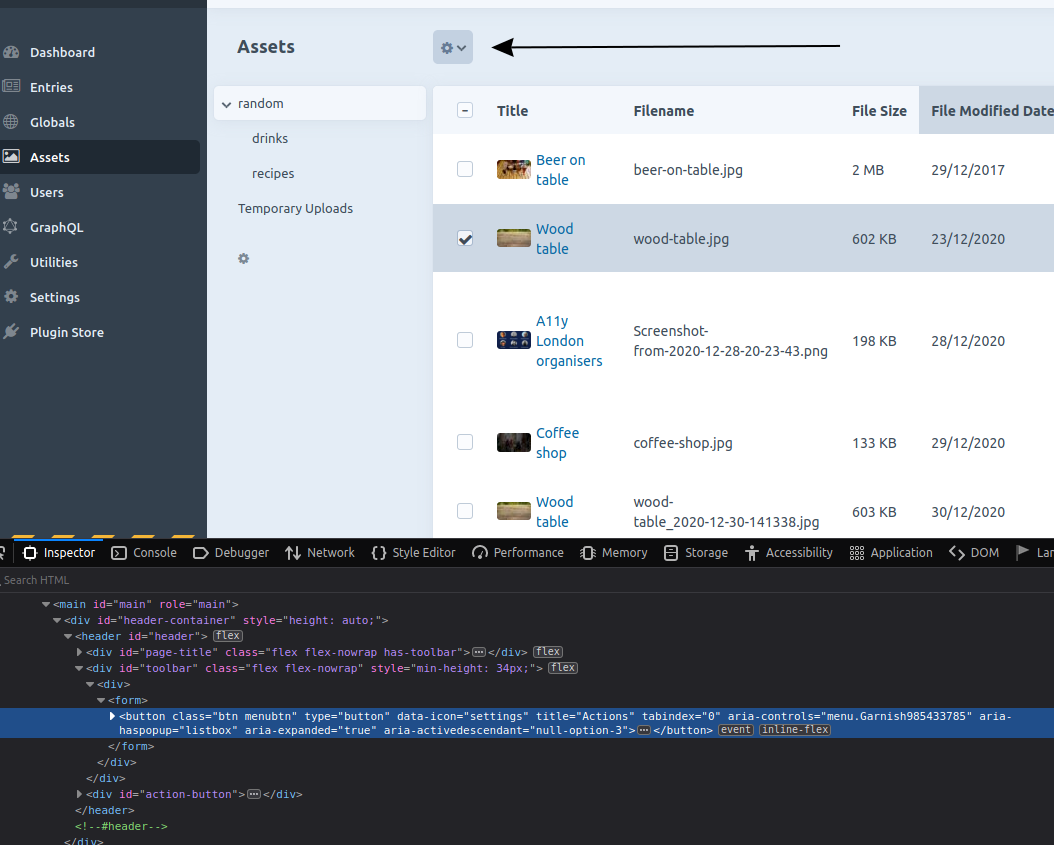
- From a screen reader perspective, it’s possible not to realise that an action button has appeared after selecting an asset; it feels more natural for the button to appear after the table; also, I think that it would be better if the table cells were navigable using the arrow keys and the Tab key would move out of the table- it would improve navigation for keyboard users (just like the grid examples in aria (it should also be a grid because it has some interactive components)
Additional info
- Craft version: 3.5.18
