

 crabbly
Safari Big Sur first print attempt - blank page
mackOS Big Sur 11.1 Safari 14.0.2
Reproducible on your own page:
- load https://printjs.crabbly.com
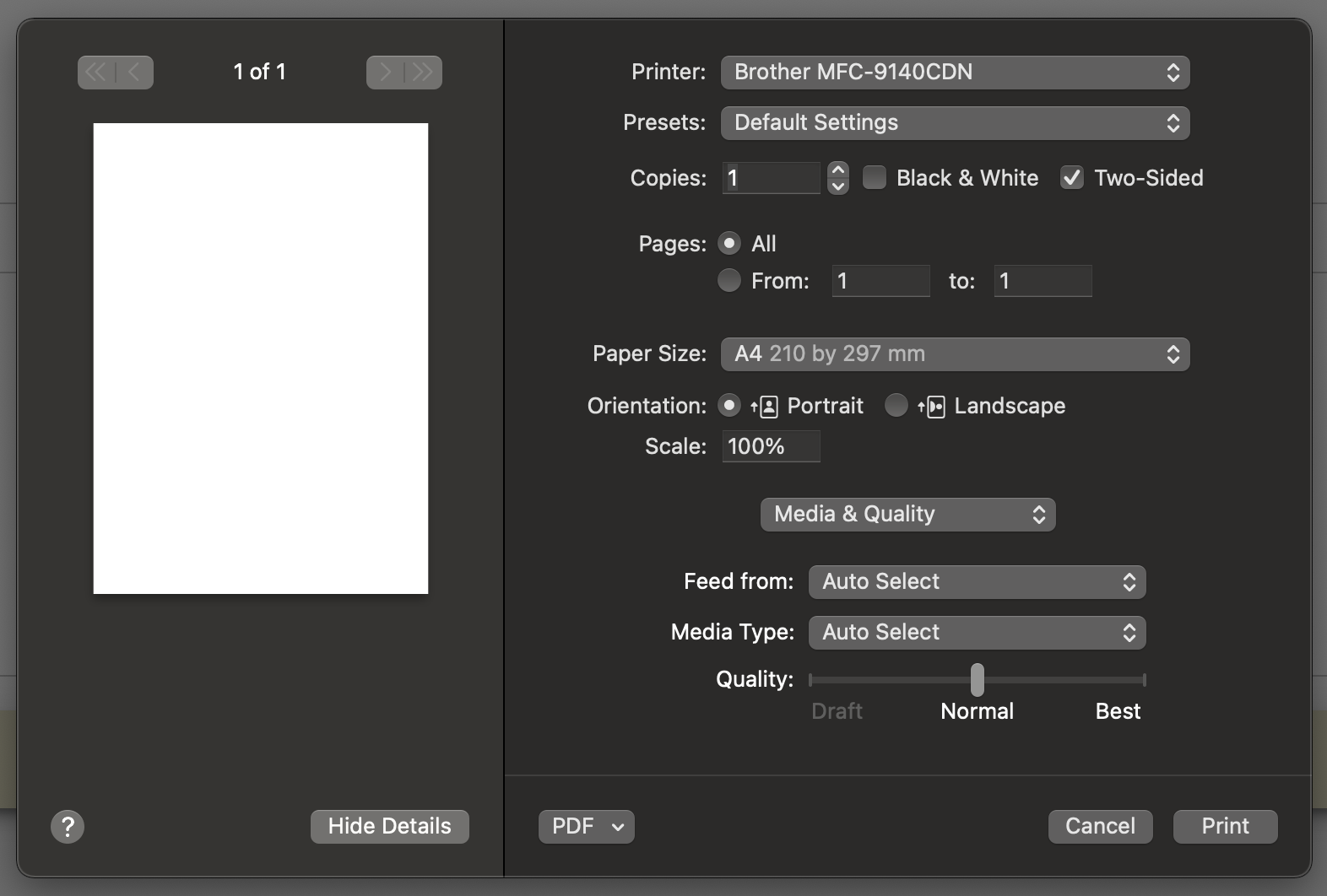
- click on the first available "print" button -> print dialog opens with blank page
- cancel print and click "print" the second time -> "website trying to print dialog" -> print -> all good


I confirmed this issue when printing PDF documents in Safari on Big Sur. My guess is that the browser is flagging the document as cached before its actually finished, therefore the print job seems to be dispatched before the document is available, which results in a blank screen. More browser compatibility "fun" for us to play with :(

I confirmed this issue when printing PDF documents in Safari on Big Sur. My guess is that the browser is flagging the document as cached before its actually finished, therefore the print job seems to be dispatched before the document is available, which results in a blank screen. More browser compatibility "fun" for us to play with :(
I'm having the same issue, I added a timestamp to my document to bypass the cache and my document is already loaded and shown on the page but nothing changes.

We have the same issue. Has anybody already figured out from which version onwards this problem occurs?

I'm facing the issue too. In my scenario i'm printing a live generated PDF, whose data is fetched via AJAX. I've tried to use the library in two different ways, in the hope that a different code path would have workaround-ed the Safari bug, but i had no luck
- First attempt: generating a local blob and submitting its url to the library
printJs(blobUrl) - Second attempt: submitting the raw base64 data
printJs({
    printable: base64Data,
    base64: true,
    type: 'pdf'
});
The bug still occours, while on the other browsers (Edge, FF, Chrome) it works perfectly

I had a hunch the contentWindow in safari wasn't quite ready so I've added a 1 second timeout before calling the print function in performPrint It seems to fix the problem, curious to know if this is also the case for others.
function performPrint (iframeElement, params) {
  try {
    iframeElement.focus()
    var
    // If Edge or IE, try catch with execCommand
    if (Browser.isEdge() || Browser.isIE()) {
      try {
        iframeElement.contentWindow.document.execCommand('print', false, null)
      } catch (e) {
        iframeElement.contentWindow.print()
      }
    } else {
        setTimeout(function() {
             iframeElement.contentWindow.print();
             cleanUp(params)
         }, 1000);
    }
  } catch (error) {
    params.onError(error)
  } finally {
    if (Browser.isFirefox()) {
      // Move the iframe element off-screen and make it invisible
      iframeElement.style.visibility = 'hidden'
      iframeElement.style.left = '-1px'
    }
    if( Browser.isEdge() || Browser.isIE() ){
      cleanUp(params)
    }

  }
}```

I'm facing this issue on Big Sur too. I haven't been able to get it to work first time with any combination of settings so I wondered if anyone had a workaround for the issue without altering the package?

https://github.com/mstanowski/Print.js/blob/6502c73c7e1ba87346fe4913fa5de6220936095b/src/js/print.js#L16
Changed
16: if (Browser.isFirefox()) {
into
16: if (Browser.isFirefox() || Browser.isSafari()) {
and works for me now.

Do you guys happen to get this popup when printing on safari?
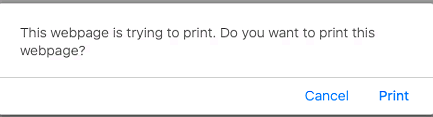
EDIT: I found out you'll get this popup when you cancel the first print and then try to print again. This popup is also the reason why I always get a blank screen on safari.

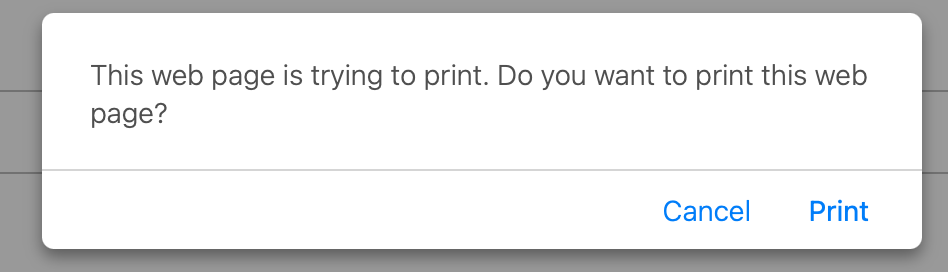
Safari 14.1.1 (macOS Big Sur): when I try to print an image, then cancel print prompt and try to open print dialog again, a dialog window appears saying "The webpage is trying to print. Do you want to print this webpage?". If I click "Print", the printing windows open up with the page to print being blank.

Do you guys happen to get this popup when printing on safari?
EDIT: I found out you'll get this popup when you cancel the first print and then try to print again. This popup is also the reason why I always get a blank screen on safari.
Did you get a fix on this issue?

Do you guys happen to get this popup when printing on safari?
EDIT: I found out you'll get this popup when you cancel the first print and then try to print again. This popup is also the reason why I always get a blank screen on safari.
Same issue here, Online etc, Thank u.

Hey @crabbly this seems to have been fixed in this PR: https://github.com/crabbly/Print.js/pull/588 Do you think we can get it merged?

Hi, For me the timeout did not help. I get the safari's alert message only if i trigger iframe.contentWindow.print(). So even the timeout is not helping in this case.
Is there any way i can disable the pop up ?


Any updates on this issue? I'm using safari 15.1 and still experiencing this, the timeout didn't work for me nor the fact that the entire print function is async and i wait longer then 1 second before the print dialogue opens and displays a blank page, in FF and Chrome it works perfectly, also before a certain update this has worked properly I'm not sure which one


I am also experiencing the same issue on safari 14 and 15.1, Any updates on this please? Thanks

https://github.com/mstanowski/Print.js/blob/6502c73c7e1ba87346fe4913fa5de6220936095b/src/js/print.js#L16
Changed
16: if (Browser.isFirefox()) {into
16: if (Browser.isFirefox() || Browser.isSafari()) {and works for me now.
I forked this and it works for me as well. I've commented on the PR in hopes of getting a minor release. Though it might be safari, they already implement this logic for Firefox so why not include Safari?

The timeout does not help for me and wont fix this for safari >= 14. I dont know the solution though

Also I send this to Jen Simmons of Safari. curious to see Safari's reaction: https://twitter.com/daphnesmit/status/1491783519386828802
Here is a simple reproduction aswell: https://codepen.io/erikdonohoo/pen/qxeNMe (I now use a very ugly hack where onPrintDialogClose I refresh the page only when isSafari and version is 14+)
Hello, same here.
At first click, I have the safari print popup with a blank page :
After pressing cancel and retrying with a second click, it will invoke the "This web page is trying to print..." popup :
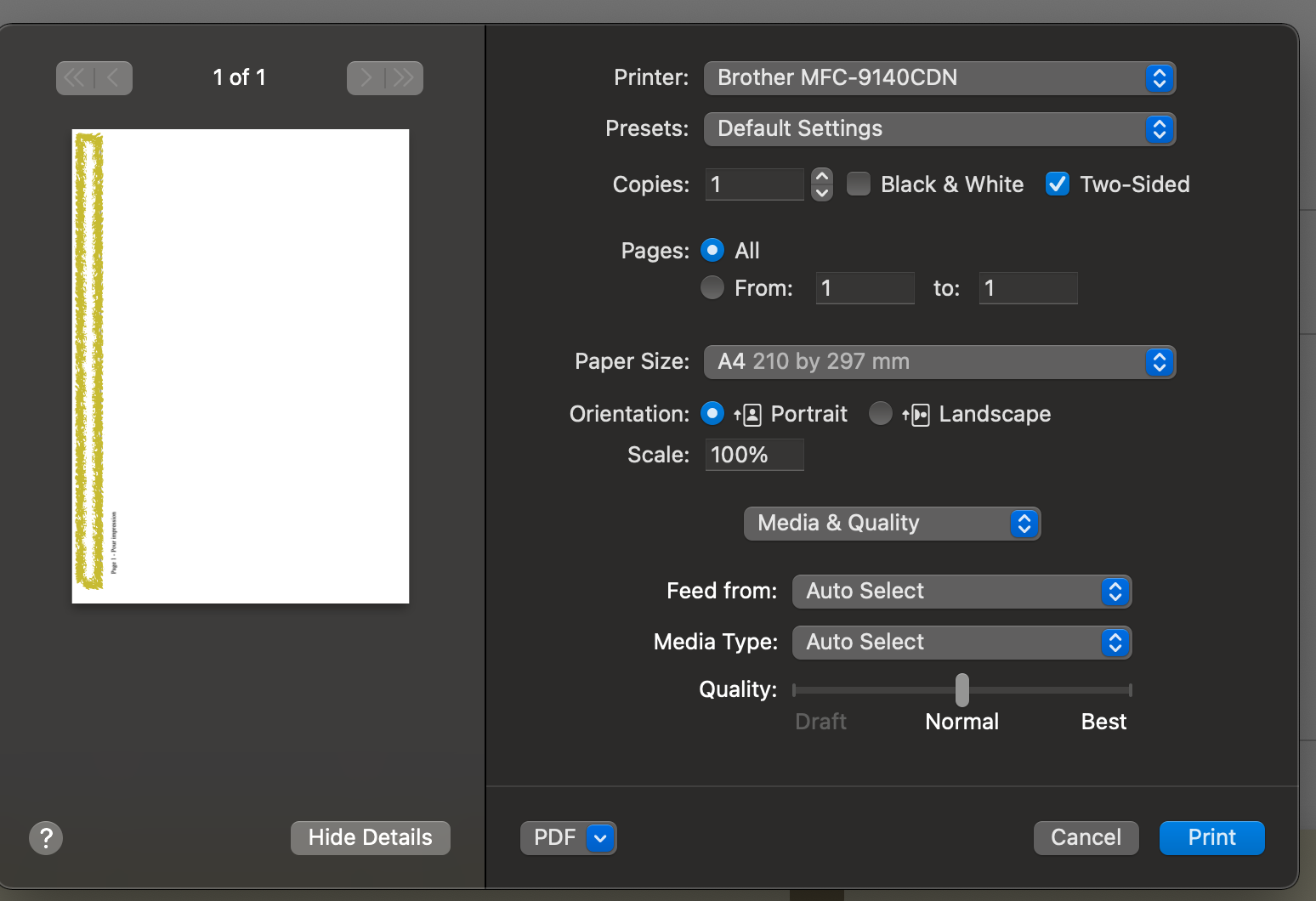
And it works as expected :
To reproduce I refresh the window. But it's anoying for the user to cancel the first try everytime.
Safari : Version 14.0.2 (16610.3.7.1.9) / also tested with Safari 15, same bug. print-js : 1.6.0 (I'm aware that a Safari problem)

@crabbly Not ideal, but how about a hack like this until Safari is fixed.
const print = () => {
  const popup = window.open("", "_blank", "width=1,height=1");
  popup.addEventListener("afterprint", (event) => {
    popup.close();
  });
  const content = document.getElementById("print-target");
  popup.document.head.innerHTML = document.head.innerHTML;
  popup.document.body.innerHTML = content.innerHTML;
  setTimeout(() => {
    popup.print();
    setTimeout(() => {
      popup.close();
    });
  });
};
document.querySelector("button").addEventListener("click", print);
https://codepen.io/gussietech/pen/GRQWYVM

