

 coteditor
"show in finder" button in Inspector panel
A button to show the current working document in the Finder would be super nice

CotEditor doesn't have such a button in the inspector because in macOS, you can reveal the document in Finder by clicking the tiny document icon in the titlebar with the Command key. This is the standard behavior in document-based applications in Mac. So I have rejected this kind of requests.
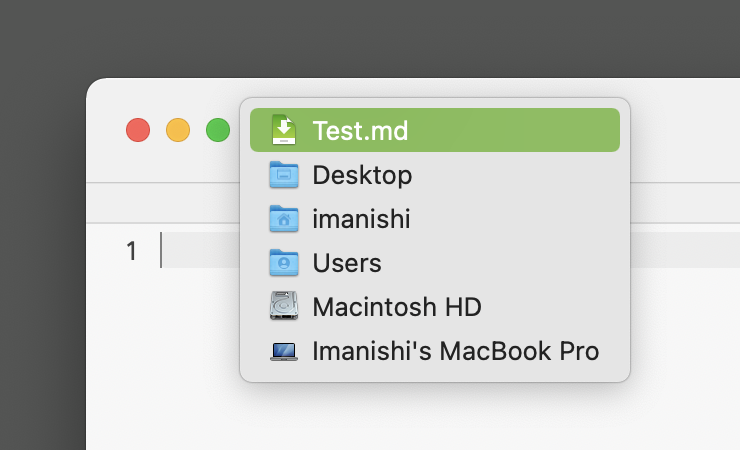
However, in macOS 11 Big Sur, it becomes regrettably harder to reach the document icon in titlebar. So it can be now good to add the button in the inspector, next to the full path. I'll consider.

Note that you don't need to command-click on the icon, you can also command-click the title.
