
simple-react-blog
 simple-react-blog copied to clipboard
 cosmicjs
A simple blog website powered by Next.js and Cosmic.
Simple React Blog

View Demo
React + Next.js + Cosmic
This blog uses Next.js to create a React blog. It connects to the Cosmic API via the Cosmic NPM module. Manage your content from your Cosmic Bucket Dashboard. Simple.
Getting Started
- Log in to Cosmic and install the Simple React Blog template.
- Run the following commands to install the code locally.
git clone https://github.com/cosmicjs/simple-react-blog
cd simple-react-blog
Environment Variables
- Create an
.env.localfile to gain API access to your Cosmic Bucket. To do this, run:
cp .env.example .env.local
- Find your API access keys at Bucket Settings > API Access and add them to the
.env.localfile. It should look something like this:
NEXT_PUBLIC_COSMIC_BUCKET_SLUG=your-bucket-slug
NEXT_PUBLIC_COSMIC_READ_KEY=your-bucket-read-key
Run in development
Install all dependencies and run in development mode.
yarn
yarn dev
Open http://localhost:3000.
Deploy to Vercel
Use the following button to deploy to Vercel. You will need to add API accesss keys as environment variables. Find these in Bucket Settings > API Access.

Revision Preview
Follow these steps to add revision preview to your Bucket:
- Log in to Cosmic.
- Go to Your Bucket > Posts > Object Type Settings.
- Scroll down to the Preview Link section and add the following link:
http://localhost:3000/posts/[object_slug]?revision=[revision_id]
- For production, replace
http://localhost:3000with your URL. Now when you "Save as Draft" on any Post, you can preview your changes by clicking the "Preview" link.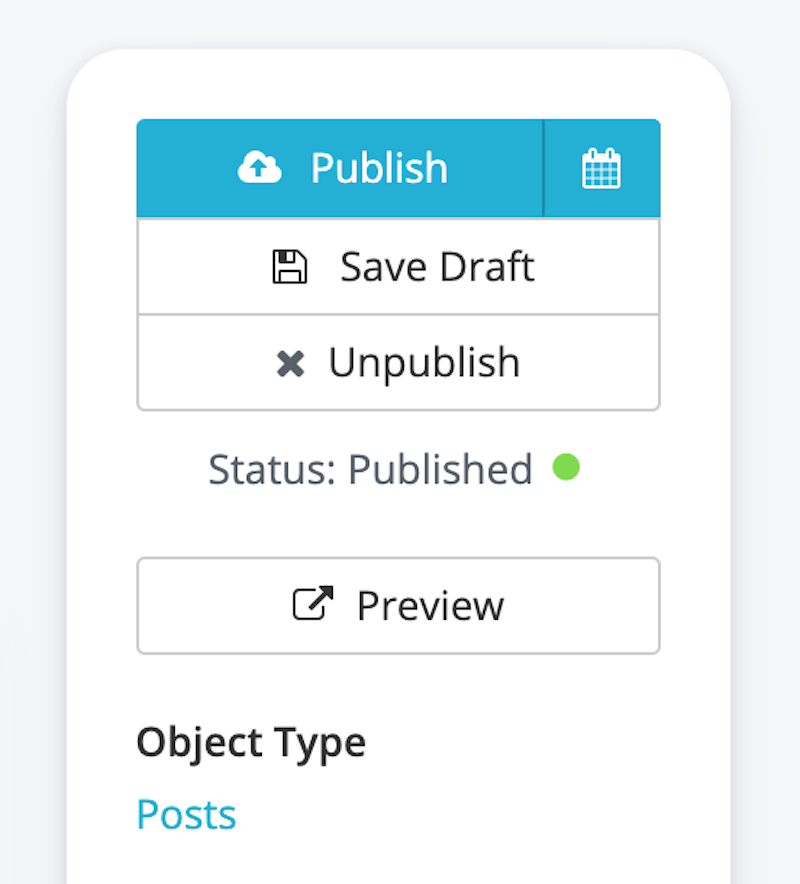
 cosmicjs