

 corona-warn-app
Strange time format on ID history screen
Avoid duplicates
- [X] Bug is not mentioned in the FAQ
- [X] Bug is specific for Android only, for general issues / questions that apply to iOS and Android please raise them in the documentation repository
- [X] Bug is not already reported in another issue
Technical details
- Device name: Huawei P Smart 2019
- Android version: 10
- App version: 2.23.2
Region specific settings
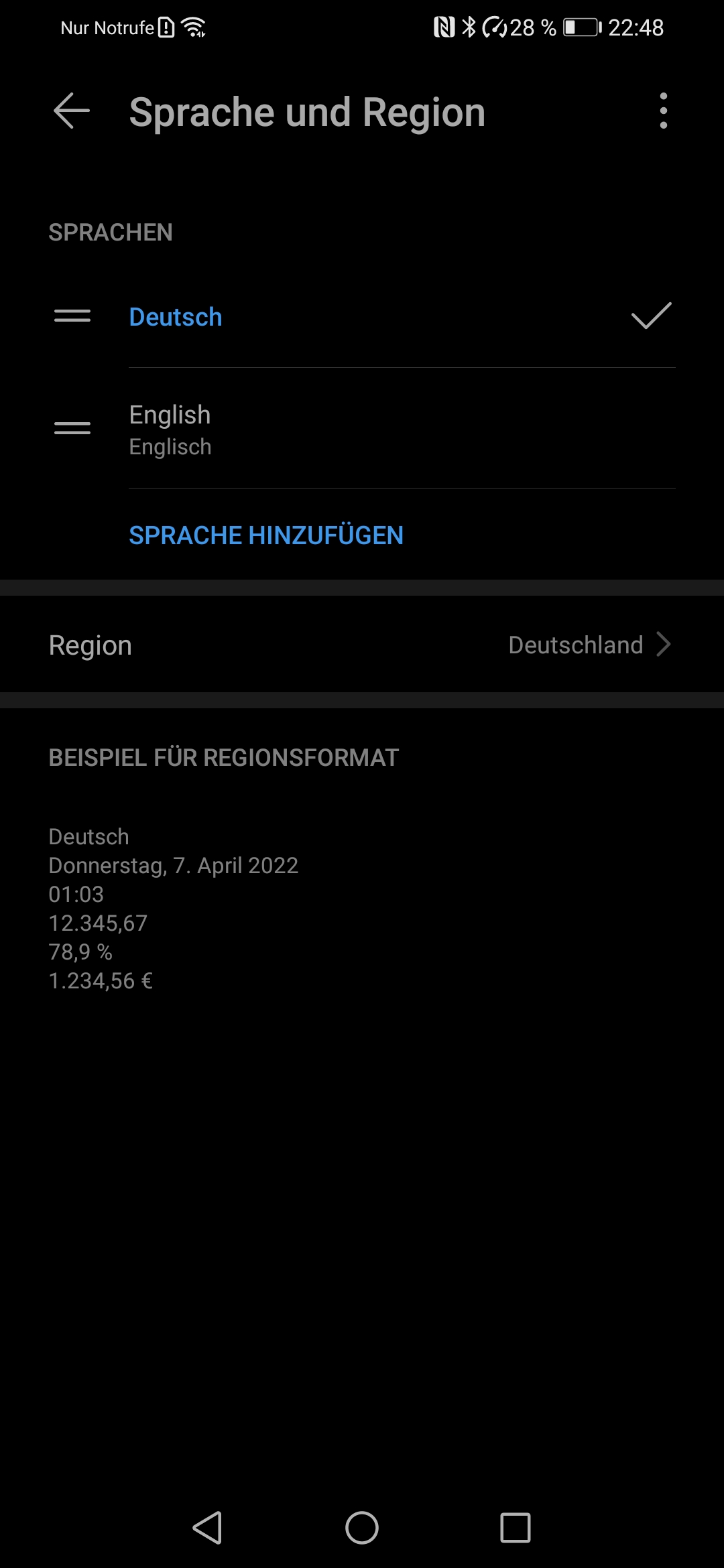
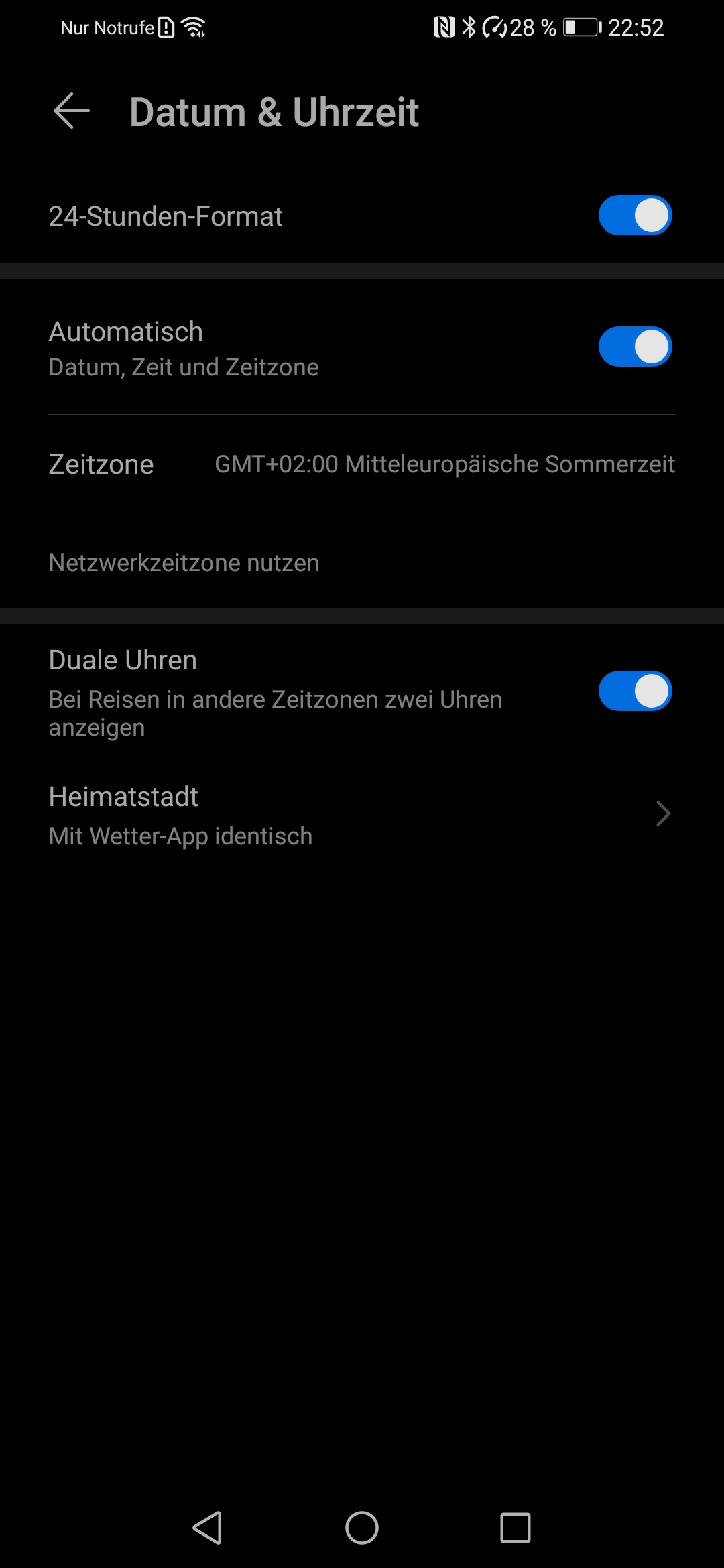
Describe the bug
The dates on the "ID-Historie" (ID history) screen are really formatted in a strange way, which is normal not used to format times in Germany.

Steps to reproduce the issue
- Open CWA
- Click on the 3 dots in the top right corner
- Click on "App-Informationen"
- Click on "Fehlerberichte"
- Scroll down and tap on "ID-Historie"
- See the strangely formatted dates
Expected behaviour
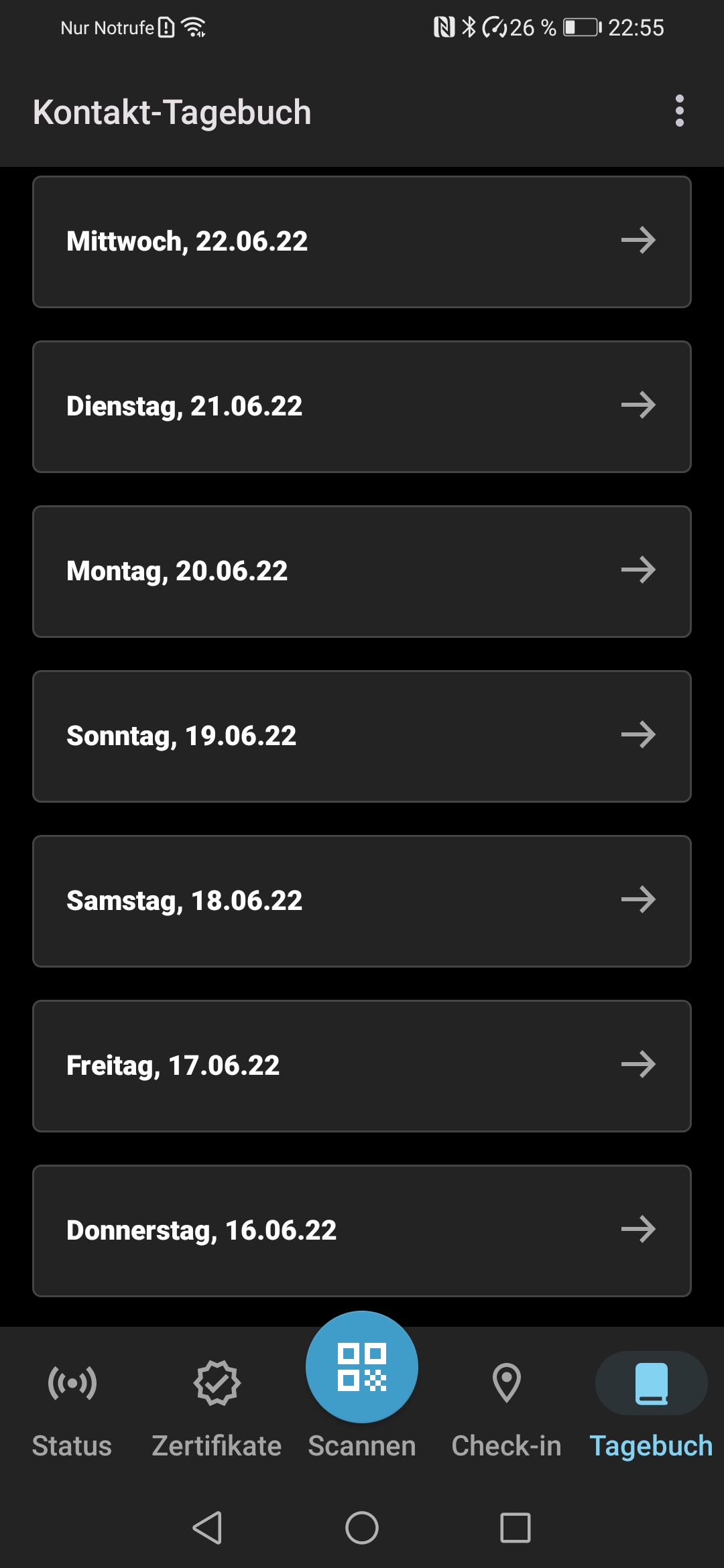
Formatting of the dates as in the contact journal:
Internal Tracking ID: EXPOSUREAPP-13442

I'm really an Android noob, so let me should this be something that is user definable.
The formatting at the app UI level is similar to the date/timestamp in the error report log file itself, e.g.
2022-05-20T04:05:22.657Z I/DebugLogger: Trigger file created.
so perhaps the dots in the date in the UI should be converted to dashes to conform to the log.
Note the the time in the error log is based on UTC (see the "Z" at the end) which is generally not the timezone used in the UI (UTC+1 for CEST or UTC+2 for CET).

@Ein-Tim Thank you for reporting this issue. We created an internal ticket for it. Internal Tracking ID: EXPOSUREAPP-13442
@MikeMcC399 Thank you for your input on this topic!

@Ein-Tim
I'm really an Android noob, so let me should this be something that is user definable.
The format is fixed and it is independent of any user settings:
https://github.com/corona-warn-app/cwa-app-android/blob/82acaf03775bebf24e18d6adac3ad4a43d0914d1/Corona-Warn-App/src/main/java/de/rki/coronawarnapp/bugreporting/debuglog/ui/upload/history/HistoryItemAdapter.kt#L64
- PR https://github.com/corona-warn-app/cwa-app-android/pull/5480 changes the format to https://github.com/corona-warn-app/cwa-app-android/blob/2c614650537abfbc3adc3313f61c355698a7a42c/Corona-Warn-App/src/main/java/de/rki/coronawarnapp/bugreporting/debuglog/ui/upload/history/HistoryItemAdapter.kt#L64
In other words the day and year exchange their previous positions.
@MikeMcC399 Thanks for the update!
@mtwalli Feel free to apply the Fix 2.27 label to this issue.
@MikeMcC399 @Ein-Tim Thanks for the contribution! Should be fixed in the mentioned PR in release 2.27

It's probably too late to fix this, but I am now seeing old timestamps in the ID History
20.01.1970 - 03:26:06
with CWA Android 3.1.1 on Android 11 Locale set to English (United States) or Deutsch (Deutschland)
The year 1970 doesn't make sense.
A new error report sent today had the right timestamp
10.03.2023 - 14:42:25