
BorderlessMining
 BorderlessMining copied to clipboard
 comp500
A windowed borderless (fullscreen) mod for 1.15.2 and newer versions of Minecraft

This could just be an issue to do with it being on 1.15.2 with LWJGL 3 and the GLFW implementation, but the windos game bar doesnt render on top of...

This is caused by the OpenGL driver forcing exclusive fullscreen to be used when the application is focussed. Some OpenGL drivers (NVIDIA, AMD) can be configured to use a "DXGI...

- Found on Windows Intel/NVIDIA hybrid graphics, using the internal screen and Intel graphics. - Only occurs in Borderless Fullscreen, reason is unknown. - *Solution:* Switch to NVIDIA graphics, or...
Running borderless fullscreen all the time gives half the fps compared to regular fullscreen, and it is only useful when tabbed out, so I thought it would be cool if...

Hi, I've got two monitors that are different sizes. My main monitor is 3840x2160 while my second monitor is 1920x1080. If I choose either _Current_ or Monitor 0 (primary 4K...

Launching the game puts my minecraft window halfway off of the screen diagonally and I can't seem to find a fix

Better Puzzle compatibility. Fixes this 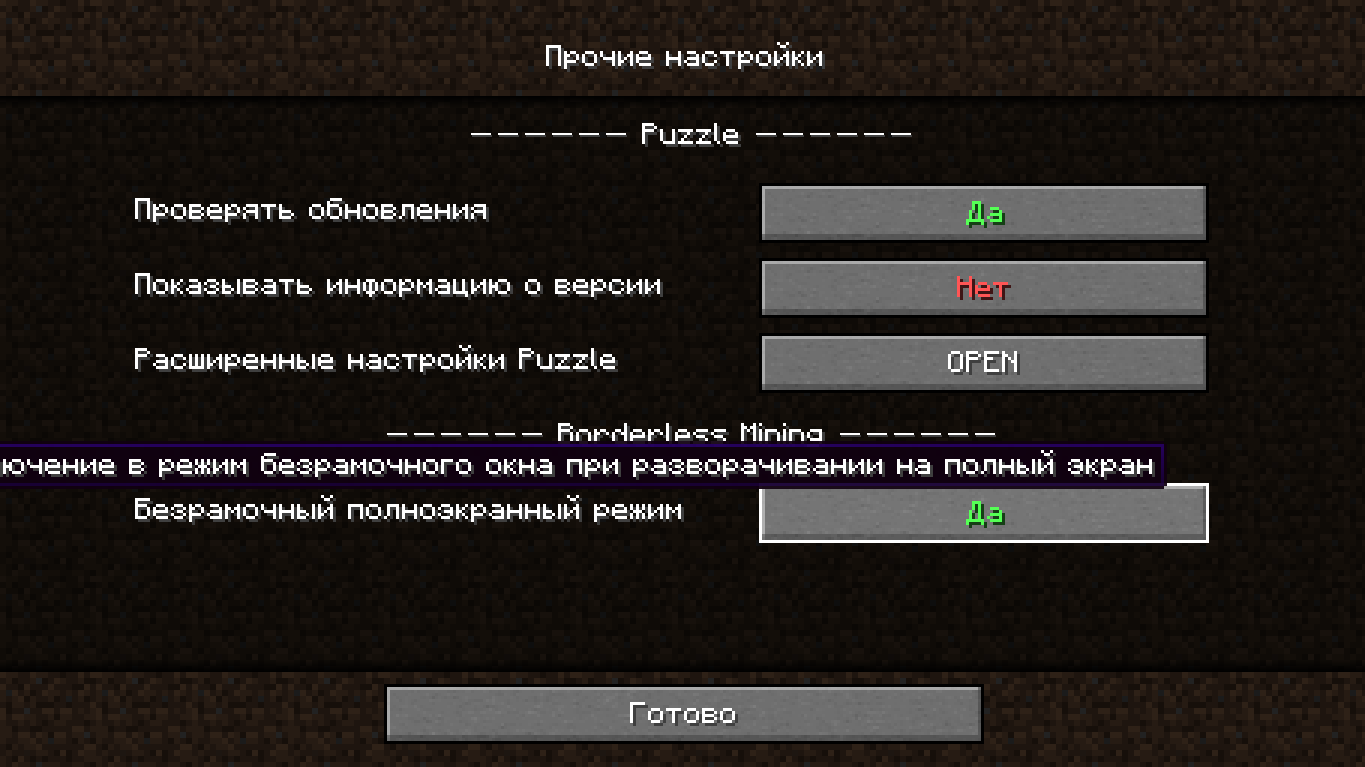

Got [this crash](https://gist.github.com/vico93/ed5d0b3da8d1a498b2febb089f41c8a0) when trying to access the mod settings in ModMenu. Minecraft: 1.20.4 Fabric (loader): 0.15.3 Fabric (API): 0.93.1

Adds a page to Sodium's video settings that allows modifying of most (read below) settings in the Mod Menu config. Due to the way sodium's options work, there are no...

No matter what I do, I can't get the game to run in borderless window. The option is selected in video settings. Toggling it off/on does nothing.
