
tabnine-vscode
 tabnine-vscode copied to clipboard
 codota
Tabnine in openvscode server doesn't work
please complete the following information:
- OS version: [e.g. Win 10, Mac Catalina] : ubuntu 20.04
- Editor version [e.g. 1.45.0-insider]: 1.67.1(or latest)
- Programming language: [e.g. js, ts, c++]
- TabNine extension version: v3.5.49(or latest)
If the issue is related to TabNine failure, please provide log files:
Type TabNine::config in your editor, the logs are located at the bottom of the page
Editor console logs:
Help -> Toggle Developer Tools
Issue Details:
run ubuntu and openvscode server
$ docker run -p 3010:3000 -it ubuntu:20.04 /bin/bash

#after install wget
$ wget https://github.com/gitpod-io/openvscode-server/releases/download/openvscode-server-v1.67.1/openvscode-server-v1.67.1-linux-x64.tar.gz
$ tar xvfz openvscode-server-v1.67.1-linux-x64.tar.gz
$ cd openvscode-server-v1.67.1-linux-x64
$ ./bin/openvscode-server --host 0.0.0.0 --without-connection-token

# install tabnine
Hi. I tried to use tabnine in openvscode server(also code-server).
Tabnine has been installed, but it doesn't work.
I attached bug picture.
Thank you
-
nothing happen when i click sign in button

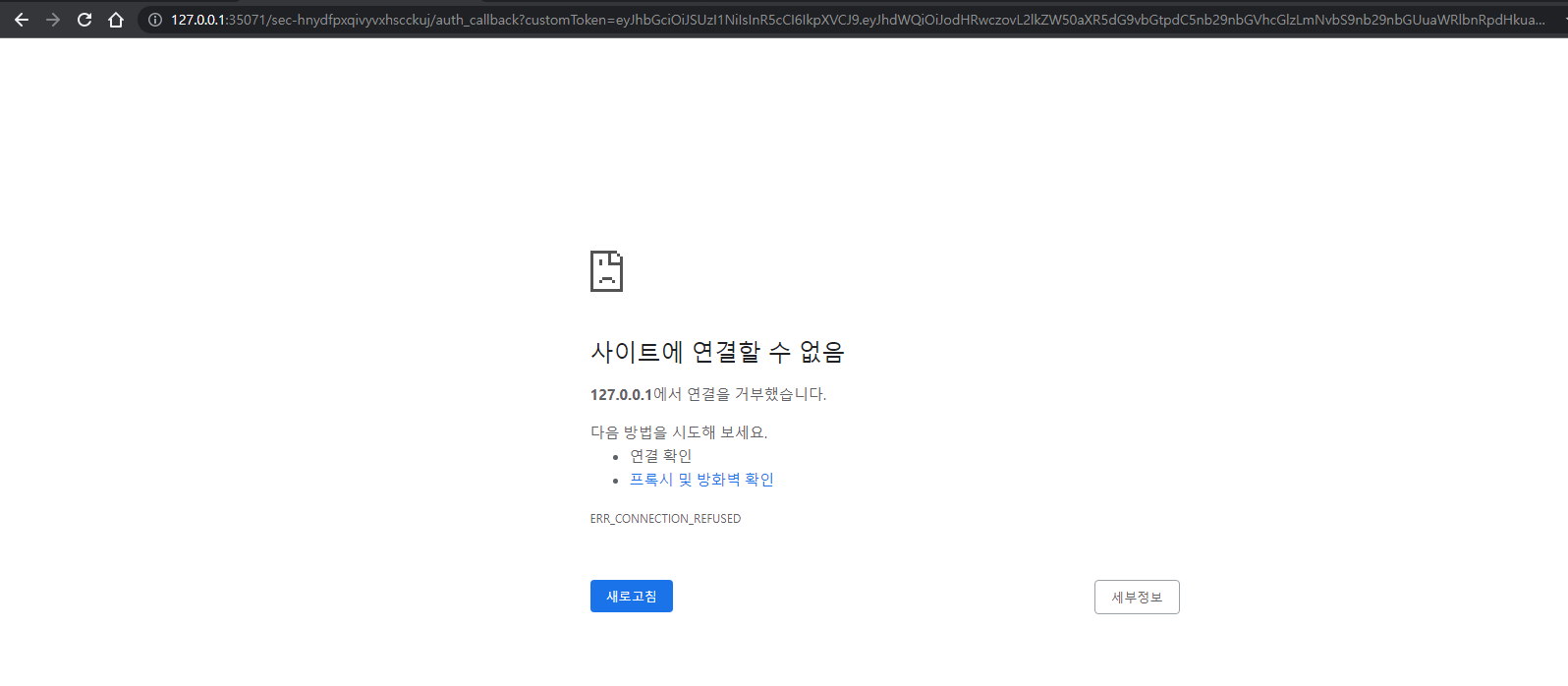
-
nothing happen when i click manage your team

-
nothing happen when i click configure your ide
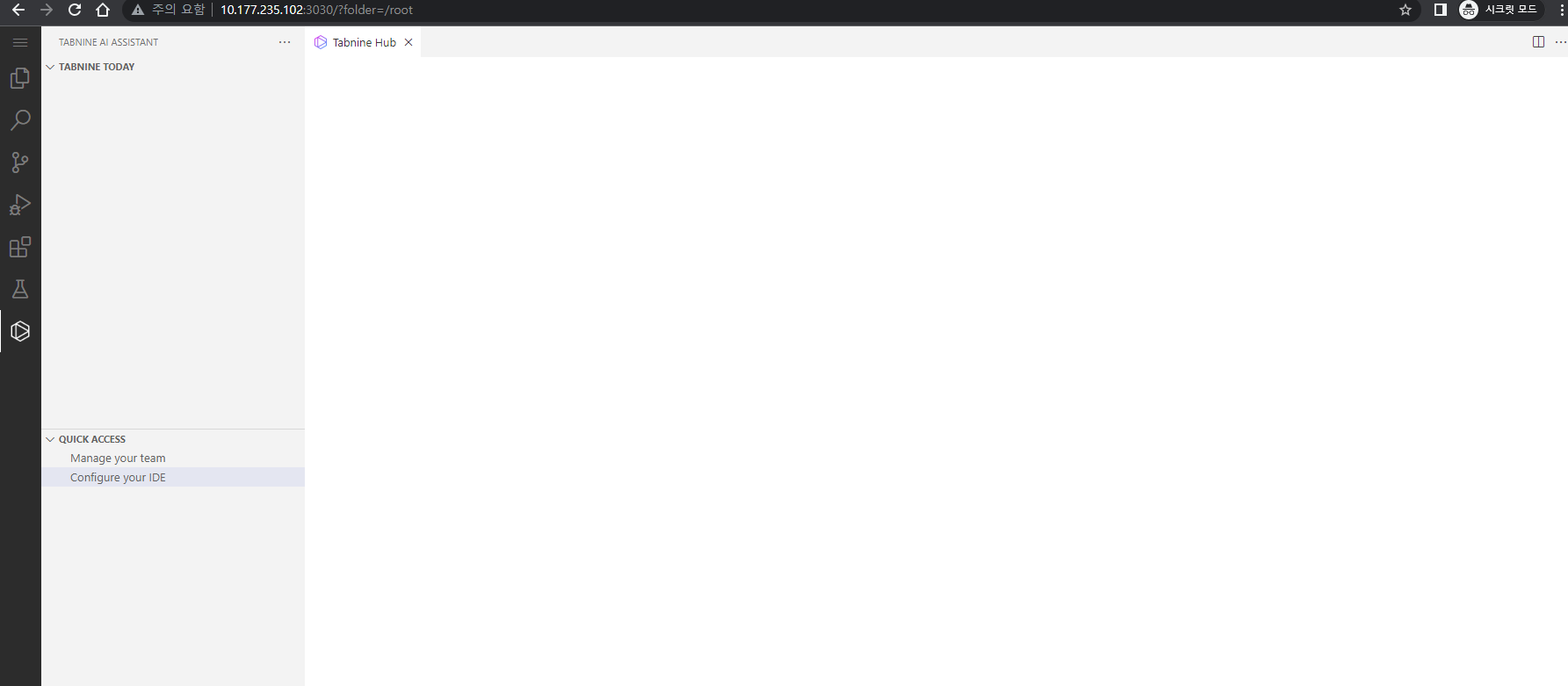
Also, if when i run openvscode server as localhost(local windows pc with wsl), tabnine works fine, but run with --host 0.0.0.0 or --host myip options and connect browser by myip, openvscode-server(theia, code-server too), tabnine hub(configure your ide) doesn't work.
#local run
$ ps -ef | grep tabnine
jw         187     8  1 16:25 pts/0    00:00:00 /home/jw/.openvscode-server/data/User/globalStorage/tabnine.tabnine-vscode/binaries/4.4.10/x86_64-unknown-linux-musl/WD-TabNine --client vscode --client-metadata clientVersion=1.67.1 pluginVersion=3.5.47 t9-vscode-AutoImportEnabled=true t9-vscode-TSAutoImportEnabled=true t9-vscode-JSAutoImportEnabled=true vscode-telemetry-enabled=true vscode-remote=true vscode-remote-name=localhost:3030 vscode-extension-kind=2 vscode-theme-name=Default Light+ vscode-theme-kind=Light vscode-machine-id=someValue.machineId vscode-is-new-app-install=false vscode-session-id=someValue.sessionId vscode-language=ko-KR vscode-app-name=OpenVSCode Server vscode-beta-channel-enabled=false vscode-status-customization=unknown ide-restart-counter=0
jw         265     8 32 16:25 pts/0    00:00:03 /home/jw/.openvscode-server/data/User/globalStorage/tabnine.tabnine-vscode/binaries/4.4.10/x86_64-unknown-linux-musl/TabNine-deep-local --settings /home/jw/.config/TabNine/local.settingsSmall --settings-version 1 --client vscode --client-metadata clientVersion=1.67.1 pluginVersion=3.5.47 t9-vscode-AutoImportEnabled=true t9-vscode-TSAutoImportEnabled=true t9-vscode-JSAutoImportEnabled=true vscode-telemetry-enabled=true vscode-remote=true vscode-remote-name=localhost:3030 vscode-extension-kind=2 vscode-theme-name=Default Light+ vscode-theme-kind=Light vscode-machine-id=someValue.machineId vscode-is-new-app-install=false vscode-session-id=someValue.sessionId vscode-language=ko-KR vscode-app-name=OpenVSCode Server vscode-beta-channel-enabled=false vscode-status-customization=unknown ide-restart-counter=0
jw         353   331  0 16:25 pts/0    00:00:00 /home/jw/.openvscode-server/data/User/globalStorage/tabnine.tabnine-vscode/binaries/4.4.12/x86_64-unknown-linux-musl/TabNine --client=vscode --no-lsp=true --client-metadata clientVersion=1.67.1 pluginVersion=3.5.47 t9-vscode-AutoImportEnabled=true t9-vscode-TSAutoImportEnabled=true t9-vscode-JSAutoImportEnabled=true vscode-telemetry-enabled=true vscode-remote=true vscode-remote-name=localhost:3030 vscode-extension-kind=2 vscode-theme-name=Default Light+ vscode-theme-kind=Light vscode-machine-id=someValue.machineId vscode-is-new-app-install=false vscode-session-id=someValue.sessionId vscode-language=ko-KR vscode-app-name=OpenVSCode Server vscode-beta-channel-enabled=false vscode-status-customization=unknown ide-restart-counter=0
jw         395   353  4 16:25 pts/0    00:00:00 /home/jw/.openvscode-server/data/User/globalStorage/tabnine.tabnine-vscode/binaries/4.4.12/x86_64-unknown-linux-musl/TabNine --client=vscode --no-lsp=true --client-metadata clientVersion=1.67.1 pluginVersion=3.5.47 t9-vscode-AutoImportEnabled=true t9-vscode-TSAutoImportEnabled=true t9-vscode-JSAutoImportEnabled=true vscode-telemetry-enabled=true vscode-remote=true vscode-remote-name=localhost:3030 vscode-extension-kind=2 vscode-theme-name=Default Light+ vscode-theme-kind=Light vscode-machine-id=someValue.machineId vscode-is-new-app-install=false vscode-session-id=someValue.sessionId vscode-language=ko-KR vscode-app-name=OpenVSCode Server vscode-beta-channel-enabled=false vscode-status-customization=unknown ide-restart-counter=0 --no_bootstrap
jw         448   395 46 16:25 pts/0    00:00:02 /home/jw/.openvscode-server/data/User/globalStorage/tabnine.tabnine-vscode/binaries/4.4.12/x86_64-unknown-linux-musl/TabNine-deep-local --settings /home/jw/.config/TabNine/local.settingsSmall --settings-version 1 --client vscode --client-metadata clientVersion=1.67.1 pluginVersion=3.5.47 t9-vscode-AutoImportEnabled=true t9-vscode-TSAutoImportEnabled=true t9-vscode-JSAutoImportEnabled=true vscode-telemetry-enabled=true vscode-remote=true vscode-remote-name=localhost:3030 vscode-extension-kind=2 vscode-theme-name=Default Light+ vscode-theme-kind=Light vscode-machine-id=someValue.machineId vscode-is-new-app-install=false vscode-session-id=someValue.sessionId vscode-language=ko-KR vscode-app-name=OpenVSCode Server vscode-beta-channel-enabled=false vscode-status-customization=unknown ide-restart-counter=0
gz#14475


on my system(BEE)
VM10:6772 crbug/1173575, non-JS module files deprecated.
(anonymous) @ VM10:6772
VM48:6772 crbug/1173575, non-JS module files deprecated.
(anonymous) @ VM48:6772
VM86:6772 crbug/1173575, non-JS module files deprecated.
(anonymous) @ VM86:6772
on local server
  ERR Can't compute sha-256: Error: Can't compute sha-256
    at t (http://10.177.235.102:3030/static/out/vs/workbench/workbench.web.main.js:798:37267)
    at new x (http://10.177.235.102:3030/static/out/vs/workbench/workbench.web.main.js:1364:8234)
    at v._createInstance (http://10.177.235.102:3030/static/out/vs/workbench/workbench.web.main.js:591:1332)
    at v.createInstance (http://10.177.235.102:3030/static/out/vs/workbench/workbench.web.main.js:591:773)
    at D.createWebviewElement (http://10.177.235.102:3030/static/out/vs/workbench/workbench.web.main.js:1364:21388)
    at y.show (http://10.177.235.102:3030/static/out/vs/workbench/workbench.web.main.js:1304:38953)
    at y.claim (http://10.177.235.102:3030/static/out/vs/workbench/workbench.web.main.js:1304:37474)
    at b.updateTreeVisibility (http://10.177.235.102:3030/static/out/vs/workbench/workbench.web.main.js:2137:34268)
    at http://10.177.235.102:3030/static/out/vs/workbench/workbench.web.main.js:2137:33395
    at p.invoke (http://10.177.235.102:3030/static/out/vs/workbench/workbench.web.main.js:67:145)
Hi everyone,
I also have the same issue with code-server, but with Red Hat's Community Server Connector when adding a new Tomcat server. I'm running on a docker image, also on 20.04 (using multicast from MacOS). It seems that there is a missing dependency that handles this sha-256 issue. It has to be as easy as adding an "apt-get install", but I can't seem to find what that dependency is. Here's my vscode Output panel's output from "Log (Windows)":
[2022-07-12 21:52:58.588] [window] [error] Can't compute sha-256: Error: Can't compute sha-256
    at t (http://192.168.64.2:8443/stable-30d9c6cd9483b2cc586687151bcbcd635f373630/static/out/vs/workbench/workbench.web.main.js:804:15084)
    at new O (http://192.168.64.2:8443/stable-30d9c6cd9483b2cc586687151bcbcd635f373630/static/out/vs/workbench/workbench.web.main.js:1377:8265)
    at v._createInstance (http://192.168.64.2:8443/stable-30d9c6cd9483b2cc586687151bcbcd635f373630/static/out/vs/workbench/workbench.web.main.js:594:1332)
    at v.createInstance (http://192.168.64.2:8443/stable-30d9c6cd9483b2cc586687151bcbcd635f373630/static/out/vs/workbench/workbench.web.main.js:594:773)
    at y.createWebviewElement (http://192.168.64.2:8443/stable-30d9c6cd9483b2cc586687151bcbcd635f373630/static/out/vs/workbench/workbench.web.main.js:1377:21496)
    at E.show (http://192.168.64.2:8443/stable-30d9c6cd9483b2cc586687151bcbcd635f373630/static/out/vs/workbench/workbench.web.main.js:1316:39542)
    at E.claim (http://192.168.64.2:8443/stable-30d9c6cd9483b2cc586687151bcbcd635f373630/static/out/vs/workbench/workbench.web.main.js:1316:37689)
    at Ra.claimWebview (http://192.168.64.2:8443/stable-30d9c6cd9483b2cc586687151bcbcd635f373630/static/out/vs/workbench/workbench.web.main.js:1781:84701)
    at Ra.setInput (http://192.168.64.2:8443/stable-30d9c6cd9483b2cc586687151bcbcd635f373630/static/out/vs/workbench/workbench.web.main.js:1781:84612)
    at async u.doSetInput (http://192.168.64.2:8443/stable-30d9c6cd9483b2cc586687151bcbcd635f373630/static/out/vs/workbench/workbench.web.main.js:2741:6428)
If I come up with a solution, I'll post it here.
Sincerely, Scot

This issue has been automatically marked as stale because it has not had recent activity. It will be closed if no further activity occurs. Thank you for your contributions.
![stale[bot] avatar](https://avatars.githubusercontent.com/in/1724?v=4 "Published by a pub.dev verified publisher")
This issue has been automatically marked as stale because it has not had recent activity. It will be closed if no further activity occurs. Thank you for your contributions.