vscode-ibmi
 vscode-ibmi copied to clipboard
 codefori
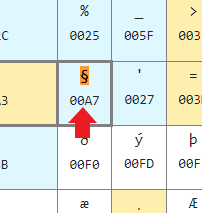
Conversion of special characters on source file (es. § )
I changed QCCSID from 65535 to 1144
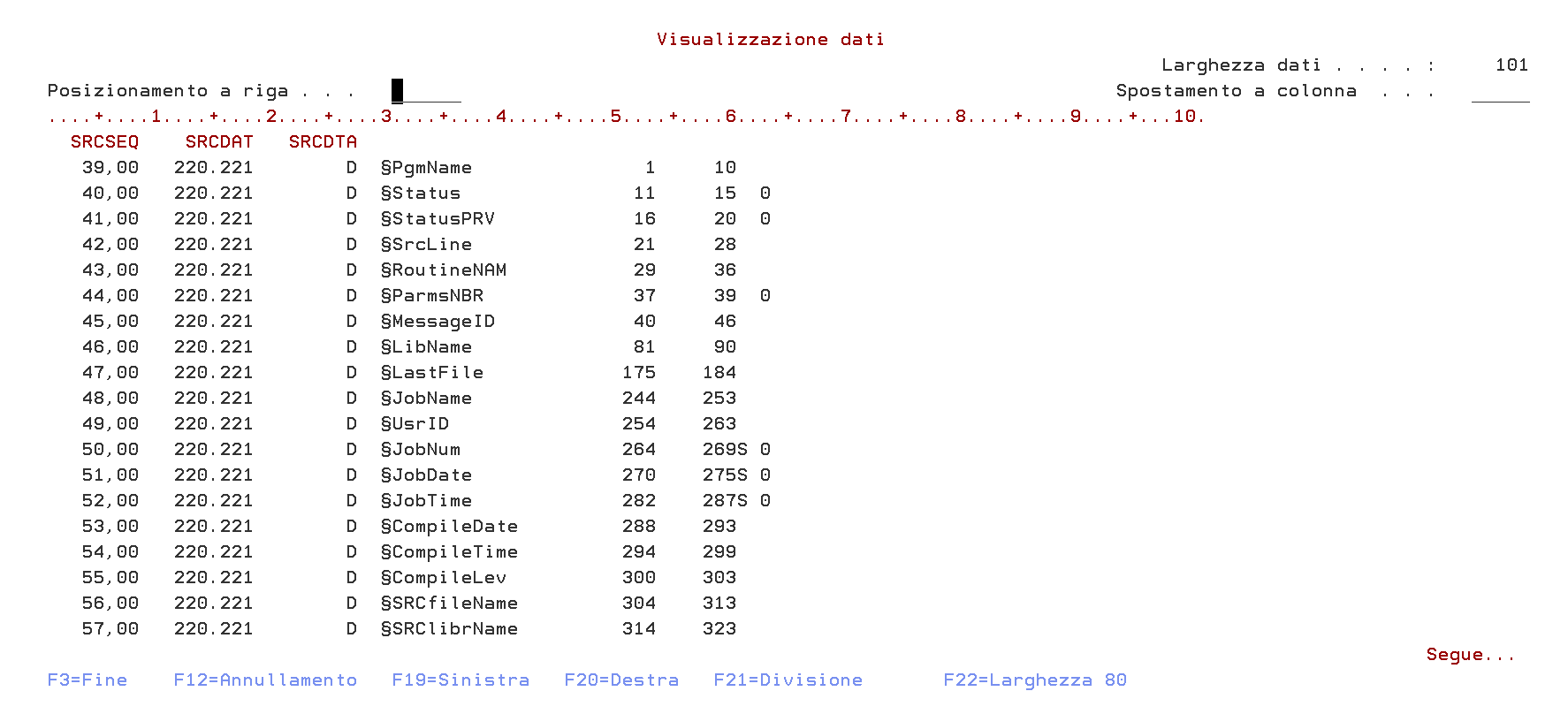
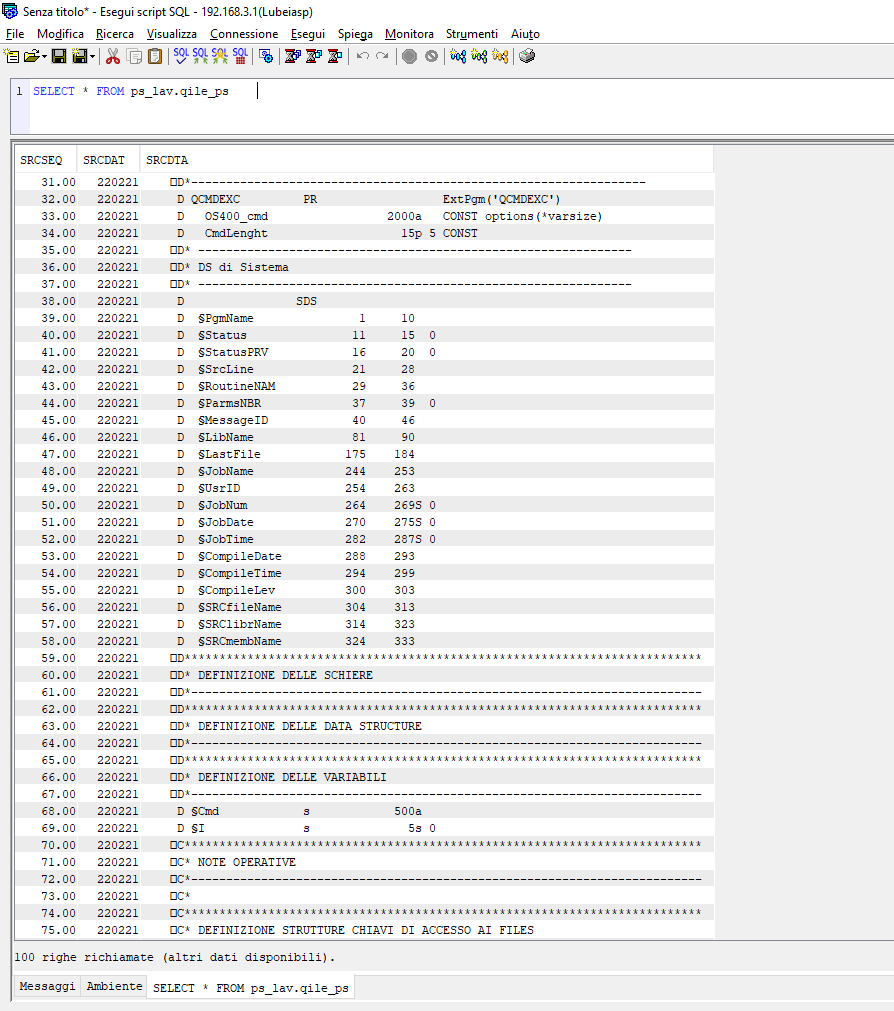
I'm using version 0.9.1, when I open a source file if there is a character like "§" it doesn't translate it, like with QCCSID 65535.
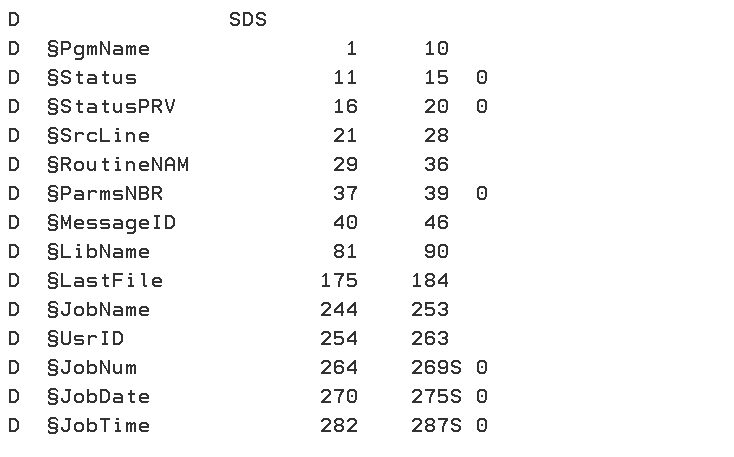
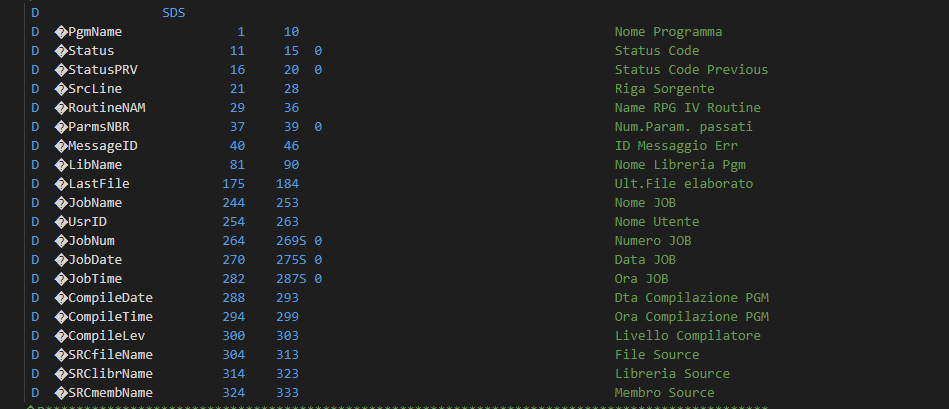 I am also attaching the configuration
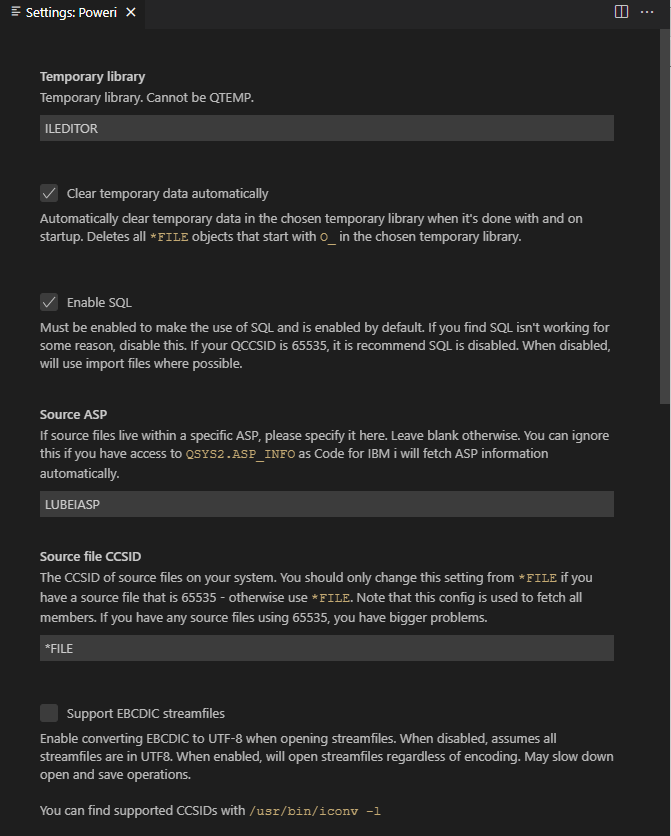
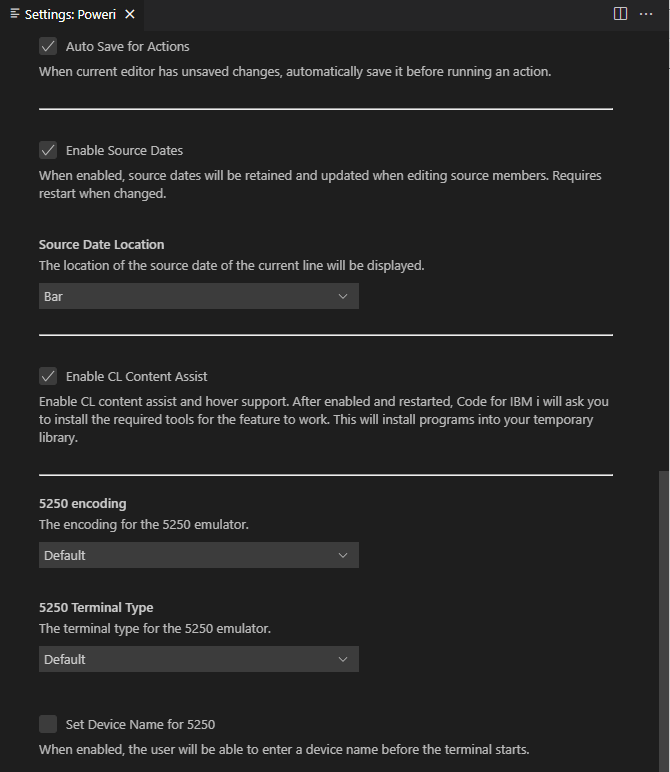 Thank you

@paolos69 is this the only character that is not converting? I wonder if it's because that character is not know to the CCSID of the encoding you're using.

@paolos69 What CCSID is the source file? I am going to try and recreate it.
Convert correctly when source dates are disabled The CCSID of creation: 65535 Also happens with creation CCSID: 1144
@paolos69 Is it happening with any other special characters in that CCSID? Or is just §?
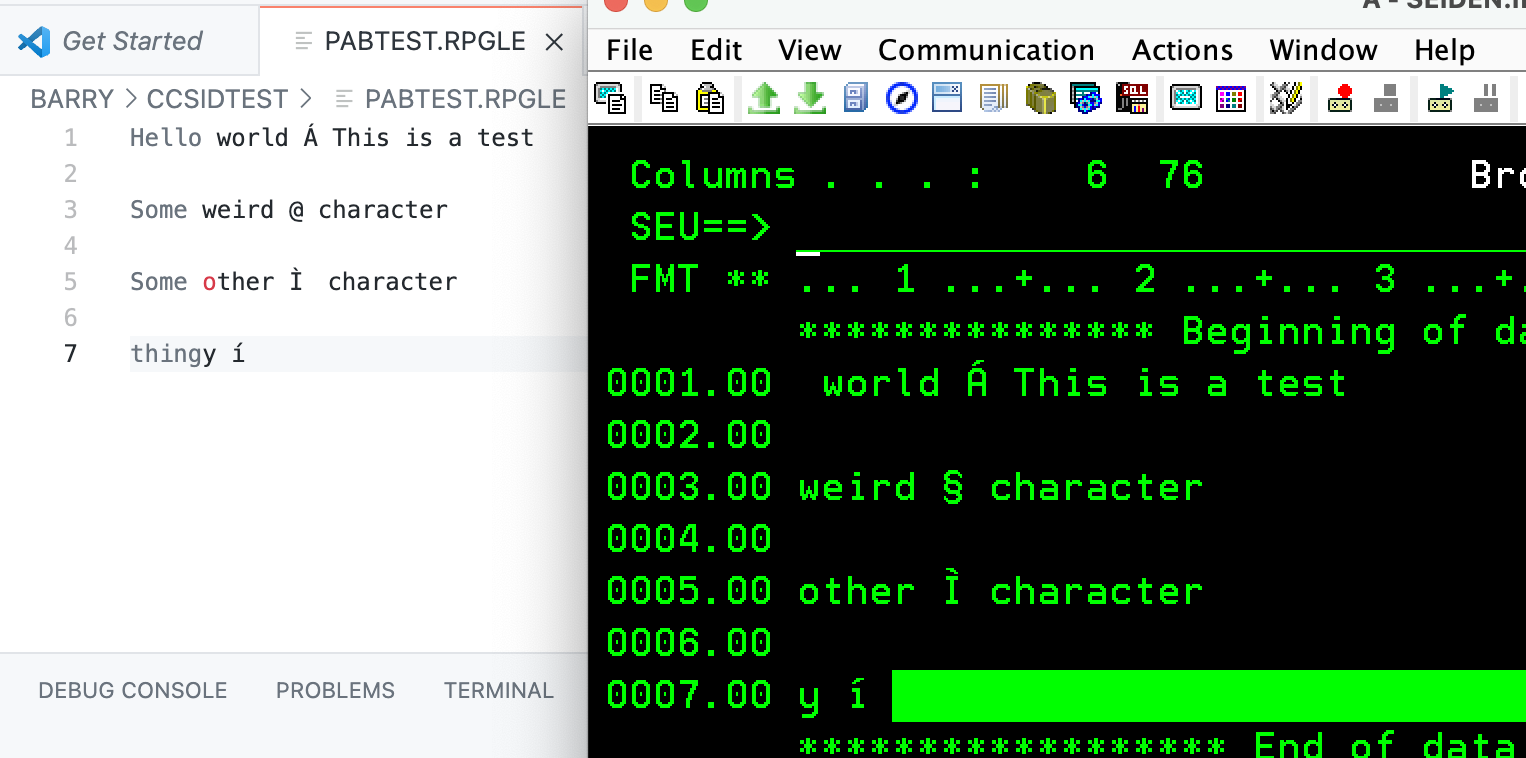
The fact that it's only not translating this character correctly makes me think there is a deeper issue here with some IBM-supplied programs. Will have to look into it more deeply.
I am glad it's just this character, though.
@paolos69 May I ask what editor you used to get that character in there? SEU?
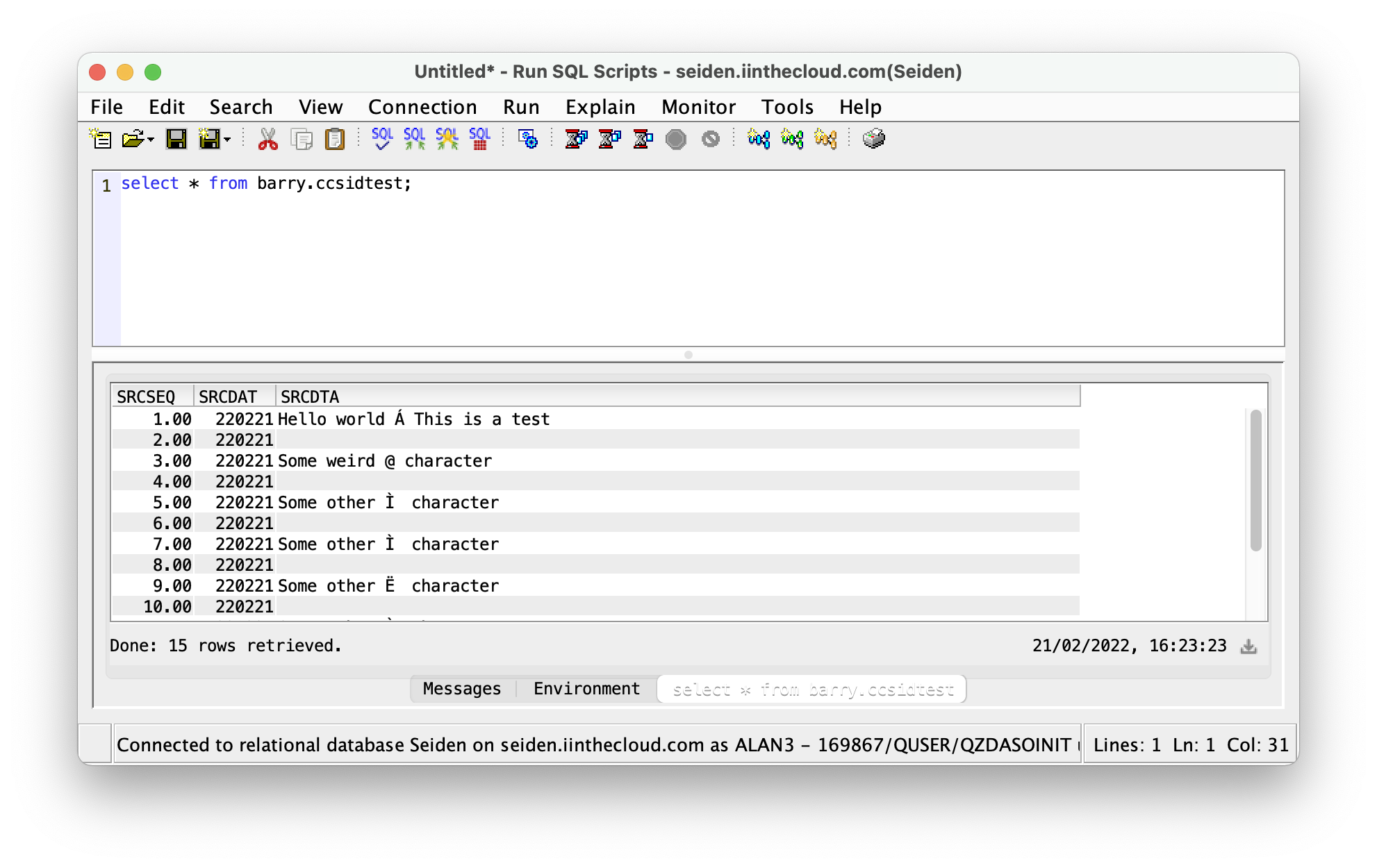
Had some discussions with other people. Here are some notes and quotes.
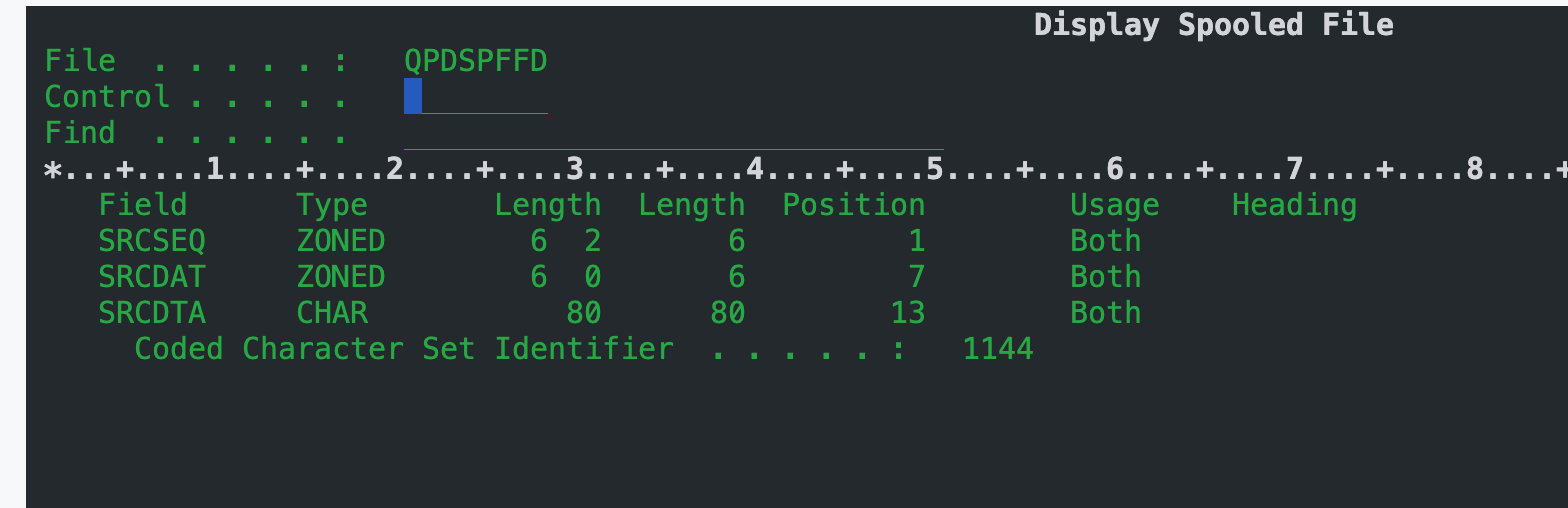
E2969485 40A68589 9984407C 40838881 998183A3 Some weird § charact
7C is § in 280/1144, is @ in 37.
So this works:
- QCCSID is 65536
- File is 1144/280
- Character comes as expected
This doesn't:
- QCCSID is 37
- File is 1144/280
- Bad character comes
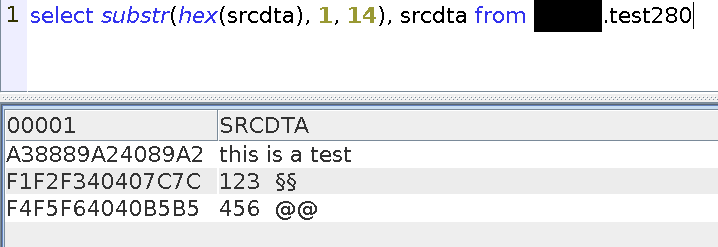
I took an ODBC trace. The column is described as 280, so that's right. The data I get back is wrong, though:
F1F2F340407C7C40   should be F1F2F340B5B540
F4F5F64040B5B540   should be F4F5F6407C7C40
So basically, something is converting the data as it's read (to 37, presumably) but then we're trying to interpret it as 280 Sounds like a bug to me. I'd open an issue with IBM support. The weird thing is even the select hex() output is wrong...
I think it's pretty easy to recreate too. Runsql code snippet creating a cssid 280 file, add a member, then insert a hex literal and query it.
Browse : XXX/TEST280(TEST)
Record :       1   of       2 by  14            Column :
Control :

      - - - -  + - - -  - * - -  - - + -  - - - *    ----
      405C5C5C 5C5C5C5C 5C5C5C5C 5CC28587 89959589    ***
      7C7C4040 40404040 40404040 40404040 40404040   §§
      B5B54040 40404040 40404040 40404040 40404040   @@
      405C5C5C 5C5C5C5C 5C5C5C5C 5CC59584 40968640    ***
cl:crtsrcpf xxx/test280 ccsid(280);

cl:addpfm xxx/test280 mbr(test);

insert into xxx.test280(srcseq, srcdta) values (0, x'7c7c'), (1, x'b5b5');

select * from xxx.test280;

delete from xxx.test280;
I get the same hex when I connect as 37. I don't think your connection CCSID matters, since the system is converting to hex before sending it to the client. If I change job ccsid to 280, I do get different results:
Browse : XXX/TEST280(TEST)
Record :       1   of       2 by  14            Column :
Control :

      - - - -  + - - -  - * - -  - - + -  - - - *    ---
      405C5C5C 5C5C5C5C 5C5C5C5C 5CC28587 89959589    **
      B5B54040 40404040 40404040 40404040 40404040   @@
      7C7C4040 40404040 40404040 40404040 40404040   §§
      405C5C5C 5C5C5C5C 5C5C5C5C 5CC59584 40968640    **
@paolos69 Are you able to run a select over the view created over member you're trying to create to see if you're having the same issue?
CREATE OR REPLACE VIEW SESSION.MEMBER FOR YOURLIB.YOURSPF(YOURMBR)SELECT * FROM SESSION.MEMBER
Share a screenshot of the results here of the same lines.