
workerd
 workerd copied to clipboard
 cloudflare
[V8] getsectdatafromheader_64 is deprecated in macOS 13.0
Builds on macOS 13.0 will fail since getsectdatafromheader_64 is deprecated as of 13.0, replaced by getsectiondata(). This is in V8's codebase as opposed to workerd, so it may just be worth noting in the README (or not, since 13.0 is still in beta).
Culprit file
V8: external/v8/src/base/platform/platform-darwin.cc:56:22
Build output
external/v8/src/base/platform/platform-darwin.cc:56:22: error: 'getsectdatafromheader_64' is deprecated: first deprecated in macOS 13.0 [-Werror,-Wdeprecated-declarations]
    char* code_ptr = getsectdatafromheader_64(
                     ^~~~~~~~~~~~~~~~~~~~~~~~
                     use getsectiondata()
/Library/Developer/CommandLineTools/SDKs/MacOSX.sdk/usr/include/mach-o/getsect.h:130:14: note: 'getsectdatafromheader_64' has been explicitly marked deprecated here
extern char *getsectdatafromheader_64(
             ^
1 error generated.
Target //src/workerd/server:workerd failed to build
System information
System Version:	macOS 13.0 (22A5352e)
Kernel Version:	Darwin 22.1.0

Hmm, we should figure out how to build V8 with warnings not treated as errors, otherwise we're going to be persistently running into problems like this where something was deprecated but V8 hasn't handled it yet.
Or maybe we should blanket disable warnings when compiling dependencies... it's not like we're going to go fix their warnings.

Disabling them makes sense but I'd still like to be able to bring them back optionally. Can we turn them off by default and have an option to show them? They often give us a good heads up on upcoming changes.

@jasnell To be clear I think we still want warnings when our own code uses deprecated V8 APIs. What we don't want is warnings when V8 internal code uses deprecated APIs from its own dependencies.
@KianNH I can successfully compile on Ventura (macOS 13) by using: https://github.com/cloudflare/workerd/compare/main...dio:workerd:allow-catalina-ventura.patch?full_index=1 (basically to achieve this: https://github.com/cloudflare/workerd/issues/45#issuecomment-1261665163). Not sure if this is the right way here (by introducing another v8 patch).
Note: the above patch also contains
-Wno-range-loop-analysisjust in case people want to build it on Catalina (10.15) as well. Relevant: https://bugs.chromium.org/p/v8/issues/detail?id=13428.
Also, do you have a plan allowing people to install this via homebrew? I can try to set up the formula if it is desirable (it has releases).
Thank you!

Just bumping to say this now breaks building workerd on the latest Xcode
ETA workaround:
- Uninstall Xcode 14.1 (drag from Applications -> Trash)
- Install Xcode 14.0.1 (Download link, needs Apple Developer Account)
- Extract archive and drag to Applications
- Open new (old) Xcode once
- Run
bazel clean --expungeinworkerddirectory bazel buildshould work now

Or you can apply the patch here: https://github.com/cloudflare/workerd/compare/main...dio:workerd:allow-catalina-ventura.patch?full_index=1
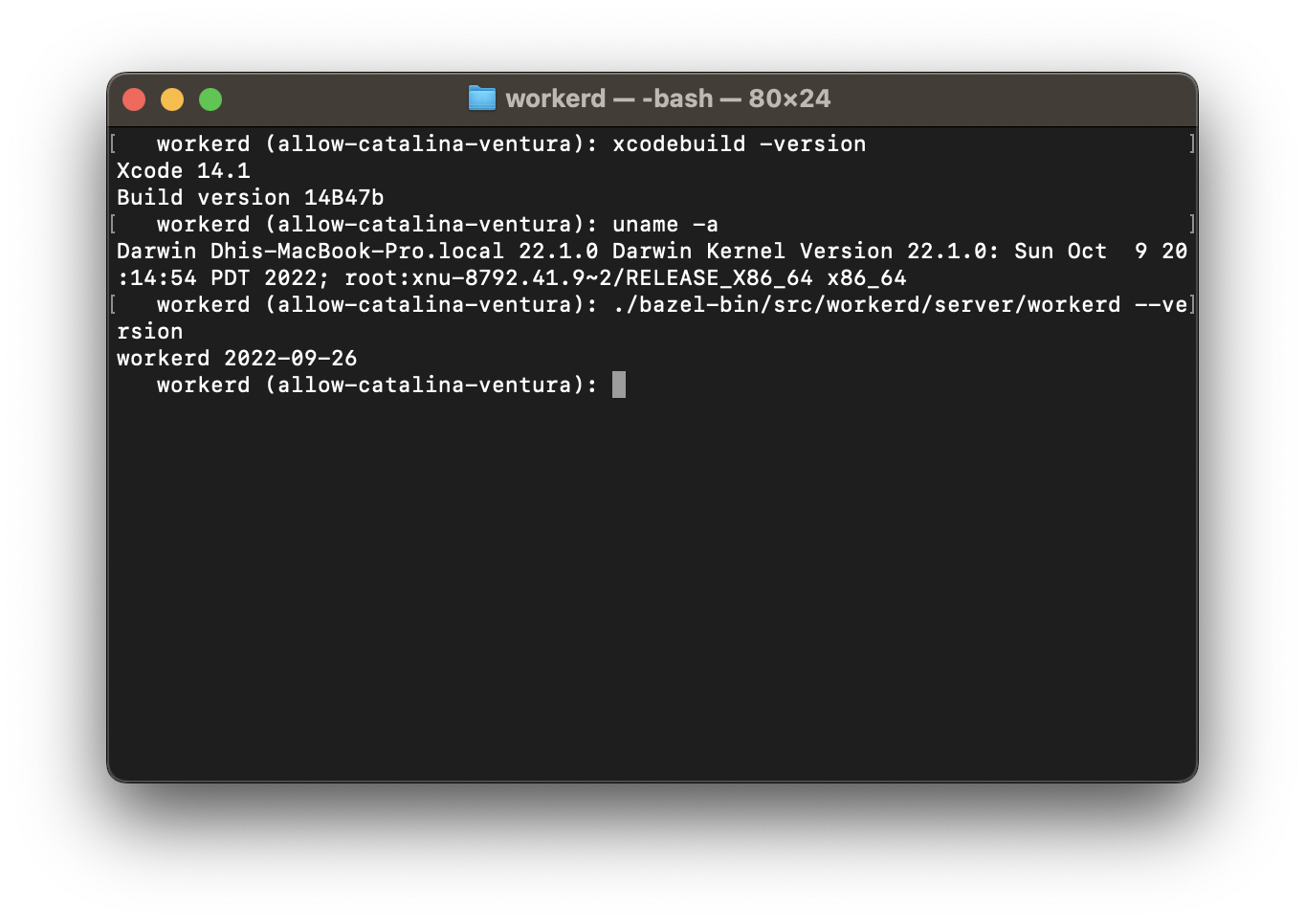
Or you can apply the patch here: https://github.com/cloudflare/workerd/compare/main...dio:workerd:allow-catalina-ventura.patch?full_index=1
how to use this patch?

Disabling them makes sense but I'd still like to be able to bring them back optionally. Can we turn them off by default and have an option to show them? They often give us a good heads up on upcoming changes.
how can i disable them, i can't turn it off, this makes me feel confused.

@mrbbot I have submitted it here: https://github.com/cloudflare/workerd/pull/276.