

 cloudflare
Magento 2.2.7 support - Config Page empty
When is there coming support for 2.2.5+, the config page of the module is empty. Please let me know there are more people waiting on this.

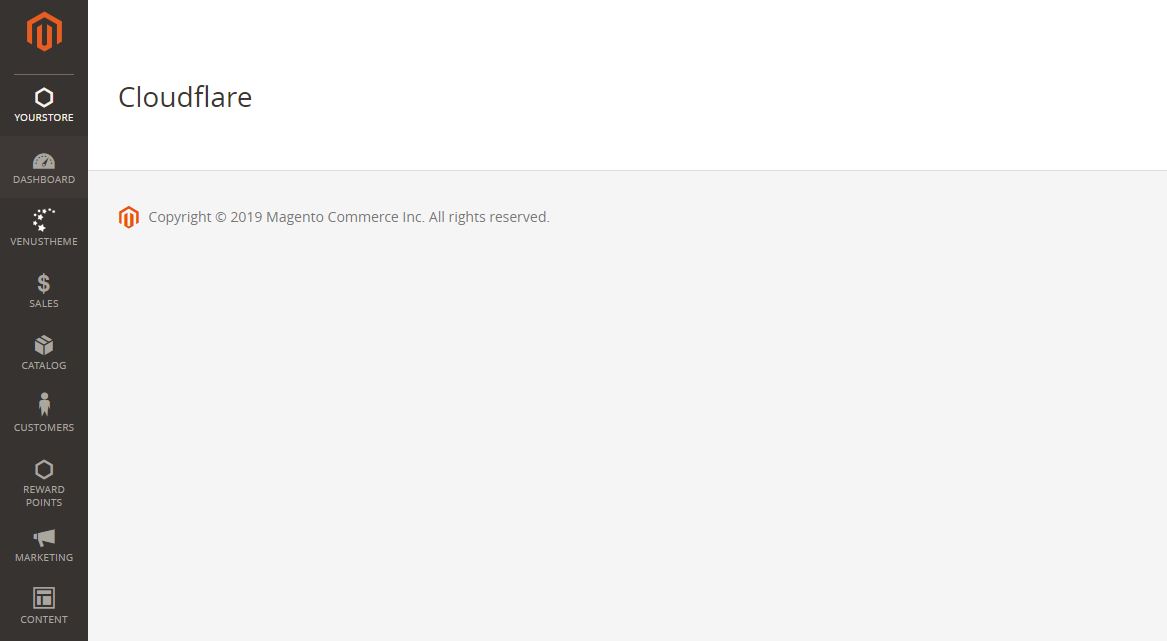


We are running into same 404 issue : Magento Version 2.3.1 / is there any Fix planned ?


I managed to make it work both in 2.2 and 2.3. excluding js files of being minified, creating a custom module that depends on Cloudflare one
You can't, is beling locally developet. But you just need to create two files:
/etc/module.xml
<?xml version="1.0"?> <config xmlns:xsi="http://www.w3.org/2001/XMLSchema-instance" xsi:noNamespaceSchemaLocation="urn:magento:framework:Module/etc/module.xsd"> <module name="Vendor_Module" setup_version="1.0.0"> <sequence> <module name="CloudFlare_Plugin"/> </sequence> </module> </config>
etc/config.xml
<?xml version="1.0"?> <config xmlns:xsi="http://www.w3.org/2001/XMLSchema-instance" xsi:noNamespaceSchemaLocation="urn:magento:module:Magento_Store:etc/config.xsd"> <default> <dev> <js> <minify_exclude> <cloudflare_compiledjs>/CloudFlare_Plugin/</cloudflare_compiledjs> </minify_exclude> </js> </dev> </default> </config>
@antoniocarrion Can you elaborate where exactly to place these two files? is it magento-document-root/etc/ ?

@indiancazorla you have to place them into app/code/YourVendor/YourModule/etc. Don't forget to create app/code/YourVendor/YourModule/registration.php file, too