
notare
 notare copied to clipboard
 clinicjs
notare -- Node.js observer
Inspired by Matteo Collina's climem...
Utility for monitoring Node.js performance metrics from the command line.
First, install globally:
$ npm i -g notare
Then, within your project:
$ npm i --save-dev notare
$ node -r notare myscript.js
Then, from a separate terminal window, run:
$ notare
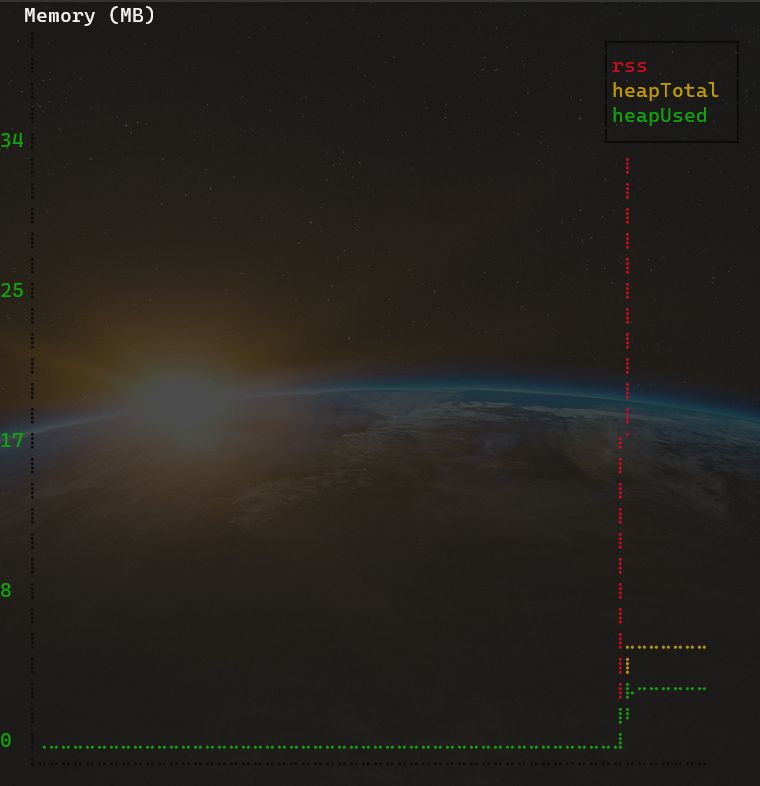
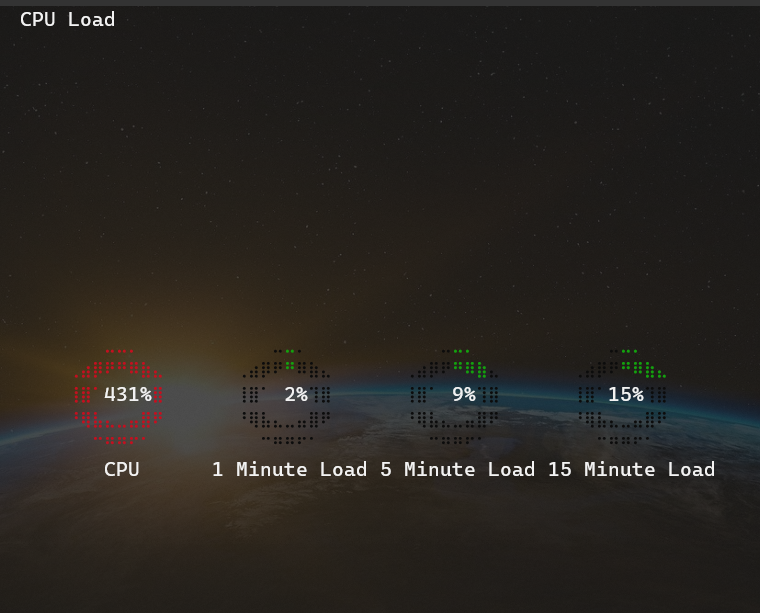
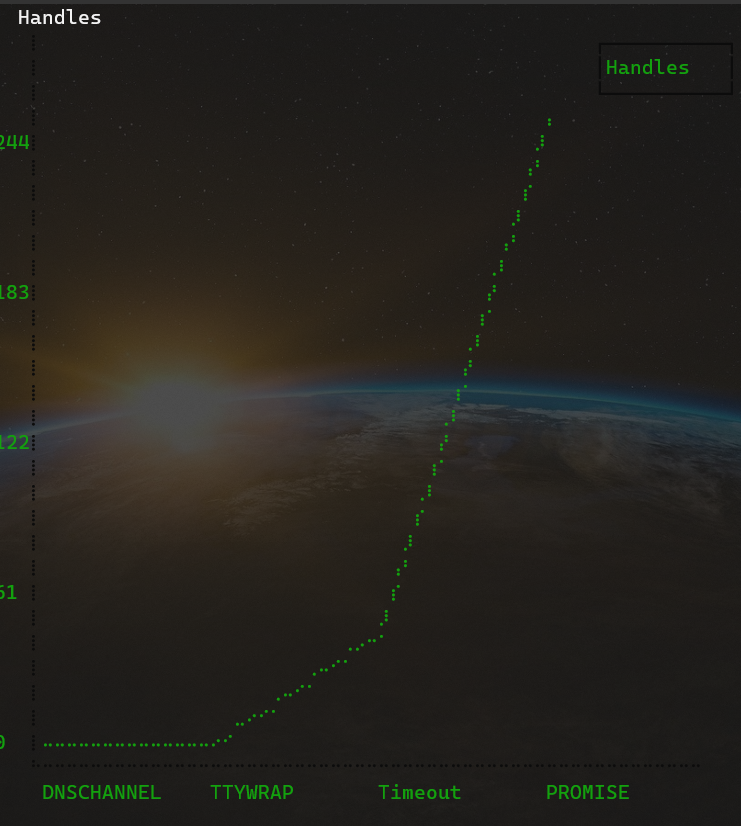
Screenshots
Use the keyboard arrow keys to navigate screens.

Configuration via Environment Variables
NOTARE_HZ=nwherenis the number of samples per second (default2)NOTARE_PORT=nwherenis the UDP port notare should use (default8999)NOTARE_HOST=nwherenis the UDP hostname (defaultlocalhost)NOTARE_HANDLES=1instructs notare to monitor async hook handle countsNOTARE_GC=1instructs notare to monitor garbage collection (disabled by default)
 clinicjs