

 ckeditor
IME not working with Japanese (Romaji) on Safari on research branch
📝 Provide detailed reproduction steps (if any)
- Switch to
ck/11438-beforeinput-ime-research-vol1.1 - Set your device language to Japanese (Romaji)
- Open http://localhost:8125/ckeditor5-typing/tests/manual/beforeinput.html on Safari.
- Type on the keyboard
annaand select the first version of the word from the composition.
✔️ Expected result
IME typing does work with Japanese.
❌ Actual result
Typing disappears after approving one of the versions of the compositions.
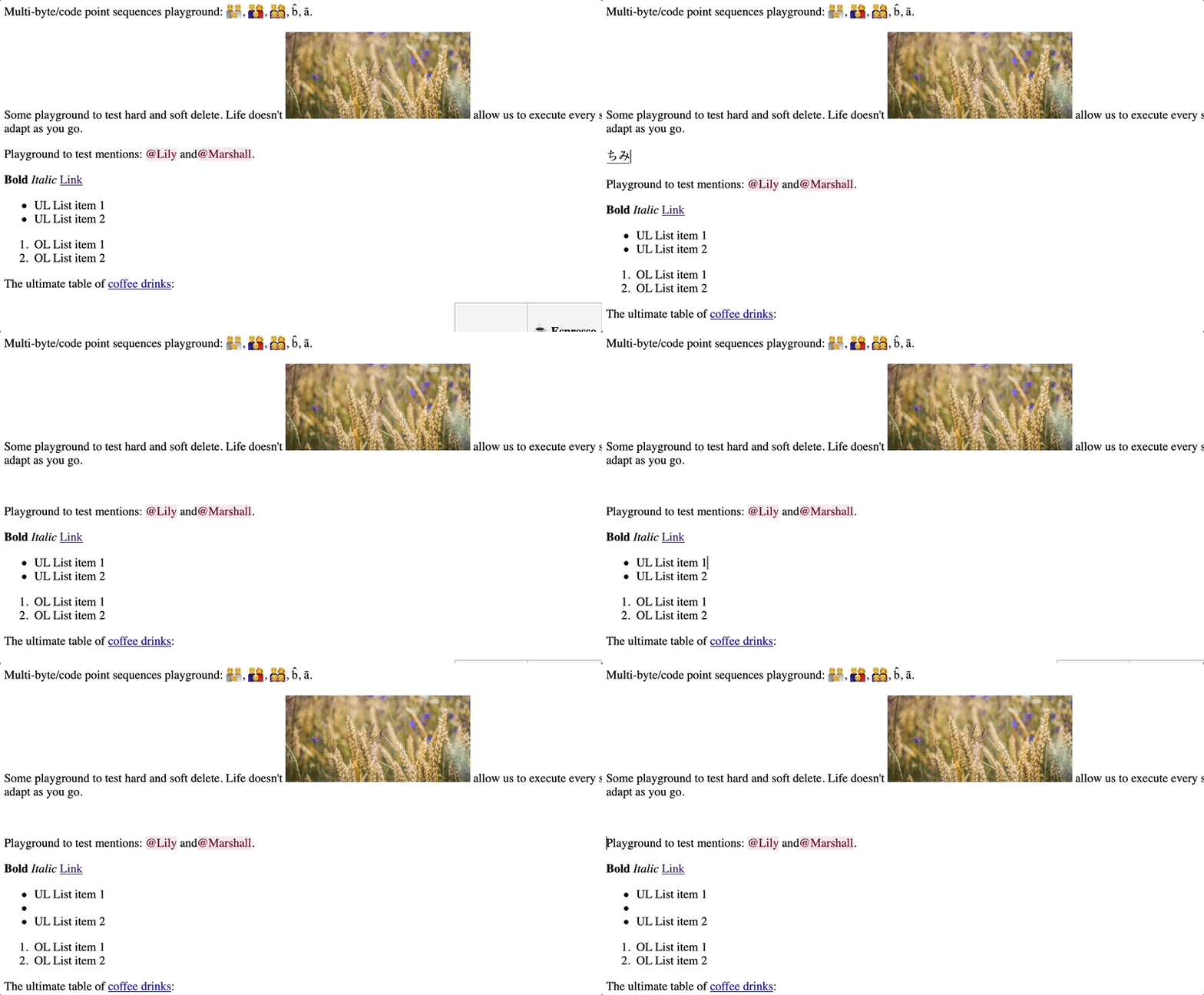
📃 Other details
This is a regression. Such a situation does not take place in pure editable or docs.
- Browser: Safari (desktop or iOS)
- OS: Mac OS Monterey or iOS 15.4.1
If you'd like to see this fixed sooner, add a 👍 reaction to this post.

Small note: the selection needs to be done with a mouse. Using the keyboard to select an option from the composition dropdown works correctly.

It's really odd, but for me, setting my language input to this:
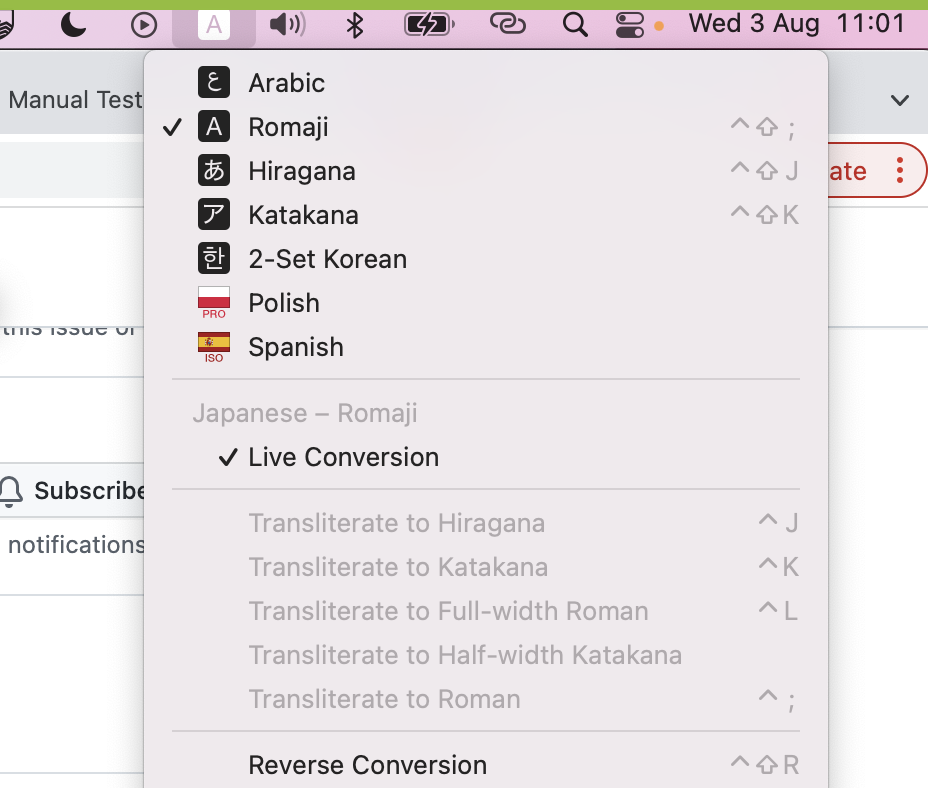
And typing anything doesn't trigger IME at all. It works like normal typing.

@Reinmar romaji itself is a latin transcription of Japanese words. It should work like normal typing. @dufipl could you share which input mode you're using? (kinda looks like hiragana to me but please confirm ;>)

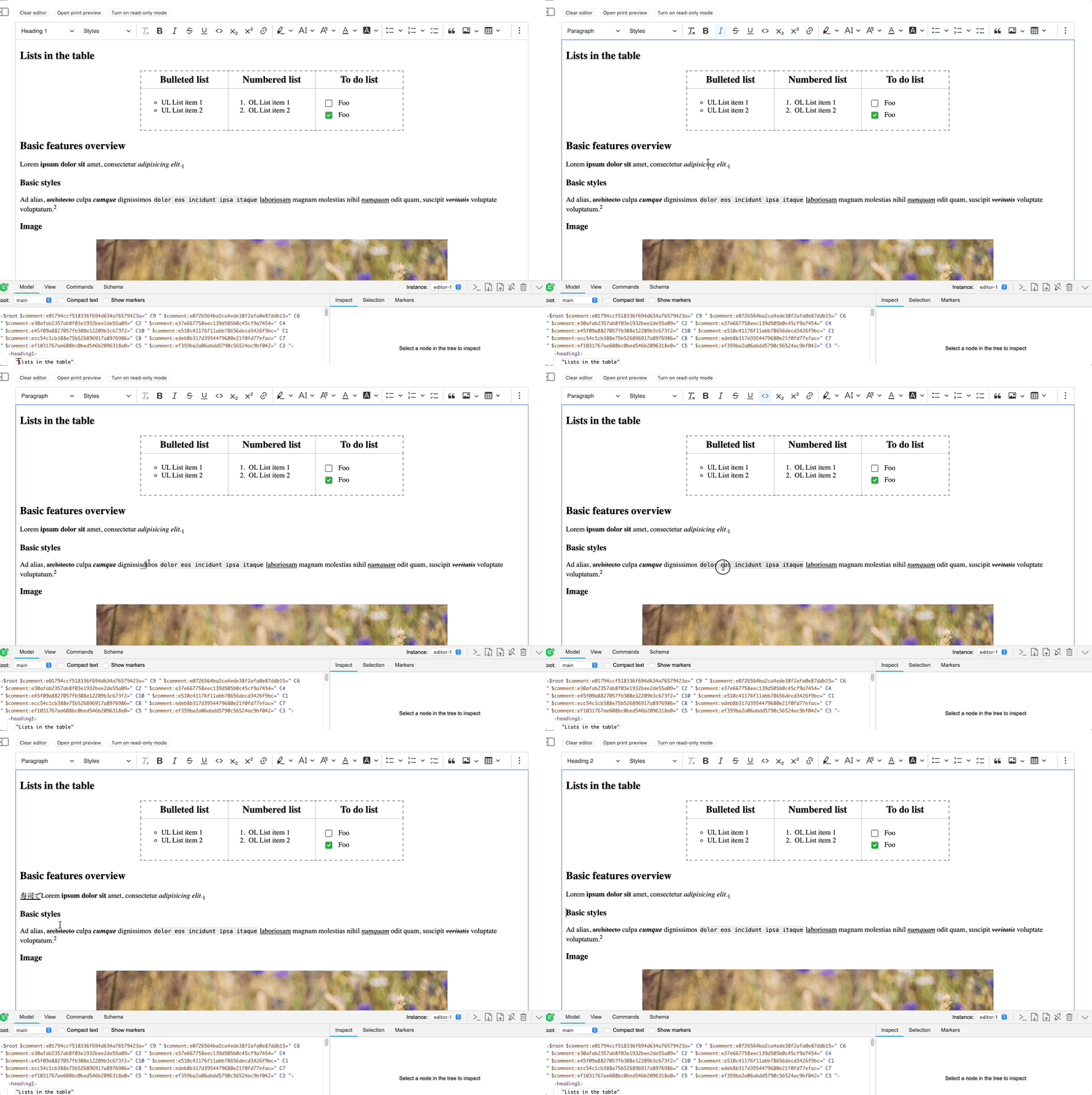
The issue still persists on the ck/11438-beforeinput-ime-research-vol1.1-android branch on Safari. It is a regression from master and looks pretty ugly though:
 cc @niegowski
This is happening because the composition wasn't committed. Safari fires a compositionend event with an empty string as data. Chrome fires with the data to be inserted.

There has been no activity on this issue for the past year. We've marked it as stale and will close it in 30 days. We understand it may still be relevant, so if you're interested in the solution, leave a comment or reaction under this issue.

We've closed your issue due to inactivity over the last year. We understand that the issue may still be relevant. If so, feel free to open a new one (and link this issue to it).