citra-emu
None of the SETTINGS are being displayed
Hello, after installing the app when I try to configure the general, graphics or even any settings I get a blank white screen.


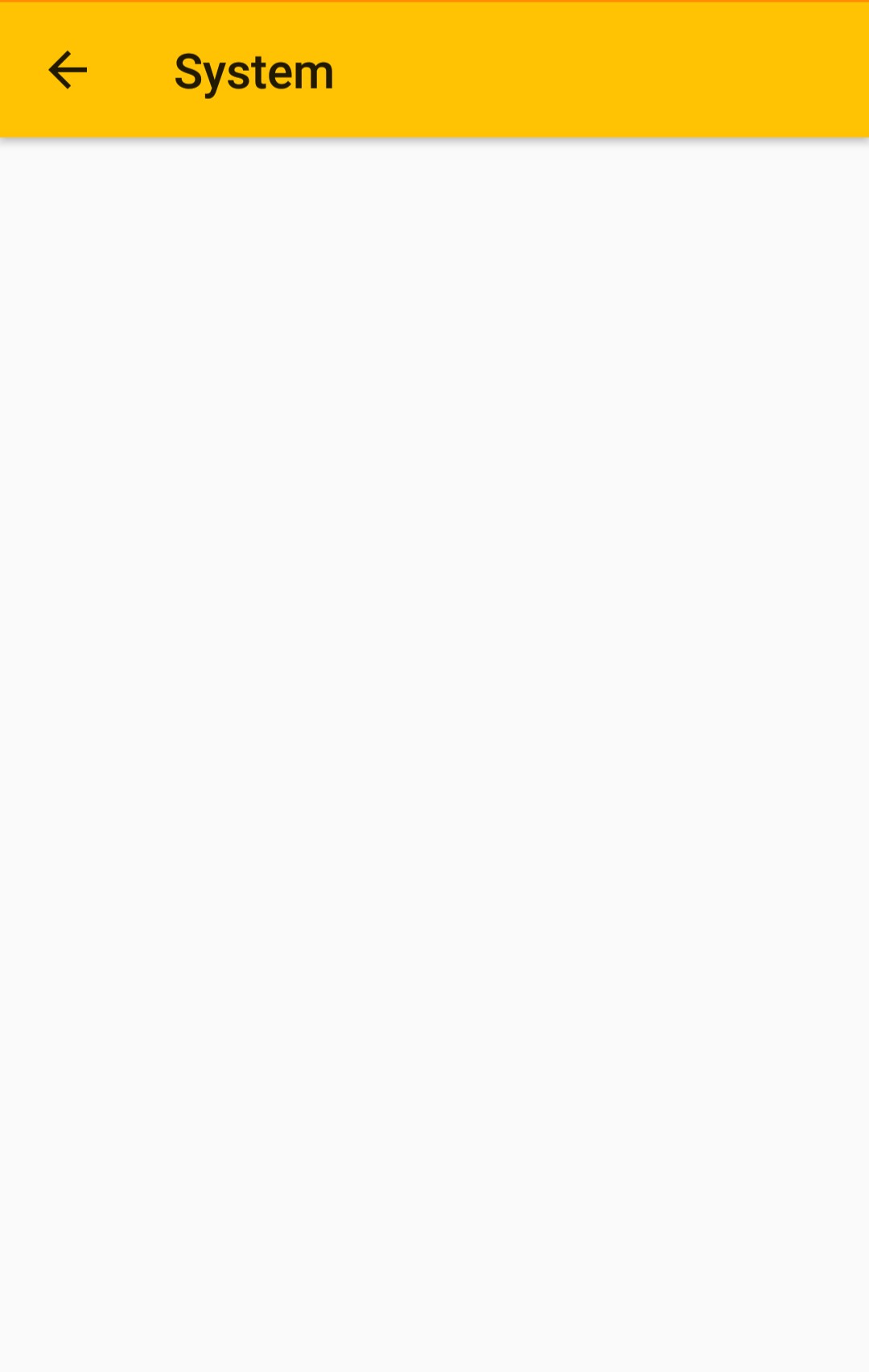

The app do detect games and can emulate it.

Here are my System Informations.
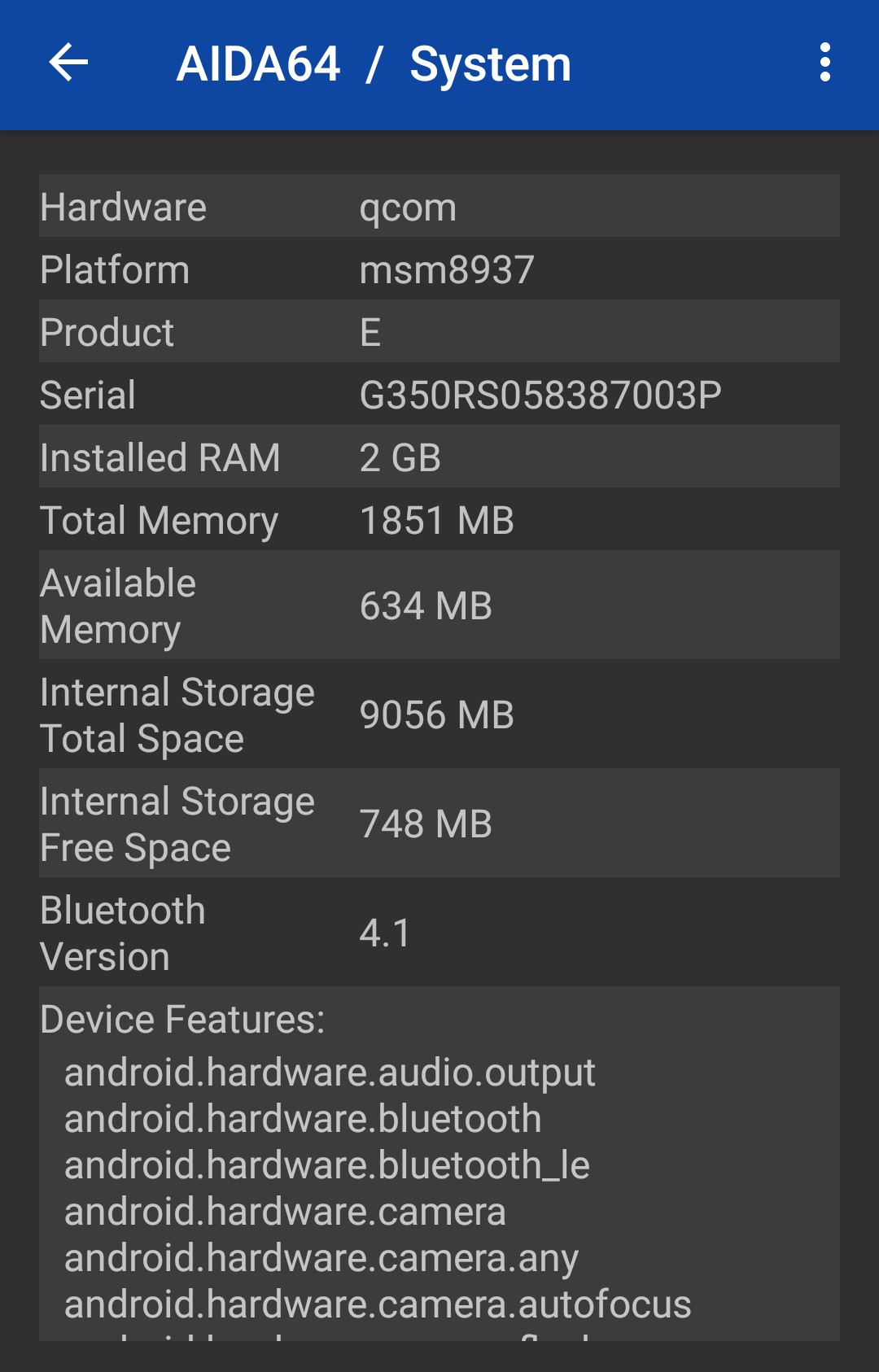
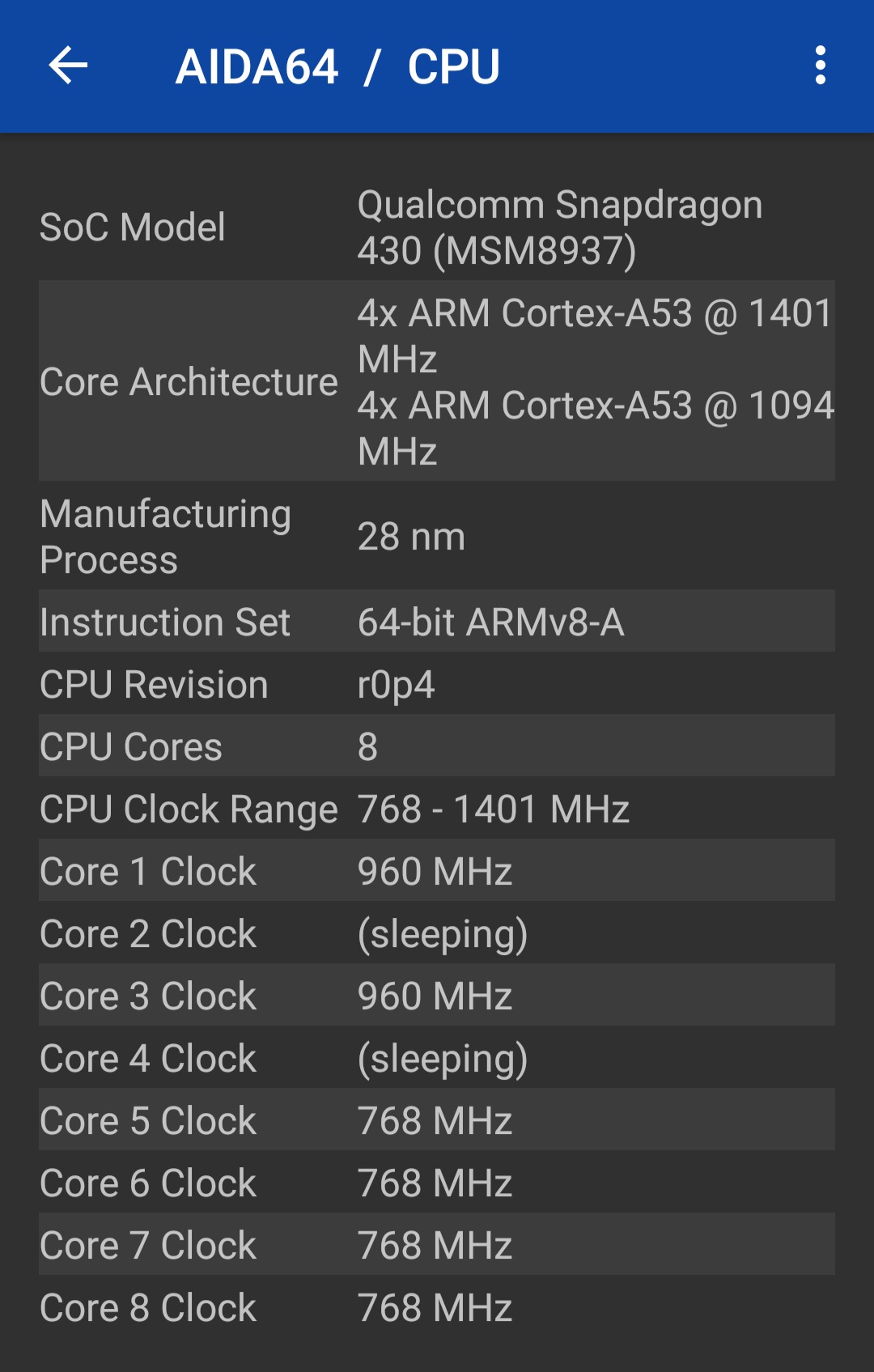
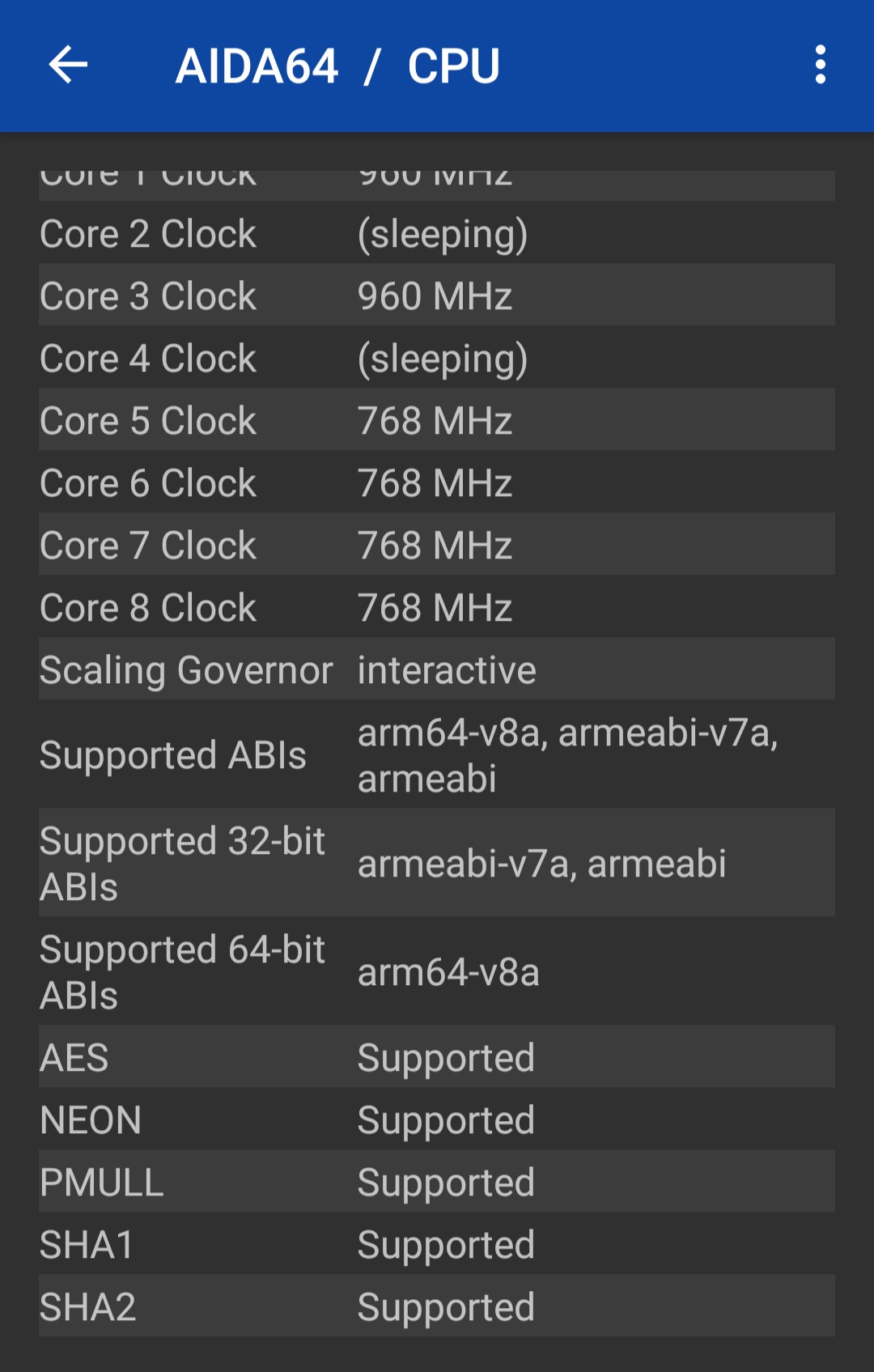
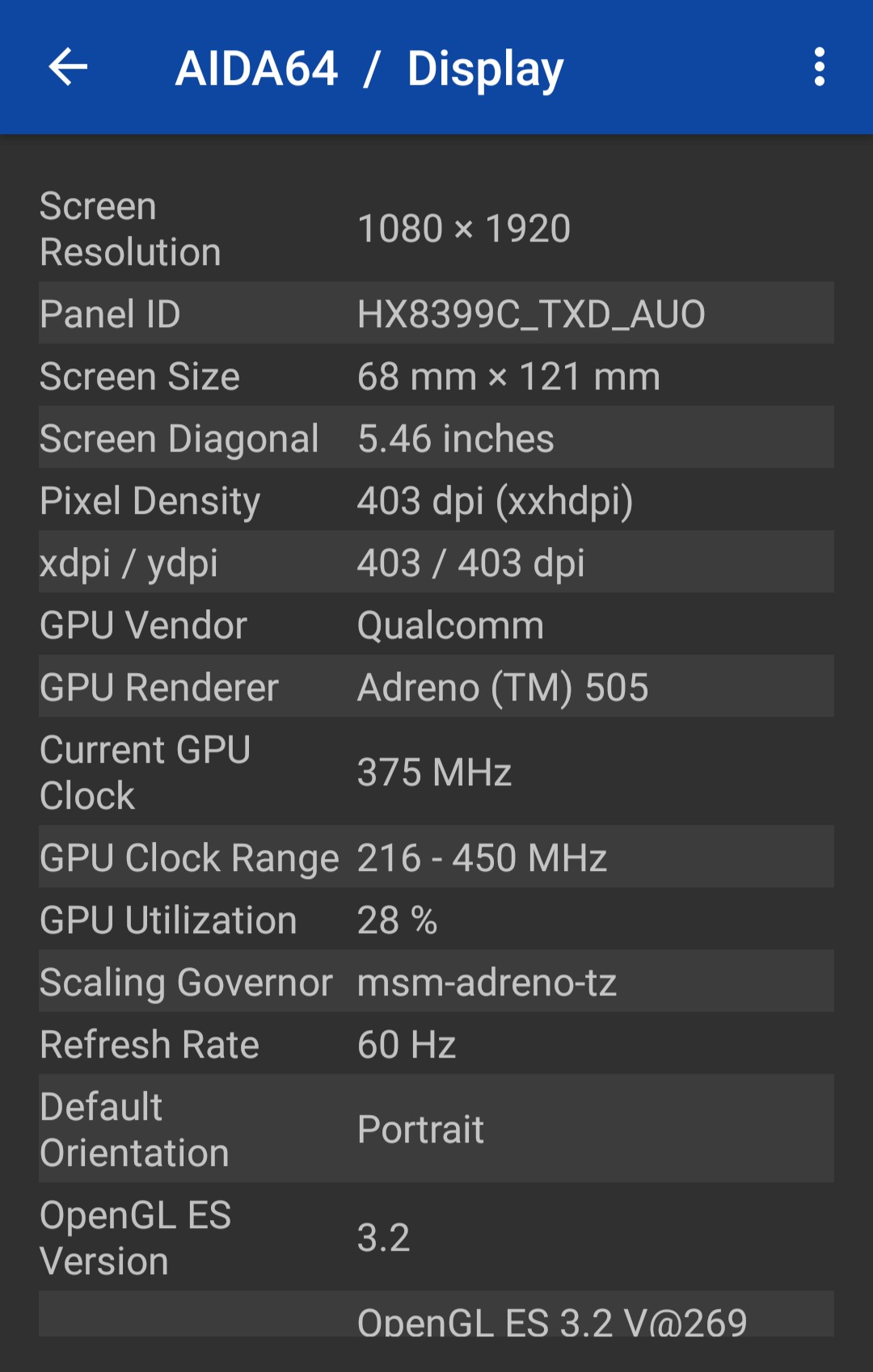
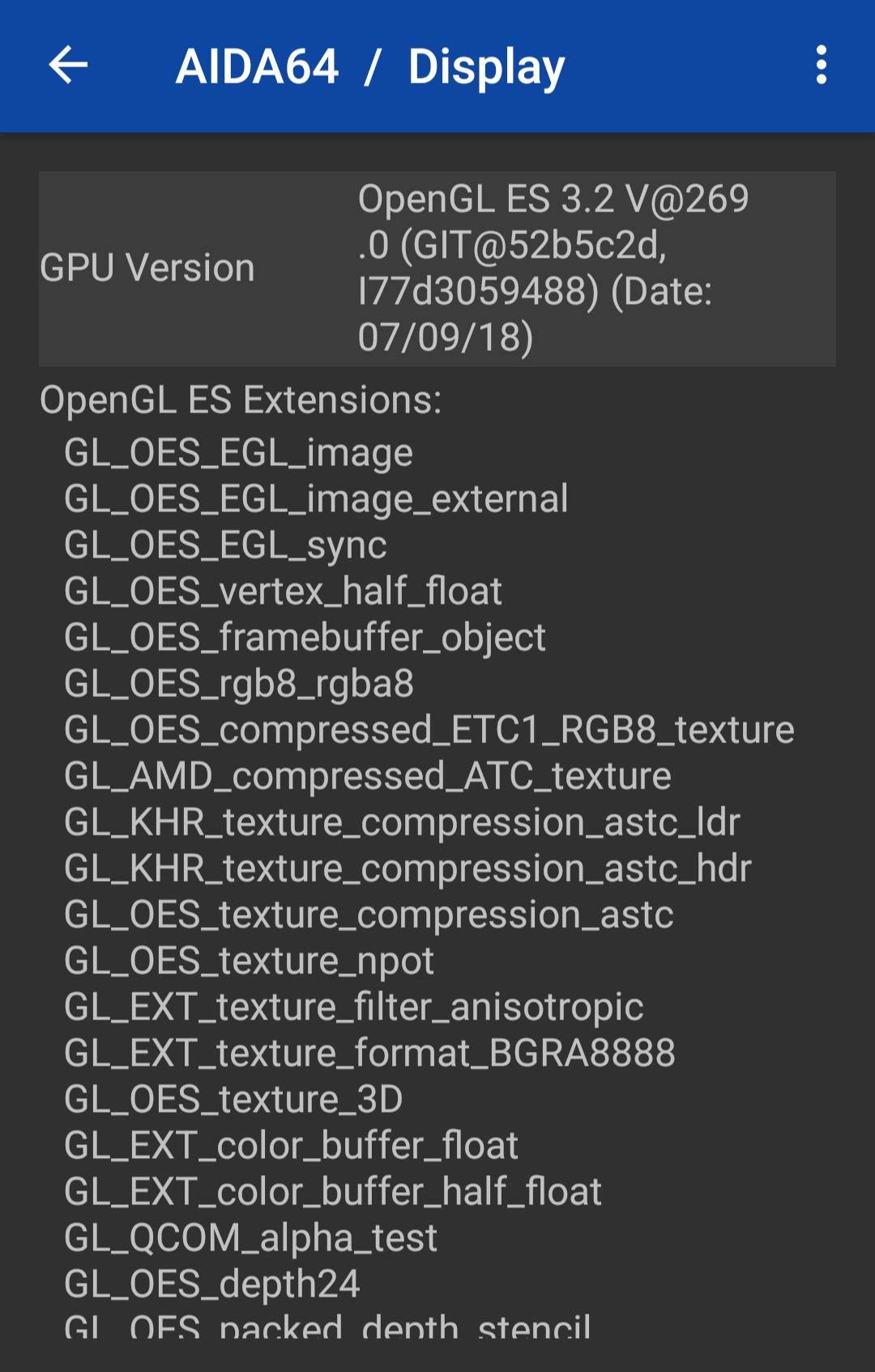
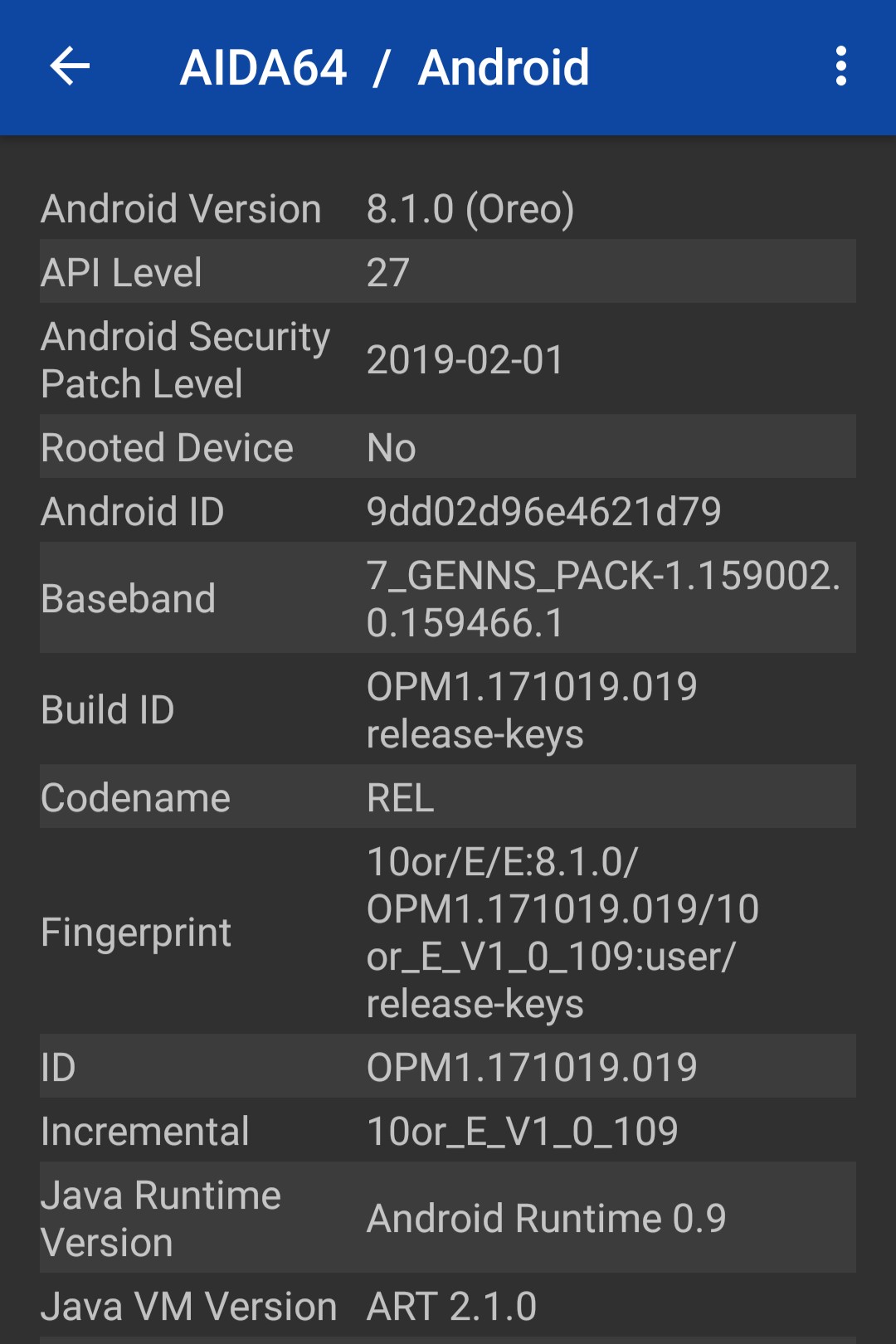
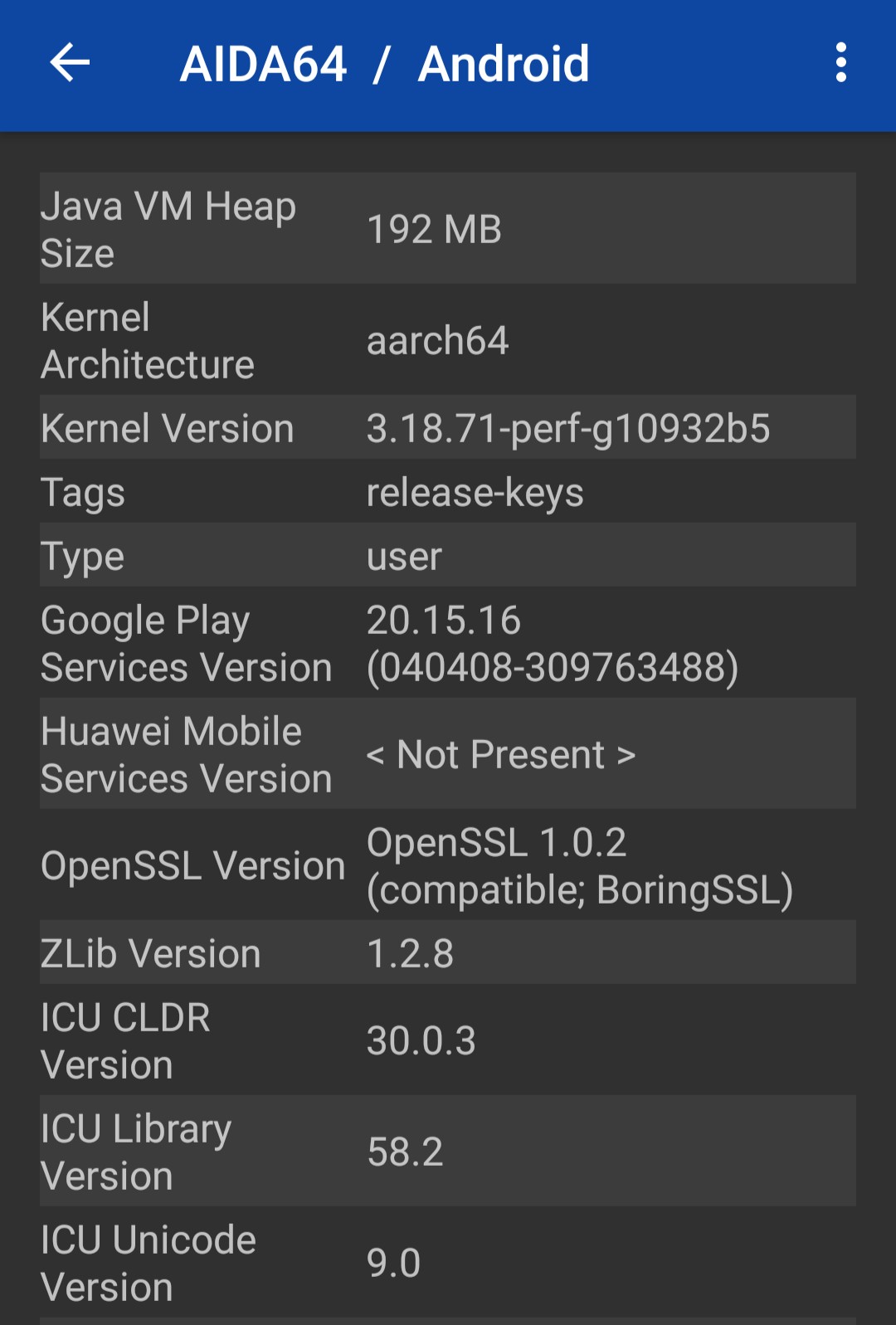
If you need any additional information, let me know in the comments. 😊

Do you have battery saving mode turned on? Please try restarting the app after turning it off.

@SutandoTsukai181 Thanks a lot! Without the battery saver turned on, it works. But how to make it work with battery saver turned on?

I have no idea. A user on Discord noticed that this fixes the problem, so I was checking if it's related or not.
Here's one potential lead / workaround I found on SO https://stackoverflow.com/questions/35489828/fragmenttransaction-setcustomanimations-doesnt-work-when-battery-saver-is-on