

 cisco-system-traffic-generator
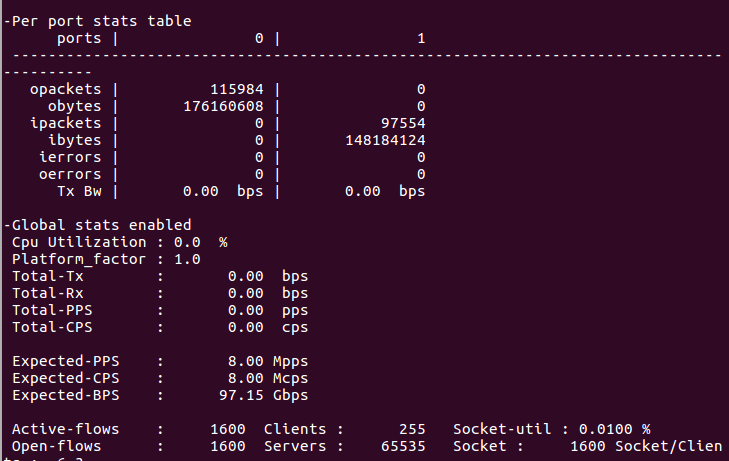
can not use ./trex-console Do you have any solutions
Hi, I'm using trex v2.91./trex-console failed Ubuntu 16.04

but I can run./t-rex-64 -m 1000-f cap2/imix_1518.yaml

Any help would be appreciated!


@yangtian0421, you should start T-Rex server first to use trex-console: ./t-rex-64 -i

@yangtian0421,您应该先启动T-Rex服务器以使用trex控制台:./t-rex-64 -i
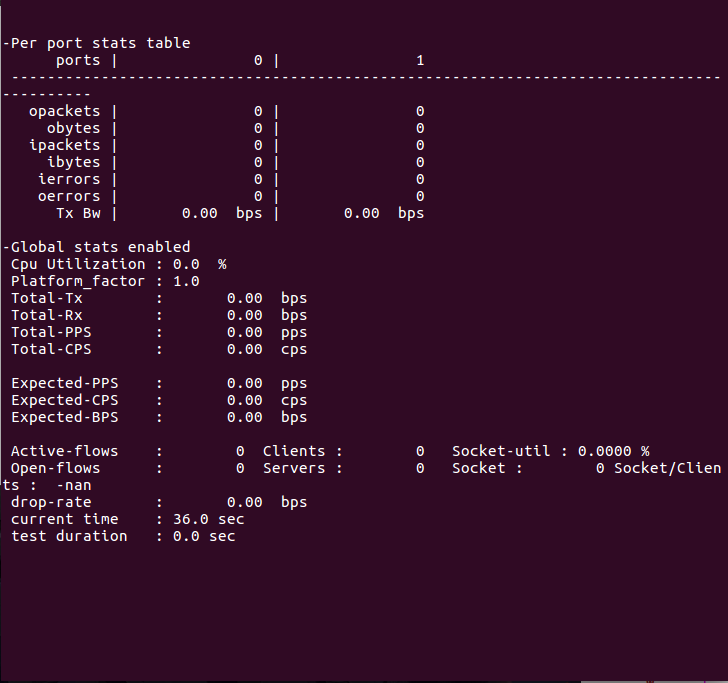 Interactive mode and console startup are separate
为什么不试试最后一个 3.0.2
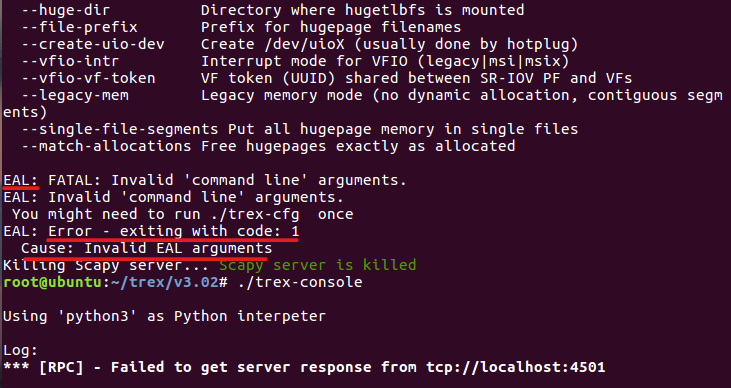
If I use v3.02,./t-rex-64 -i won't work, and./trex-console won't work either, because dpdk failed to start. Maybe it's not the version
root@server:/trex-core/scripts# ./dpdk_nic_bind.py -s
你是怎么绑定的网卡,使用igb_uio的驱动类型重新绑定一下试试呢
root@server:/trex-core/scripts# ./dpdk_nic_bind.py -s你是怎么绑定的网卡,使用igb_uio的驱动类型重新绑定一下试试呢 There is no problem with the network adapter binding, v2.91 can boot./ t-rex-64-i using the same steps, but the console will not boot. I always assumed that the boot console was prompted or not depending on the Python version, but it is not. v2.91 was also unable to boot because I was using a virtual machine, and sometimes a system update./t-rex-64 -i worked.
It seems that you haven't found python 3. What version of python is your system? Trex requires at least after python 3.4
Follow the prompts to run it ./trex-cfg Is there any echo information I think about these aspects: 1 configuration, 2 network card binding, 3 python version