chocolatey
Improve performance of search page
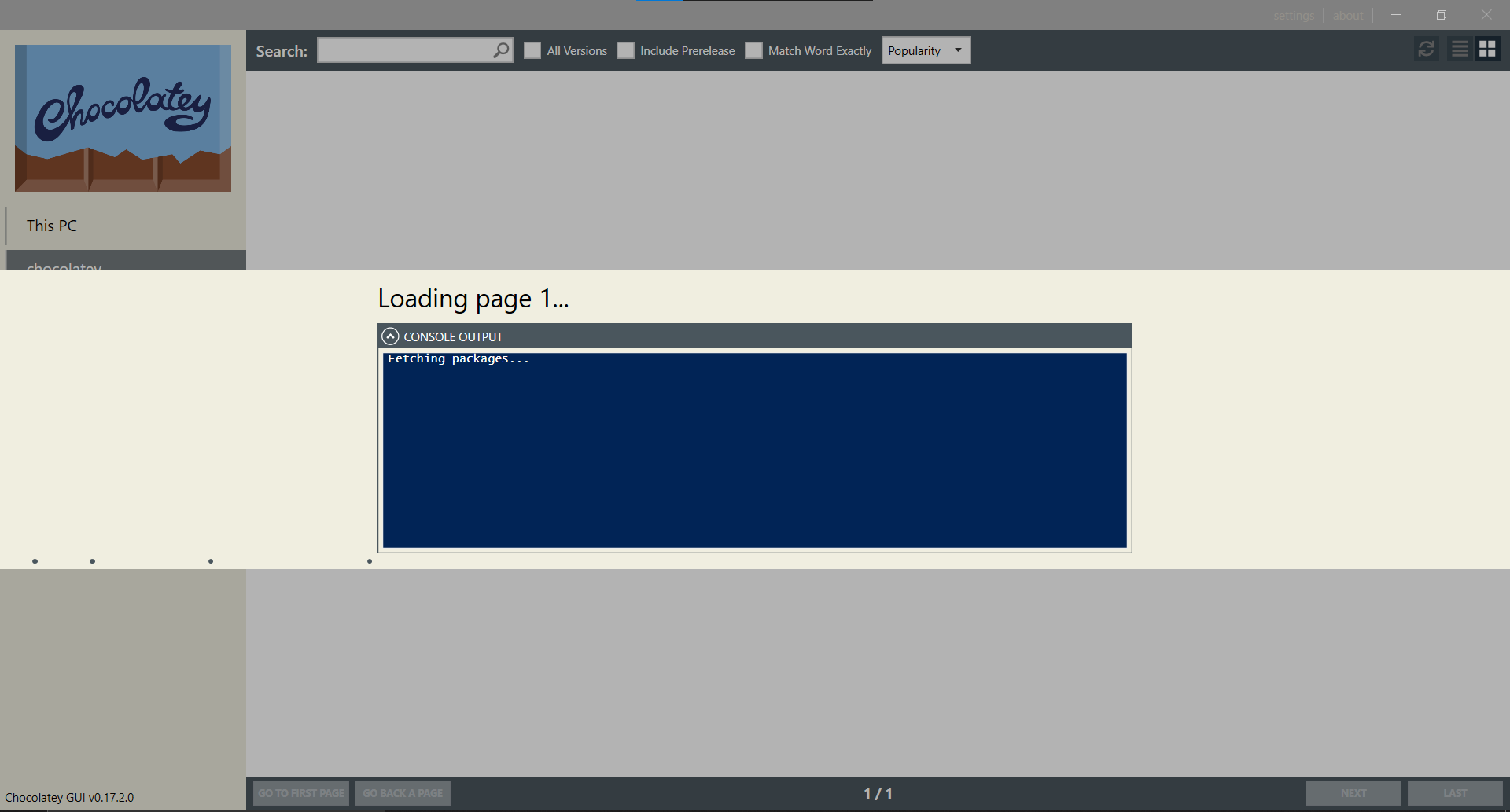
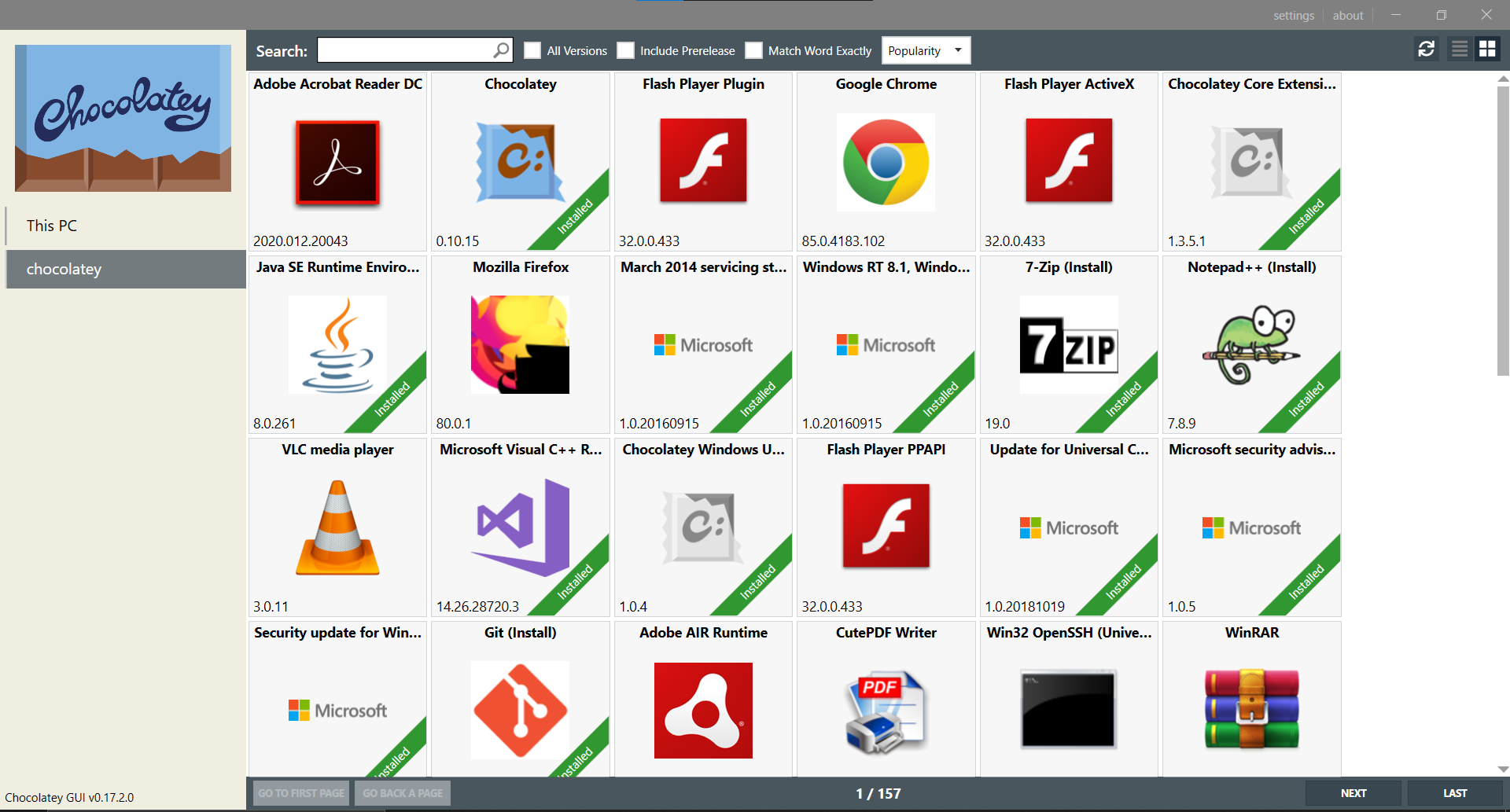
The search page now fetches all the name of trending packages and their icons every single time I want to search for a package. While this page changes hardly ever. From the time I remember, the list of these trending packages has not changed for months or years.
Suggestions:
-
It would be better to let the users search for a package rather than blocking them by loading the trending packages.
-
Loading the trending page should become asynchronous.
-
The trending page shall be cached (its icons, names, etc), and only updated once a week. This page changes hardly ever.
-
Use a faster fetching/downloading method. The chocolatey webpage opens instantly but this GUI app is very slow in downloading. This is very strange since the website uses JavaScript, but the GUI app is written in C#!
This issue is related to https://github.com/chocolatey/ChocolateyGUI/issues/777
Screenshots

@aminya can I please ask that you try the latest pre-release version of Chocolatey GUI 0.18.0. The instructions are on the readme:
https://github.com/chocolatey/ChocolateyGUI#installation
This includes a couple of new options that I think will help in this regard, specifically:
https://github.com/chocolatey/ChocolateyGUI/issues/769 https://github.com/chocolatey/ChocolateyGUI/issues/706

There is no 0.18.0
❯ choco install chocolateygui --source myget.org/F/chocolateygui --pre
Chocolatey v0.10.15
Installing the following packages:
chocolateygui
By installing you accept licenses for the packages.
chocolateygui v0.17.2 already installed.
 Use --force to reinstall, specify a version to install, or try upgrade.

Chocolatey installed 0/1 packages.
 See the log for details (C:\ProgramData\chocolatey\logs\chocolatey.log).

Warnings:
 - chocolateygui - chocolateygui v0.17.2 already installed.
 Use --force to reinstall, specify a version to install, or try upgrade.
Ah, you will need to use the following:
choco upgrade chocolateygui --source myget.org/F/chocolateygui --pre
Why don't you just release this on chocolatey itself?
Another error:
❯ choco upgrade chocolateygui --source myget.org/F/chocolateygui --pre
Chocolatey v0.10.15
Upgrading the following packages:
chocolateygui
By upgrading you accept licenses for the packages.

chocolateygui was not found with the source(s) listed.
 If you specified a particular version and are receiving this message, it is possible that the package name exists but the version does not.
 Version: ""; Source(s): "myget.org/F/chocolateygui"

Chocolatey upgraded 0/1 packages.
 See the log for details (C:\ProgramData\chocolatey\logs\chocolatey.log).

Warnings:
 - chocolateygui - chocolateygui was not found with the source(s) listed.
The complete command, taken directly from the readme page, would be the following:
choco upgrade chocolateygui --source https://www.myget.org/F/chocolateygui/ --pre
We don't push continuous integration builds of Chocolatey GUI onto the chocolatey.org feed. They only go to the MyGet feed.
Well, I tried this command. It gives the error in https://github.com/chocolatey/ChocolateyGUI/issues/789#issuecomment-691261960
I don't see any commits or git tags regarding 0.18. Are you sure you have pushed it?
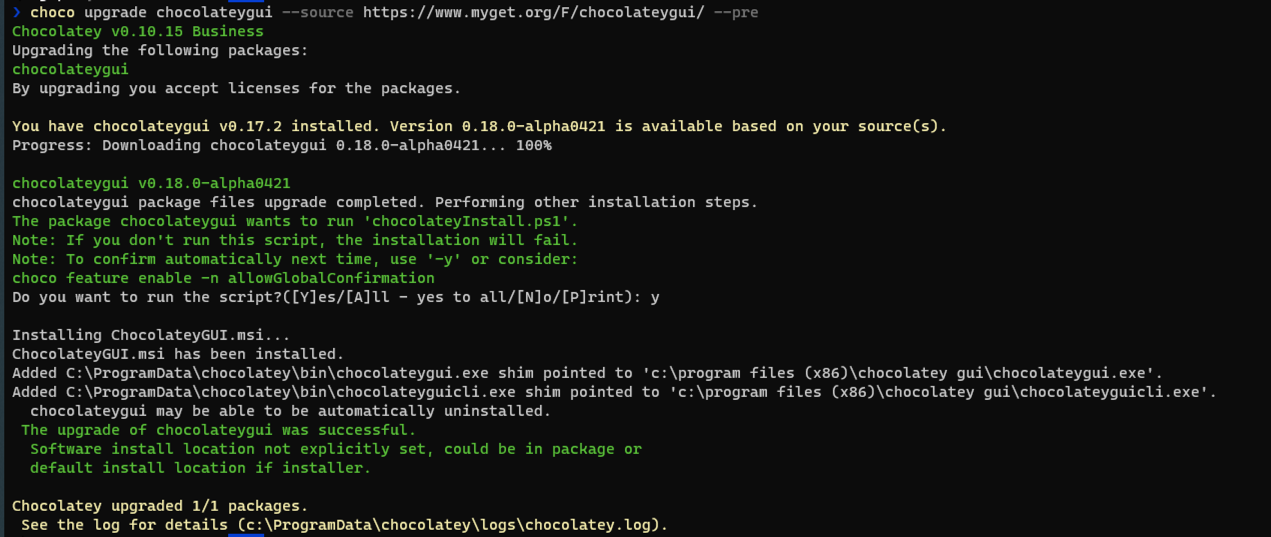
Ah, the error was because of the "Refined GitHub" browser extension. It shortened the link to myget.org/F/chocolateygui which was not working 🤦♂️ Using the full URL works.
I tried 0.18.0. There is no noticeable difference, still, the loading page dialog blocks the main thread. My suggestions are still applicable.
Just to confirm, you enabled both of the new settings that are available in the new version?
Once enabled, when navigating to the chocolatey source, you should see the following:
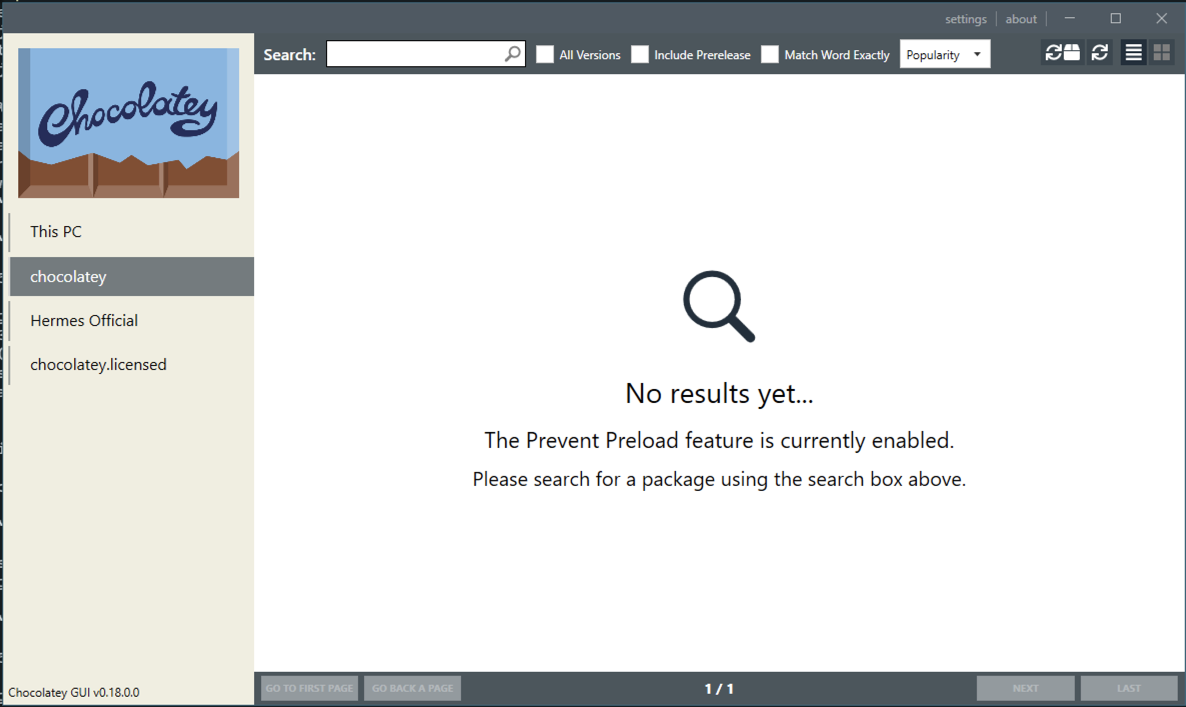
i.e. it openly immediately
After doing that it finally works! Thanks!
I don't usually change my settings, and I think this should become the default behavior (or as I said just separate the search bar logic from the loading logic by running them on separate threads or making them async).
@aminya said... (or as I said just separate the search bar logic from the loading logic by running them on separate threads or making them async).
This is an open source project. If you are interested in seeing this change made, we would welcome a contribution.
This is an open source project. If you are interested in seeing this change made, we would welcome a contribution.
For sure! That's why I opened this issue. Unfortunately, I don't speak C# myself.