

 chhoumann
[BUG] Macro that is called from "Capture format" area in Capture does not work on Obsidian mobile app.
Describe the bug I created a system wherein a macro calls a user script that shows a suggester and wide input prompt, and then the selected and input values are inserted in "File Name" and "Capture format" in a capture respectively like below.
File Name: Pages/{{MACRO:RunQuickAddUtils::suggestMathsChapters}}.md
Capture format: {{MACRO:RunQuickAddUtils::addMathsContent}}
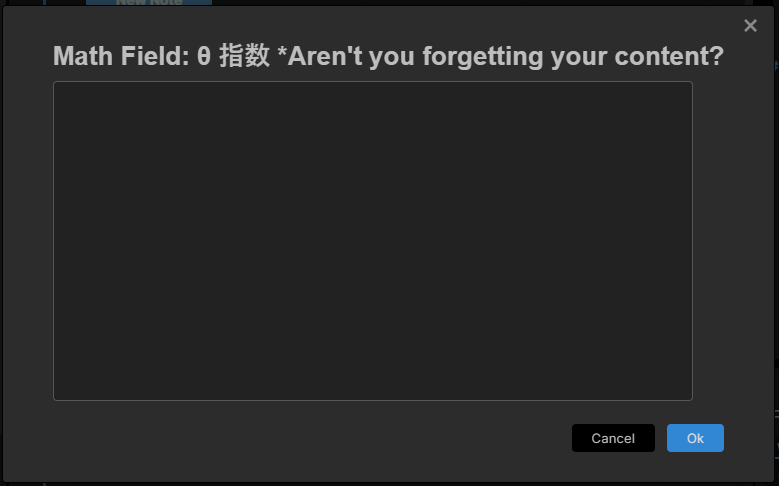
This successfully works on desktop, but not on mobile. More precisely, the first suggester does work even on mobile, but the second wide input prompt does not pop up after the first event. Just in case, I tried the same with a normal input prompt, but got the same outcome.
To Reproduce Steps to reproduce the behavior:
- Create a file whose title is identical to an option shown by a suggester.
- Add a macro that calls your original script that shows a suggester and wide input prompt and returns the values. (User Scripts)
- Create a capture and set the suggester result to File Name(Keep in mind that the path is arranged) and the prompt one to Capture format.
- Enable it by clicking a thunder icon.
- Call the capture from a command palette or something else.
- Select one option from the suggester.
- Nothing pops up.
Screenshots
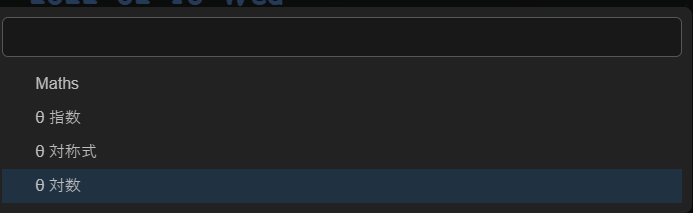
The first suggester
The second input prompt(This one does not pop up on mobile)
Desktop (please complete the following information):
- OS: Windows 10
Smartphone (please complete the following information):
- Device: iPhoneXR
- OS: iOS15.3

I think this is what I'm seeing as well. I have a macro that includes a Capture. It uses a template in the Capture Format, and that template is expanded and I get to input one variable. But after that nothing happens. The file is never created.
It works perfectly on desktop, but not on iOS. Really tricky to debug since there are no really good tools to do this when running on mobile.
Anyone else seeing this? Any known workarounds?
