

 chartjs
Change Label orientation on x-Axis for Bar Charts
Expected behavior
Hi,
I rotated the X axis labels 90 degrees. The labels are not in line with the chart as you can see they are slightly shifted to the right. I removed the css style, but it didn't change anything, it looks like a problem with the script.

chart.js version
v3.9.1

Please when you submit a bug report add a reproducable sample, the field is mandatory for a reason so it saves us time trying to reproduce it and asking for a reproducable sample if we can't reproduce it

Hi,
My code:
new Chart(conversionsChart, { type: 'bar', options: { scales: { y: { ticks: { callback: function (val) { return val + '%'; }, }, }, x: { ticks: { autoSkip: false, maxRotation: 90, minRotation: 90 } }, }, }, data: { labels: [ 'Oct 1', 'Oct 2', 'Oct 3', 'Oct 4', 'Oct 5', 'Oct 6', 'Oct 7', 'Oct 8', 'Oct 9', 'Oct 10', 'Oct 11', 'Oct 12', ], datasets: [ { label: '2020', data: [25, 20, 30, 22, 17, 10, 18, 26, 28, 26, 20, 32], }, { label: '2019', data: [15, 10, 20, 12, 7, 0, 8, 16, 18, 16, 10, 22], backgroundColor: '#d2ddec', hidden: true, }, ], }, });
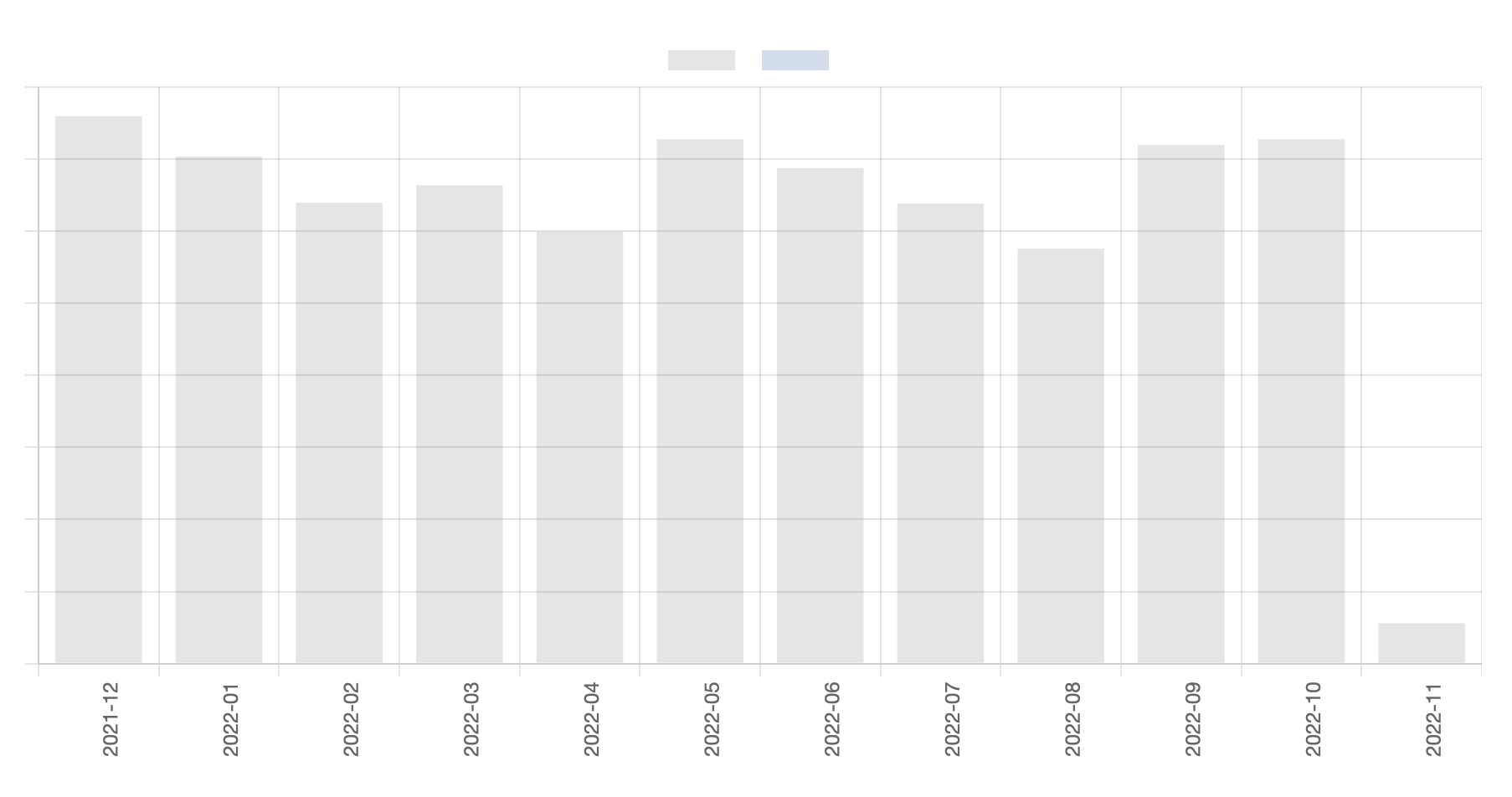
Reproducible: https://codepen.io/cmcnulty/pen/LYrNoPQ that said, whether it's centered on the top, middle or bottom of the text seems somewhat subjective to me.

2 cents. It seems to be solved in version 4. Trying in your codepen with https://cdn.jsdelivr.net/npm/[email protected]/dist/chart.umd.min.js, the ticks sounds to be drawn correctly.

2 cents. It seems to be solved in version 4. Trying in your codepen with https://cdn.jsdelivr.net/npm/[email protected]/dist/chart.umd.min.js, the ticks sounds to be drawn correctly.
Thank you for the info :)