

 chamilo
BigBlueButton: add option to hide the videoconference link field in the course
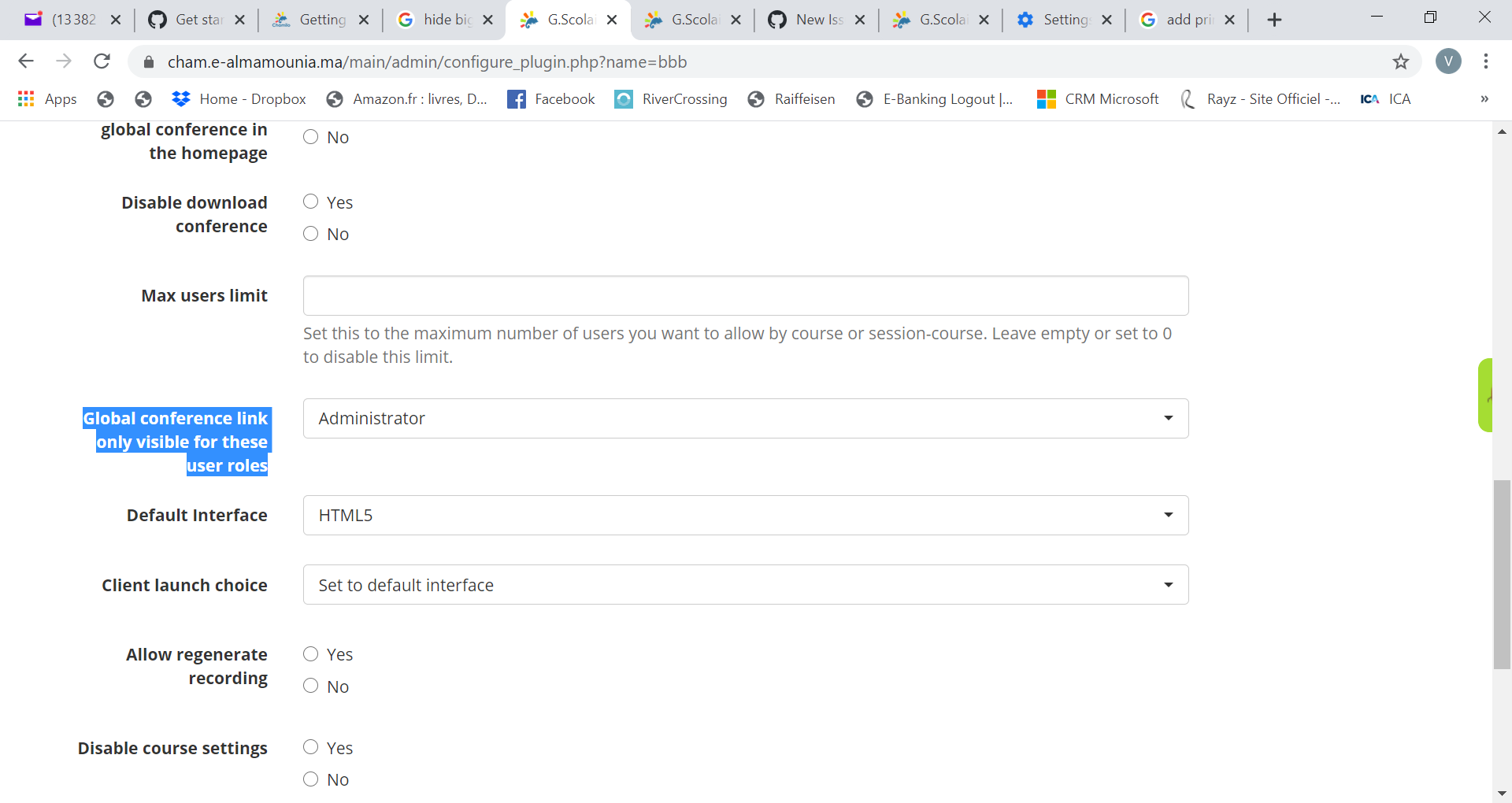
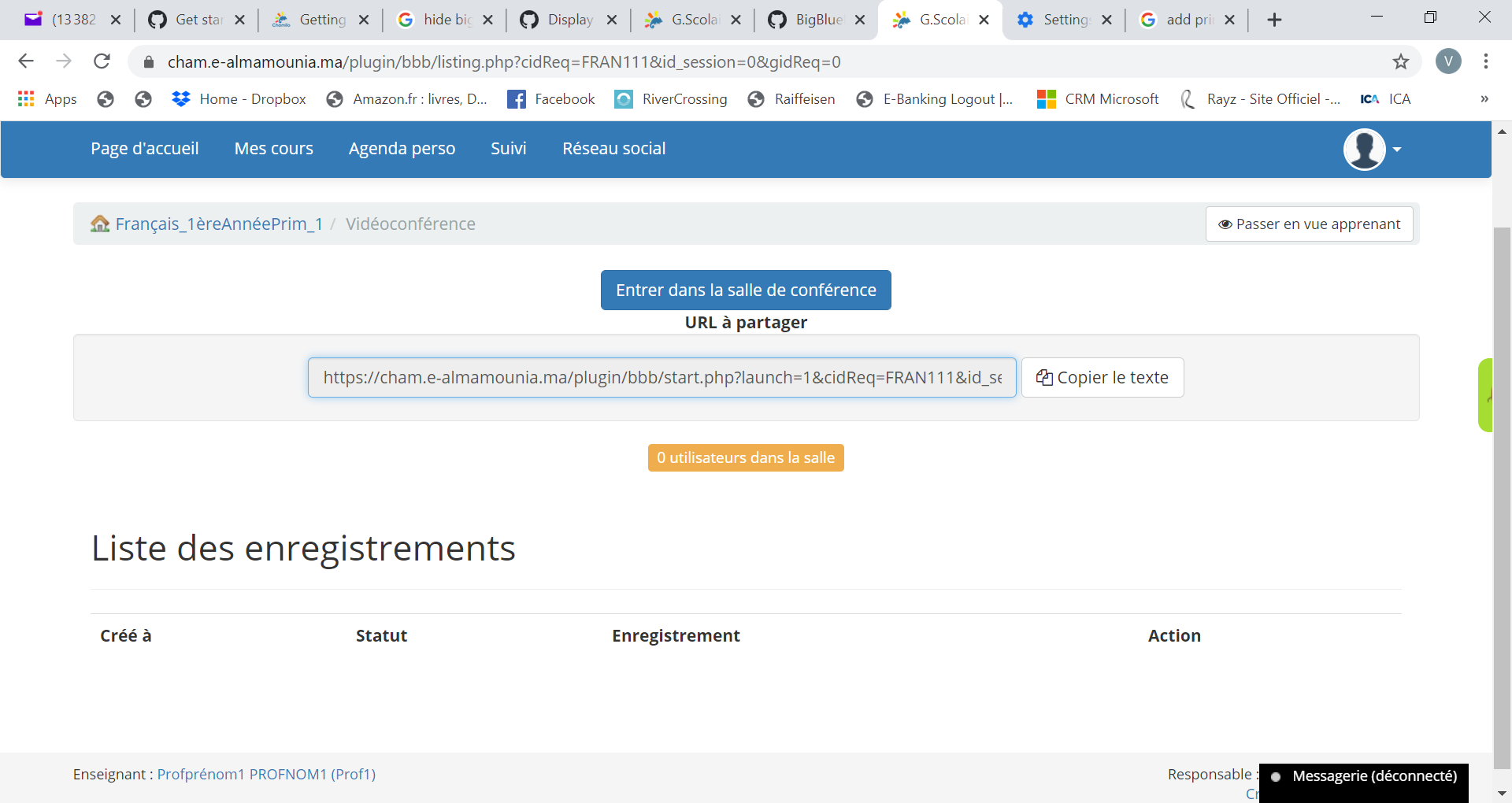
Describe BigBlueButton sessions URL is always visible even when the "Global conference link only visible for these user roles" option is set only to Administrator
To Reproduce
- Go to 'adminstration/plugins/bbb/'
- Scroll down to "Global conference link only visible for these user roles" and set it to "Administrator"
- Go to a Course, open a Videoconference
- The error: The VideoConference URL is visible to all (teacher, student, etc...)
Expected behavior The videoconference url should be hidden to students and teachers (in this case)
Screenshots
Desktop
- Windows 10
- chrome 85.0.4183.83 (Official Build) (64-bit)
**Server
- Version of Chamilo: 1.11.12

@MAMEK70
I have the same issue and more. Check this https://github.com/chamilo/chamilo-lms/issues/3472

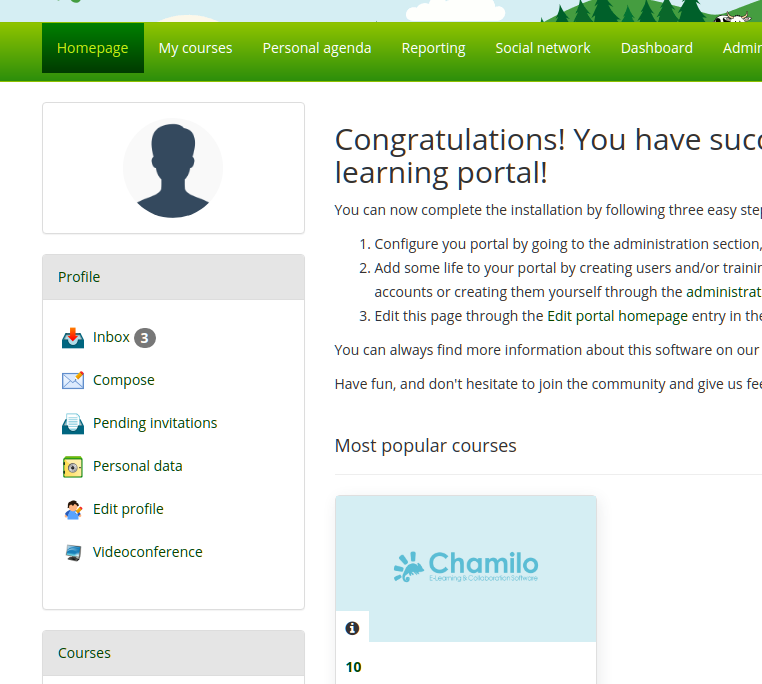
The global conference link is located here ( see screenshot link Videoconference below "Edit profile").
In your screenshot your're showing a course videoconference.

@jmontoyaa Yes, but this also should be possible to disable by default ;-)

So just to make this issue clear: the request is to add an option to avoid showing the link (in text) to the videoconference to the users, because in some cases we just want them to see in an obvious way the server on which it is hosted (or something like that).

This requires adding a configuration option for the videoconference, so we need this pre-alpha3 @christianbeeznest
It is implemented logic to restrict access to global videoconference link based on global_conference_allow_roles setting. No DB changes required — setting already exists in plugin configuration. Ready for testing before alpha3.

The requirement is to add an option to hide the link block in the course tool for videoconference
This is (confusingly) not about the global videoconference link (which is the option some were discussing above).
Add setting "hide_access_link_in_conferences_page" with comment "By default, an access link to the videoconference is shown to users inside the Bbb tool in the course, and can be copied by them to open in another context. This option lets you hide that link to maintain a leaner interface."
@christianbeeznest as reported in be283a2746ef306a6a76eaa2d0c8d58883d2ef26, the changes for slide upload removed the configuration of the setting to hide the link.
Implemented in C2 with 861e6a26aefcc588b8a43e61086b12a3ba8c1d27
Course page for the Bbb plugin:
Then in the plugin settings ("Hide conference link in course tool")
Then course page for the Bbb plugin: