cdgriffith
Output format selection
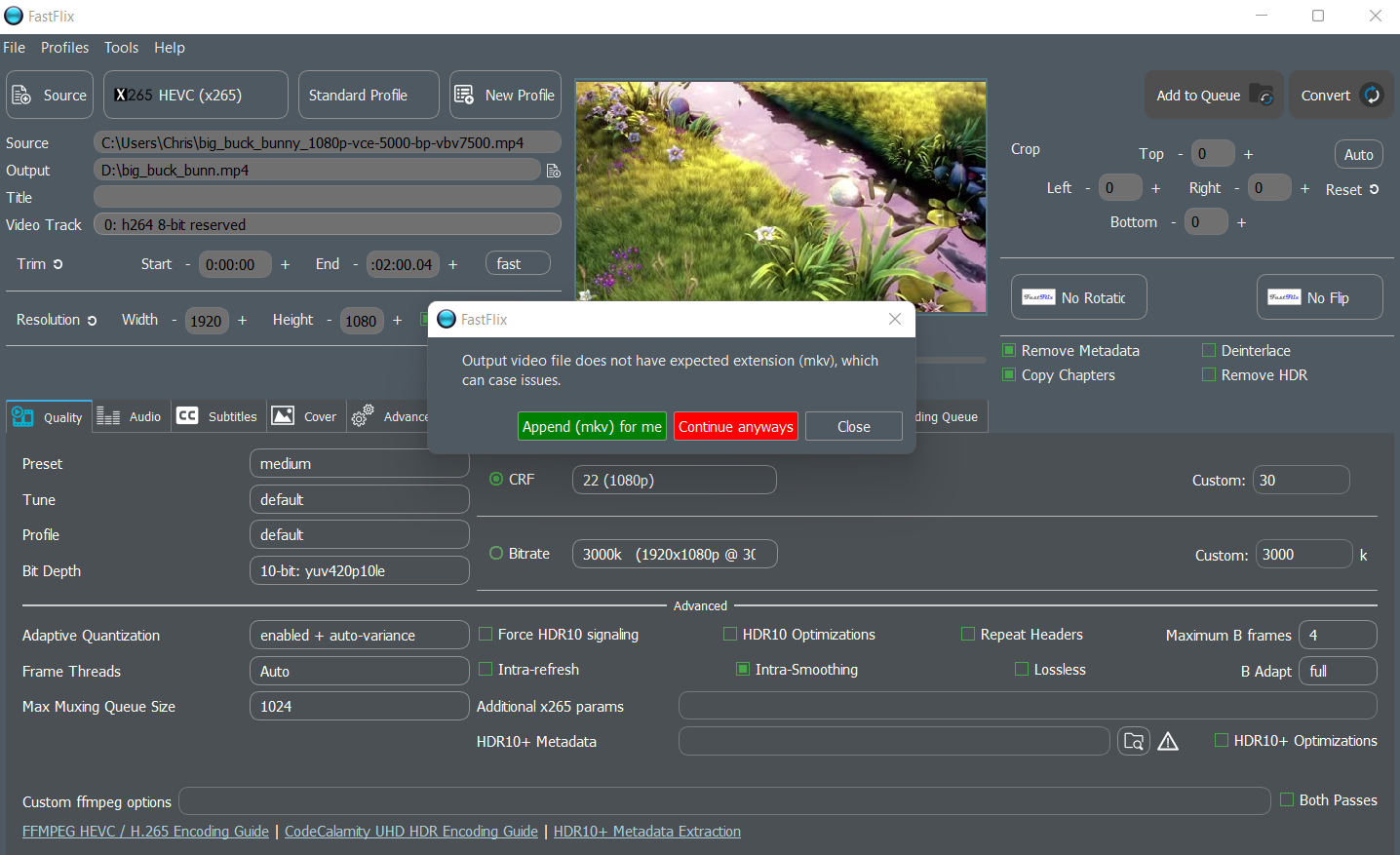
Currently the output file selection box only supports *.mkv(though I can manually input a *.mp4 filename or so on, ignore the warning about output format mismatch and start encoding). Could we select output format in a GUI manner, within the support range of our shipped FFmpeg build?

The reason why that doesn't exist yet is there is no programmatic way to know what containers support what formats (audio, video, subtitles and covers) with FFmpeg. I talked to a dev about it and it may be a feature coming down the pipeline eventually, but until then it's up to user discretion to know what they are doing if they don't use .mkv.

Maybe we can decide which output container format can be chosen by user, based on the output stream format selected? To tell the truth I learn so little about these techs ;)
I just began to understand your concern. I tried to convert a webm clip(with opus audio track) into an mp4 one. By default the opus audio stream was copied into mp4 container, so I heard nothing when playing the result on my phone. Converting audio into aac fixes that. Maybe the default mkv container doesn't have such problem.
I took a look on how MediaCoder(another transcoding tool) handles this problem. First I chose container format mp4, then video format vp9, and it automatically changed container to webm. However, when I chose mp4 and then chose opus audio, webm container wasn't automatically selected. MP4 + opus combo causes problem when played on my phone. I guess it has a table of coder-container compatibility burnt in, though not very perfect.
Yeah a big problem is not only what the converter (in this case FFmpeg) supports, but also what other devices support. MP4 has a rather limited scope of actual "allowed" codecs for audio and video, but most encoders support putting more into it. However, opus is a standard for MP4, so I'm unsure why that wouldn't work.
I also noticed FFmpeg has both opus and libopus and I don't know the difference personally.

Yes, make sure to change the name / container last as there are a few different things that will re-generate it automatically (like changing encoders.)
You should get a warning message like shown below, and just click on the red "Continue Anyways" and it will put it in the new container format.