
gedit
 gedit copied to clipboard
 catppuccin
🗒 Soothing pastel theme for Gedit

 Catppuccin for Gedit



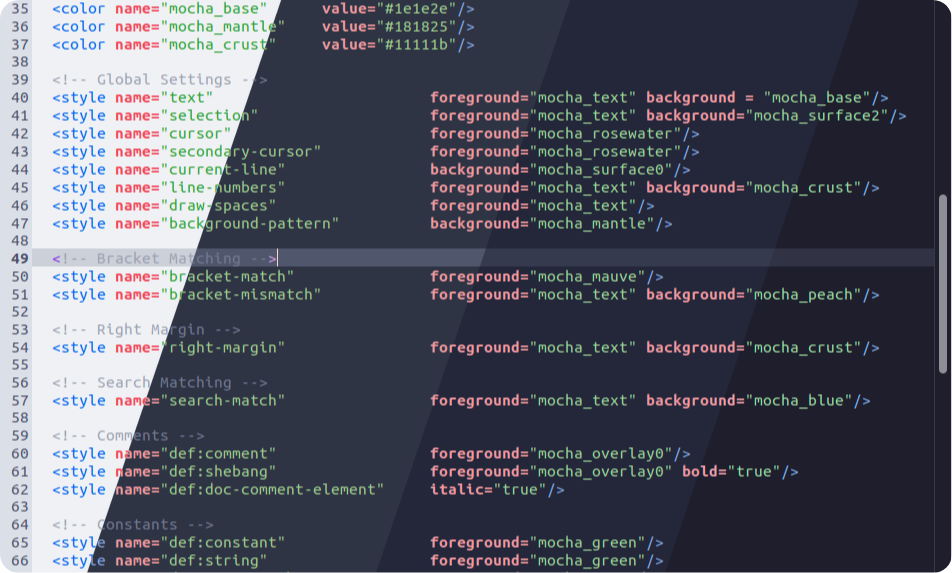
Usage
- Clone this repository locally:
git clone https://github.com/catppuccin/gedit.git - cd into the cloned directory
cd gedit - Run
install.sh - Open Gedit's preferences menu and navigate to the Fonts and Colors menu.
- Choose the flavor of your choice.
- Enjoy!
Alternative installation
- Clone this repository locally:
git clone https://github.com/catppuccin/gedit.git - Open Gedit's preferences menu and navigate to the Fonts and Colors menu.
- Hit the '+' button.
- Choose the flavor(s) of your choice.
- Enjoy!
💝 Thanks to
- Paolo Borelli, whose Oblivion theme I referenced when making this port.
- sacerdOS

Copyright © 2021-present Catppuccin Org

 catppuccin