
carbon-components-vue
 carbon-components-vue copied to clipboard
 carbon-design-system
fix: expanded not true even for child
if the expanded is not true the children will be hidden also
Contributes to #1346
## What did you do? "Hid" the children elements when some panel is not expanded.
## Why did you do it?
For screen readers, keyboards, these elements were still visible. So, it brings some accessibility problems.
How have you tested it?
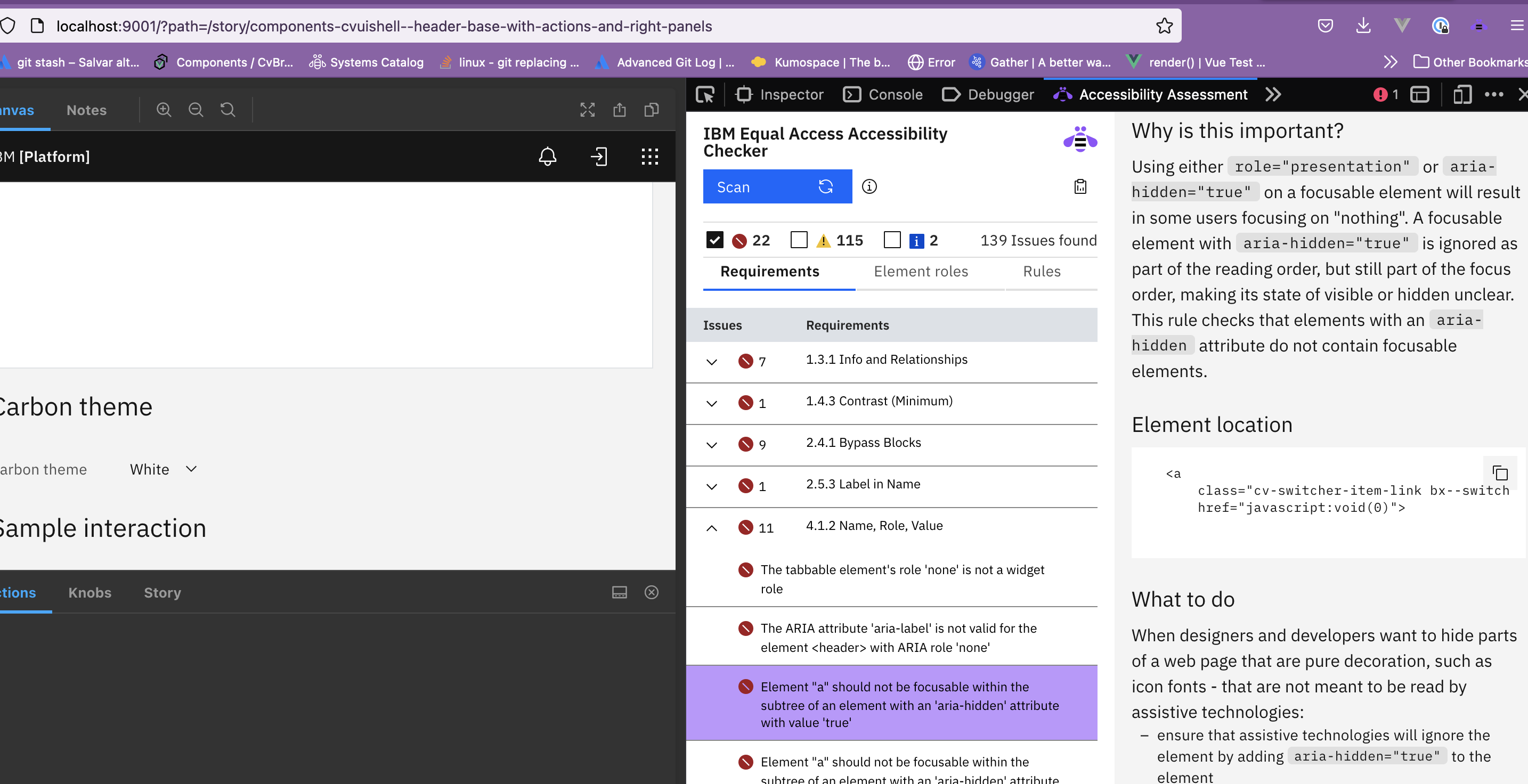
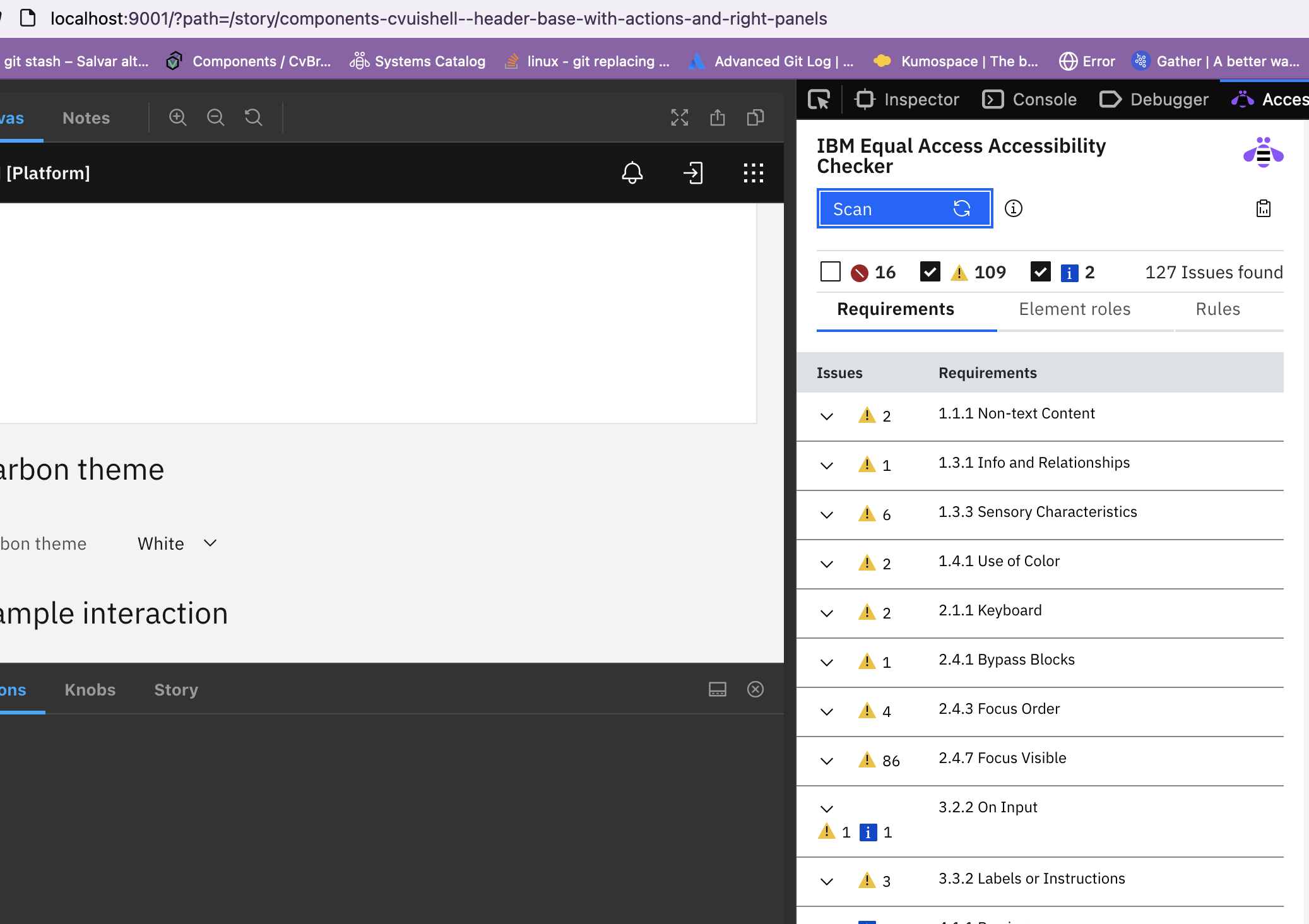
With 'IBM Equal Access Accessibility Checker ' and screen reader
Were docs updated if needed?
- [ ] N/A
- [ x] No
- [ ] Yes
before:
after:

Deploy Preview for carbon-components-vue ready!
| Name | Link |
|---|---|
| Latest commit | 326bcc7d798b48ff0fc28875426e82b55fc4cedf |
| Latest deploy log | https://app.netlify.com/sites/carbon-components-vue/deploys/62da5f0340ac90000cba3b9a |
| Deploy Preview | https://deploy-preview-1347--carbon-components-vue.netlify.app |
| Preview on mobile | Toggle QR Code...Use your smartphone camera to open QR code link. |
To edit notification comments on pull requests, go to your Netlify site settings.
![netlify[bot] avatar](https://avatars.githubusercontent.com/in/13473?v=4 "Published by a pub.dev verified publisher")
I don't know what @lee-chase thinks but the query is concerning: const componentChildren = document.getElementsByClassName('cv-header-panel bx--header-panel'); The bx part at least should honor the carbonPrefix that is used in other parts of that file.
Also the query starts with document instead of maybe something scoped to the component.
The biggest problem is that the left/right panels are just slots meaning they can hold anything. Notice there are no violations from the left slot because it is empty.
For example, here is a sandbox example with a in-accessible link in the left panel.
It seems this fix is better suited to the cv-header-panel component. You could probably add a ref to the slot there and enumerate the children from there. Also can I ask why hidden = true; instead of ariaHidden = true?

Sorry, yes just dismissed my own review which looked either in error or in haste.
On mounting the panel raises 'cv:panel-mounted' to the header. The panel should hide it's children. Probably in reaction to having panelExpanded, in the same function, change to false. There is an edge case I suppose where the panel header could cause it to bounce from true, to false to true again.
Is adding this to CvHeaderPanel not adequte?
:hidden="!panelExpanded ? 'true' : 'false'"

@davidnixon , @lee-chase , sorry for the delay...
About how to take the element, do you mean to use "this.$children" instead of 'cv-header-panel bx--header-panel'? I'm not sure if I understood... ''cv-header-panel bx--header-panel'' is how the buttons appear... I mean, it doesn't have another class together...
About hidden/aria-hidden, aria-hidden is not being enough. Also, I was thinking with the idea of "Content that was previously needed but is not any longer"..
At least, using ' :hidden="!panelExpanded ? 'true' : 'false'"' in CvHeaderPanel breaks the component. The panel doesn't open more...
Hey @barbarabeat all children are registered with the CvHeader listening for 'cv:panel-mounted'. In functions like onCvPanelControlToggle you can see a panel being updated. This is preferable to using a query selector.