
camelot
 camelot copied to clipboard
 camelot-dev
Can't read Hebrew PDF
Describe the bug
I am trying to parse a pdf written in Hebrew but all I get is many "cid:###"
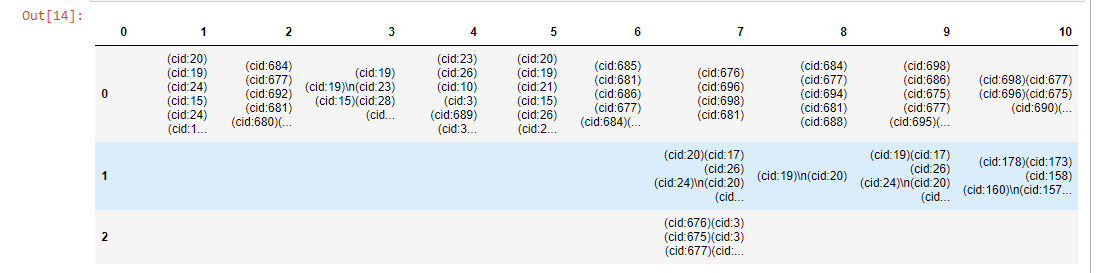
Steps to reproduce the bug
Steps used to install camelot:
I install it via conda prompt: conda install -c conda-forge camelot-py
Expected behavior Extract the words from the pdf
import camelot tables = camelot.read_pdf(r"file.pdf")
PDF Unfortunately, I cannot share my PDF but it has table and Hebrew words.
Environment
- OS: [e.g. MacOS]
- Python version: 3.7.4
- Numpy version: 1.18.1
- OpenCV version: 4.1.2.30
- Ghostscript version: not sure how to check
- Camelot version: 0.8.2

Please read this (#199).
It seems that your PDF is missing character mappings. It's not a Camelot bug, I think.

Yes, it's not a Camelot bug according to the other topic and SOF link. I guess that cannot find a workaround that does not include OCR? I managed to extract the text using tesseract but it ruins the tables and gives me text only.