

 calcom
Redirection to localhost while signing out and singing in
Found a bug? Please fill out the sections below. 👍
Issue Summary
Ran into a bug while signing out of the calcom account. The domain got redirected to http://localhost:3000/
Steps to Reproduce
- Login to the domain
- sign out from the account
- gets redirected to http://localhost:3000/
Screen Recording for your reference
https://user-images.githubusercontent.com/51209834/235493504-c2d3b405-f312-49ef-b1fb-26c98a5efac8.mp4


@bottercode did you host in any virtual machine, we have been trying to make it work on GCP for the last 3 weeks and it's not working correctly, could you please give us the right step to make it work?

I have reproduced the issue but it works fine in my case!
have you used the docker installation or normal installation process to install cal.com
I have reproduced the issue but it works fine in my case!
have you used the docker installation or normal installation process to install cal.com
I have used docker for the installation.
I have reproduced the issue but it works fine in my case!
have you used the docker installation or normal installation process to install cal.com
I have used docker for the installation.
what did you do to add the domain or subdomain to it, can you tell me the main steps? I have been trying to do it for a long time and it's not working for me. thanks a lot.
I have reproduced the issue but it works fine in my case!
have you used the docker installation or normal installation process to install cal.com
I have used docker for the installation.
what did you do to add the domain or subdomain to it, can you tell me the main steps? I have been trying to do it for a long time and it's not working for me. thanks a lot.
What's the error you are facing. Can you attach a screenshot ?
I have reproduced the issue but it works fine in my case!
have you used the docker installation or normal installation process to install cal.com
I have used docker for the installation.
what did you do to add the domain or subdomain to it, can you tell me the main steps? I have been trying to do it for a long time and it's not working for me. thanks a lot.
What's the error you are facing? Can you attach a screenshot?
same issue as mentioned by @Sreehari78 when I log out I get redirected to http://localhost:3000/ when I sign in also I get redirected to http://localhost:3000/
And in the profile, it's always www.localhost:3000/username not www.cal.example.com/username as shown in the screenshot.
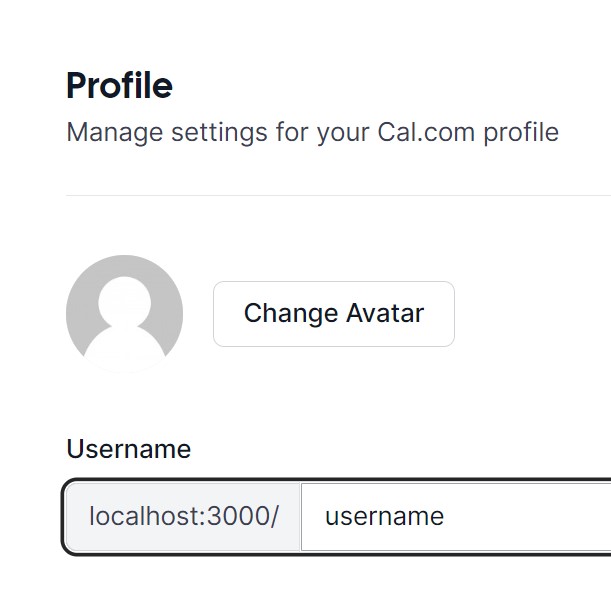
https://user-images.githubusercontent.com/93823479/235648945-b4faa368-3f28-47d8-91c8-1330e43bef1f.mov
I had reproduce the issue and attached the video but it is working little different in my case Can you please assign this issue to me

Screen.Recording.2023-05-02.at.4.24.57.PM.mov I had reproduce the issue and attached the video but it is working little different in my case Can you please assign this issue to me
this is when you host locally, I have hosted my cal in GCP. Thanks for your help.
@Sreehari78 I think i had fixed the bug. Can you please have a look
https://user-images.githubusercontent.com/93823479/235652358-ab5e0a17-55d2-49c9-a73e-b56ef18128e8.mov
I think i had fixed the bug . Can you please have a look
Screen.Recording.2023-05-02.at.4.48.07.PM.mov
I think this will fix it but how to change www.localhost:3000/username to www.cal.example.com/username
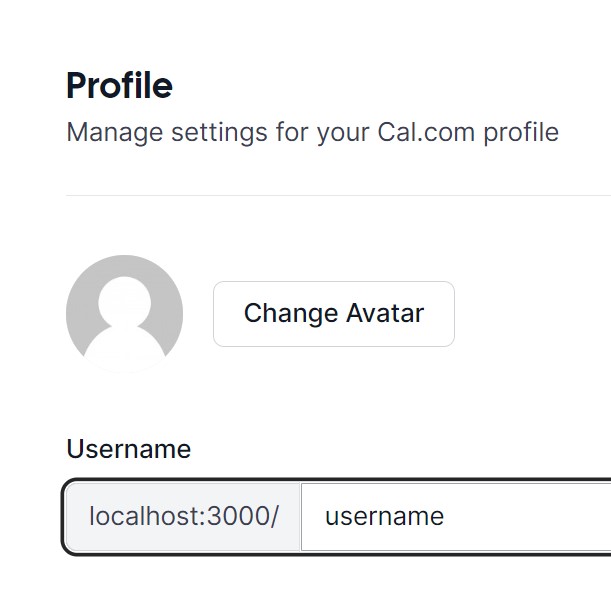
currently, my username isn't mapped under my domain name. It's under localhost. when that is fixed automatically other one will be fixed.
Can you please elaborate it more.... I think i didn't get you !
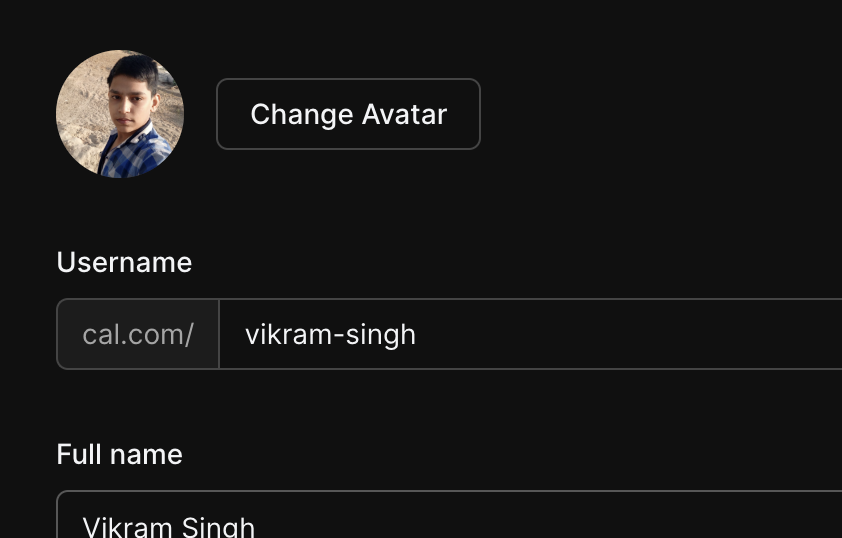
Here it is written cal.com/ on the hosted web app
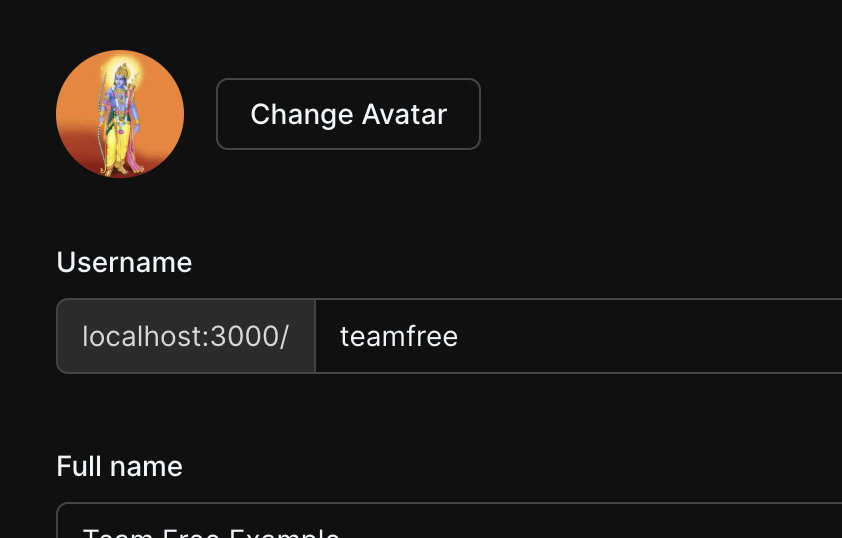
Here it is written localhost running on my local machine
Can you please elaborate it more.... I think i didn't get you !
Here it is written cal.com/ on the hosted web app
Here it is written localhost running on my local machine
Can you please elaborate it more.... I think i didn't get you !
Here it is written cal.com/ on the hosted web app
Here it is written localhost running on my local machine
yes, when you host it in a local machine it should show as localhost but it's still showing as local host even when I self-hosted it in a Virtual machine. I can give you access to my virtual machine in GCP if you can give me your email ID so that you understand it better.

@Vikram125609 Did you solve the issue? I couldn't see any further comments about what happened. I'm having the same issue.
