

 calcom
When using EMOJI as username Avatar breaks 💀
Issue Summary
When the username is set to an emoji, the user's avatar fails to load. Looking at the network calls, it seems that the avatar is downloaded twice, with the version from Gravtar failing to load.
This could be due to the encoding of the emoji to gravtar url
Steps to Reproduce
- Set username to an emoji
- Avatar in account/public page is no longer loading
Any other relevant information. For example, why do you consider this a bug and what did you expect to happen instead?
Only tested with single character (emoji) username https://cal.com/🍕 Has not been tested with usernames with mixed alphanumeric + emoji (e.g. McPizza🍕)
Technical details
N/A - applies across browsers
P.S. Very low priority

ahhhh i know why. we add it to the route, as in https://app.cal.com/peer/avatar.png which means the emoji will cause issues.
should be a simple fix, we need to encode the emoji like the username: https://cal.com/%F0%9F%8D%95
correct URL would be:
https://app.cal.com/%F0%9F%8D%95/avatar.png

i dont even know how many people use emojis as usernames. must be max. a handful
Yup, very very rare use case, but could have implications elsewhere
Potentially a good first issue/contribution?
Hi! I am new making contributions. I was taking a look at this issue, but I tried to change my username to an emoji or alphanumeric characters and when I confirm the change the emojis gets replaced by dashes "-". How can I reproduce this error?

@jgimitola same here. it should be happening because of the slugify call.
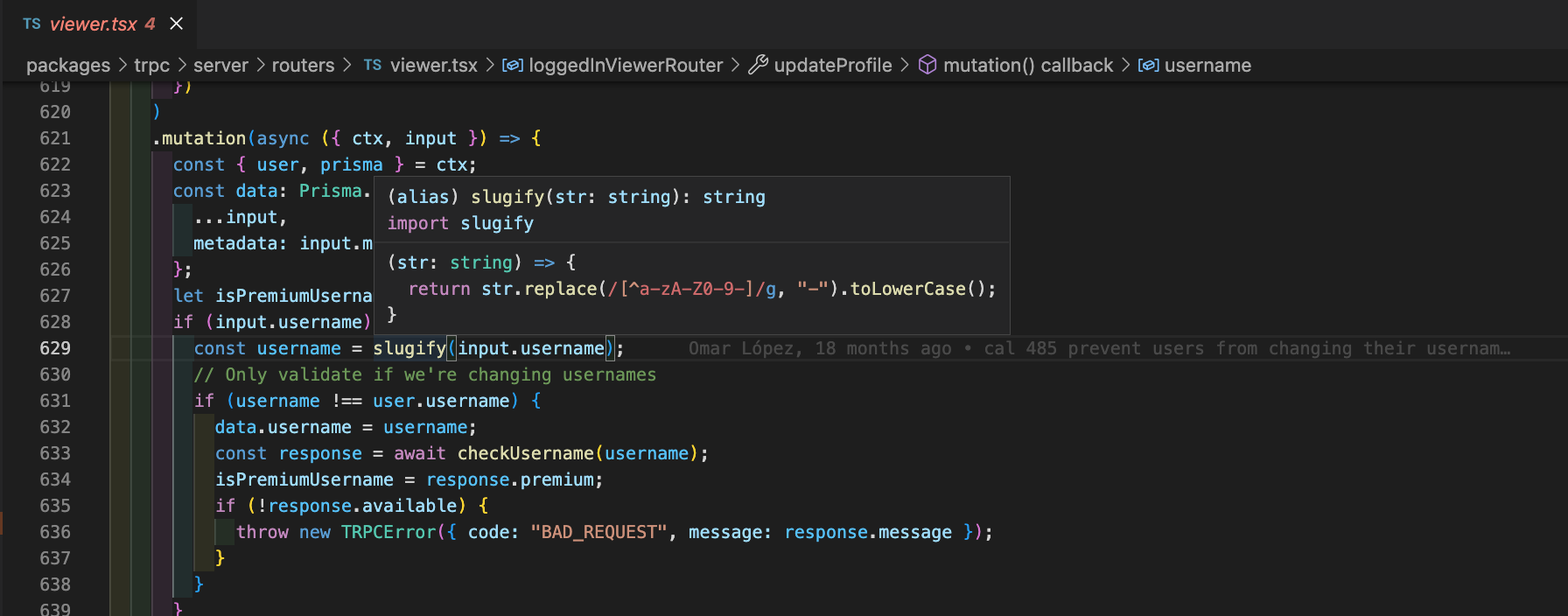
@McPizza0 can you still reproduce this issue?

@McPizza0 can you still reproduce this issue?
Yes, still able to reproduce I'm using Cloud version with the following steps:
Go to Settings Enter 🍕 as username (Requires Premium and reserved usernames subscription) 1st save didnt work correctly (showed "--" as username after save) 2nd save worked Navigate to cal.com/🍕 - Avatar is missing
p.s. please note that I now use the username /mc due to this and other issues
@McPizza0 I can't test it out on prod since I don't have a premium account.

we have 771 open issues, if someone wants to fix this, go for it. but i dont think this is of priority enough to fix :(
Hi, @PeerRich I think encoding emojis would be a nice one, But I suggest that we put validations to only allow combinations of name and numbers usernames what do you think?

Hey I am thinking to modify the slugify regex to update the emoji, it is working local. Working on getting a PR ready.
cc: @PeerRich

@AyushMainali123 can we ensure if there is an open pr for an issue not to raise another one 👍 ?
@PeerRich How about just blocking emoji's from the name?
People who have it can keep, but new ones won't work.
Zod recently introduced string().emoji()
Perhaps we can do some Zod validation on the input to check if it contains an emoji, and if it does, fail the parsing?