

 calcom
[CAL-725] Google Calendar hangs/stuck when redirect_uris is not present in GOOGLE_API_CREDENTIALS
Issue Summary
Please take a look at the comment below for an up-to date description of the problem
Whenever I connect Google Calendar, the trpc request viewer.connectedCalendars hangs/gets stuck forever (not a timeout problem).
I have tried both with the version v2.4.4 (tagged on this repo, building from source) and the latest docker image calcom/cal.com (sha256:300ae1837e330144a98c2a025f6d0f25086ab82d56b78f7d2388c794a23b1ded as of right now - related to https://github.com/calcom/docker/issues/199).
I have initial talked about this with @Udit-takkar in this Slack thread.
Steps to Reproduce
- Create a Google Cloud app according to the readme.
- Create an
.envin an empty directory containing:GOOGLE_API_CREDENTIALS={"web":{"client_id":........ REDACTED PLEASE REPLACE NEXT_PUBLIC_WEBAPP_URL=http://localhost:3000 NEXT_PUBLIC_LICENSE_CONSENT=agree CALCOM_TELEMETRY_DISABLED=1 NEXTAUTH_SECRET=IVqol5JLRyKaosmTKuceCTZCDTiU3adv CALENDSO_ENCRYPTION_KEY=rpoVVZykj0sZzBe1e2xDk2uiWGCN2rDY DATABASE_URL=postgres://user:password@db:5432/postgres [email protected] - Create an
docker-compose.yamlcontaining:version: '3.8' volumes: database-data: networks: calcom-network: services: db: image: postgres volumes: - database-data:/var/lib/postgresql/data/ environment: POSTGRES_USER: user POSTGRES_PASSWORD: password networks: - calcom-network calcom: image: calcom/cal.com networks: - calcom-network ports: - 3000:3000 env_file: - ./local.env depends_on: - db - Start with
docker-compose up - Do the initial setup and connect to google calendar
- Visit
http://localhost:3000/settings/my-account/calendarsor run the trpc queryviewer.connectedCalendarsand it will get stuck forever.

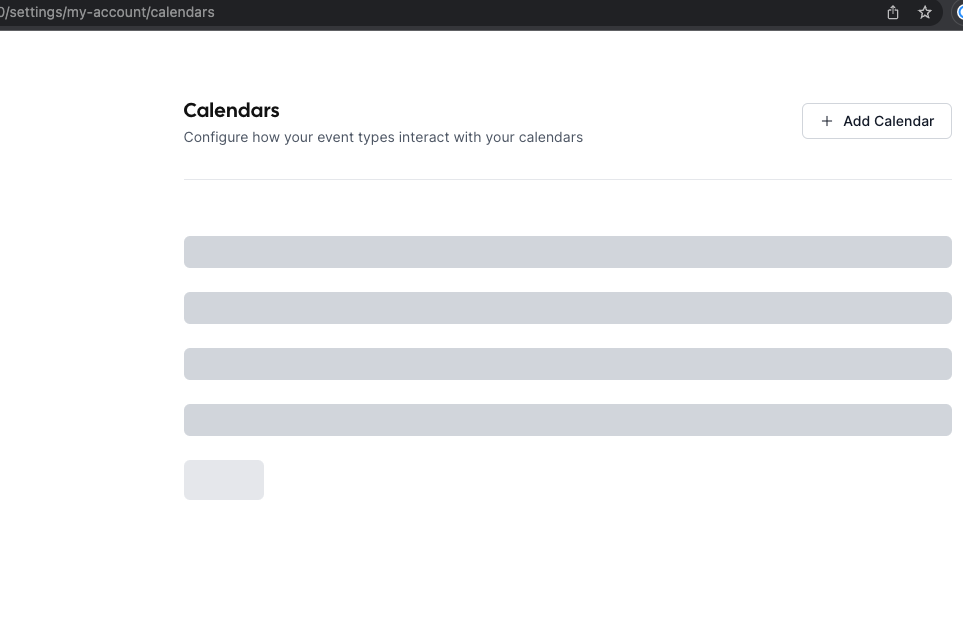
I don't understand why I am getting this issue as I can reproduce it 100% of the times, with multiple versions and still no-one has yet complained about it.
Deleting all rows from the table Credentials fixes the issue until Google Calendar is connected again.
Video demonstration
Bootstrapping new setup from scratch causes problem:
https://user-images.githubusercontent.com/5692603/211341408-933c4490-d2d4-4c8d-980c-4579a125164b.mov
Demonstration removing Credentials:
https://user-images.githubusercontent.com/5692603/211341508-01deb777-28d4-4acd-b140-8fca13f4f4ae.mov
(All secrets in these remonstrations have been rotated)
Technical details
$ docker --version
Docker version 20.10.13, build a224086

$ docker-compose version
docker-compose version 1.29.2, build 5becea4c
docker-py version: 5.0.0
CPython version: 3.9.0
OpenSSL version: OpenSSL 1.1.1h  22 Sep 2020
Running on an ARM (M1) mac (Apple M1 Pro). In the meantime I have also tried it on a amd64 (Intel/Firecracker) host and the result is the same.
The Google Calendar app has both .../auth/calendar.events and .../auth/calendar.readonly scope selected. While debugging I have actually tried with plenty more, so it should not be the issue.
Thank you.

Thank you for the help @Udit-takkar and @zomars!
I was able to make it work, and understand what causes the problem.
Since I added the allowed redirect URIs after downloading the google calendar credential, the JSON in GOOGLE_API_CREDENTIALS looked something like this:
{
    "web": {
        "client_id": "XXX-XXX.apps.googleusercontent.com",
        "project_id": "sample-project-id",
        "auth_uri": "https://accounts.google.com/o/oauth2/auth",
        "token_uri": "https://oauth2.googleapis.com/token",
        "auth_provider_x509_cert_url": "https://www.googleapis.com/oauth2/v1/certs",
        "client_secret": "GOCSPX-XXX"
    }
}
As you can see there is no redirect_uris key. After I changed it to include the redirect_uris the problem went away:
{
    "web": {
        "client_id": "XXX-XXX.apps.googleusercontent.com",
        "project_id": "sample-project-id",
        "auth_uri": "https://accounts.google.com/o/oauth2/auth",
        "token_uri": "https://oauth2.googleapis.com/token",
        "auth_provider_x509_cert_url": "https://www.googleapis.com/oauth2/v1/certs",
        "client_secret": "GOCSPX-XXX",
        "redirect_uris": [
            "http://localhost:3000/api/auth/callback/google",
            "http://localhost:3000/api/integrations/googlecalendar/callback"
        ]
    }
}
What I found really interesting was that in the UI, when creating a new installation it only has two inputs client_id and client_secret so I expected that redirect_uris to not be relevant.
Furthermore, I have tried setting redirect_uris to [] and everything works: connection, listing, etc. It is really odd, as the content is not relevant in any way for the application, but the key must be present in the JSON.
Regardless of this I think this issue should not be closed, because we need to make Calcom more resilient. In a way that it would simply throw an error/break instead of hanging the request forever. Otherwise, at least document this behaviour.
sick! great stuff. I wonder if we need to change the docs @alishaz-polymath
