

 caddyserver
[README] Tweak font colors for Github's dark theme
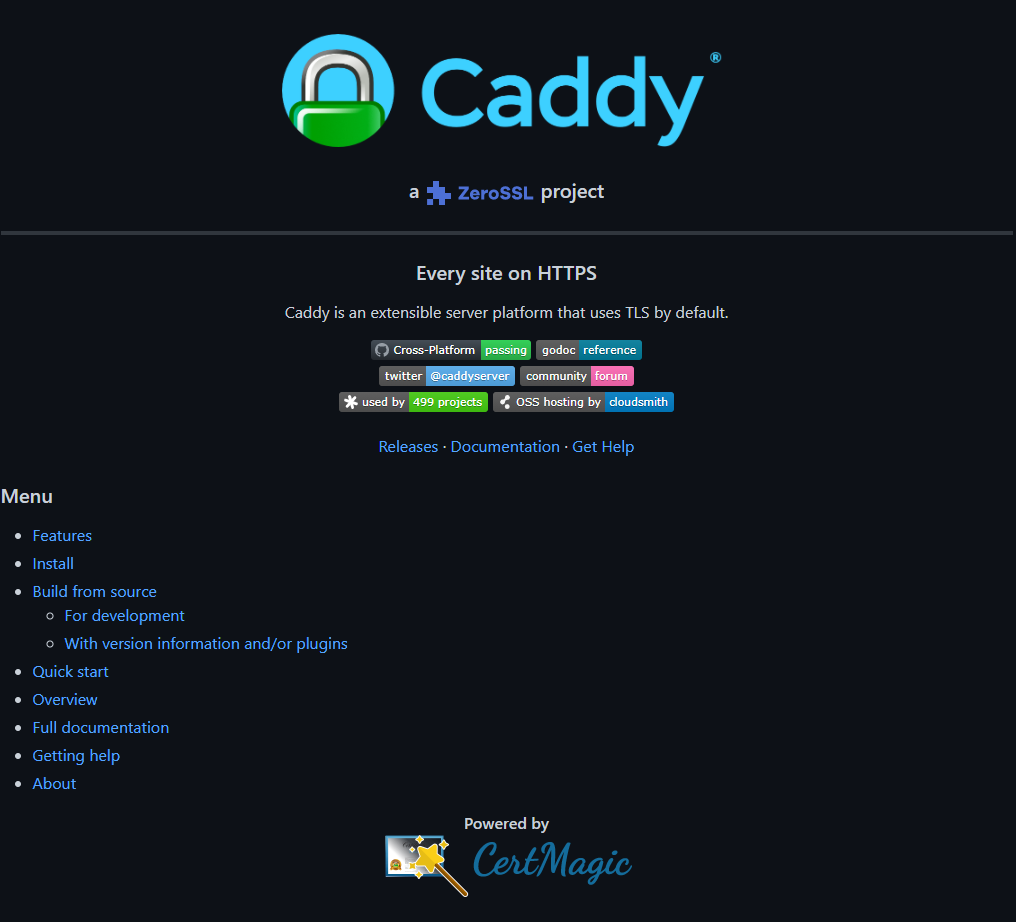
Using the dark theme on Github, the Caddy title-image font, as well as CertMagic and ZeroSSL images are hardly visible.
So I tweaked the colors a little bit. The font color on the Caddy title image matches with the background light-blue color behind the padlock. For the CertMagic image I picked a color from the outer frame. The ZeroSSL SVG image got the same color as its icon in front. I'd really like to hear your thoughts.
Dark theme:
Light theme:


This is also a problem on the docs site:

@mholt and/or the ZeroSSL people will need to chime in on whether they're ok with their logo being displayed that way with purple text.

Hmm, I don't think the bright blue Caddy text will fly, and I don't love the blue on CertMagic either. As for ZeroSSL, I don't think we should try to display the logo differently either. They have an all-white version in their footer that could probably work.
But if we have to choose just one picture, maybe one with a white background is best.

Okay, thanks for your feedback.
Maybe a white background for all of them is the easiest solution?
I don't see how you'll solve this one with a white background (dark theme on the docs website):

Relevant discussion: https://twitter.com/Saadeghi/status/1436433007313924098
Wow, this is a fun one https://twitter.com/github/status/1463556704436637707
Welp, can't get it to work as-is.
Problem is we're using HTML for the header bit, and we can't use Markdown inside HTML. We use the HTML for centering the header, and to make the image clickable.
The clickable part should be solvable, by doing something like [](https://caddyserver.com), but if we do that, then the #gh-light-mode-only fragment doesn't get parsed and both images would still appear 😢 I mentioned it as a reply on twitter: https://twitter.com/_francislavoie/status/1463752697006411776
But also even if we had that working, I don't see a way we could center the header with pure Markdown, annoyingly.
Apparently the #gh-light-mode-only and #gh-dark-mode-only fragments work on raw <img> tags ... Does the following work, or do both images continue to appear?
--- a/README.md
+++ b/README.md
@@ -1,7 +1,7 @@
 <p align="center">
-       <a href="https://caddyserver.com"><img src="https://user-images.githubusercontent.com/1128849/36338535-05fb646a-136f-11e8-987b-e6901e717d5a.png" alt="Caddy" width="450"></a>
+       <a href="https://caddyserver.com"><img src="https://user-images.githubusercontent.com/1128849/36338535-05fb646a-136f-11e8-987b-e6901e717d5a.png#gh-light-mode-only" alt="Caddy" width="450"><img src="https://user-images.githubusercontent.com/1128849/36338535-05fb646a-136f-11e8-987b-e6901e717d5a.png#gh-dark-mode-only" alt="Caddy" width="450"></a>
        <br>
-       <h3 align="center">a <a href="https://zerossl.com"><img src="https://caddyserver.com/resources/images/zerossl-logo.svg" height="28" valign="middle"></a> project</h3>
+       <h3 align="center">a <a href="https://zerossl.com"><img src="https://caddyserver.com/resources/images/zerossl-logo.svg#gh-light-mode-only" height="28" valign="middle"><img src="https://caddyserver.com/resources/images/zerossl-logo.svg#gh-dark-mode-only" height="28" valign="middle"></a> project</h3>
 </p>
 <hr>
 <h3 align="center">Every site on HTTPS</h3>
You could then add the following to https://caddyserver.com/resources/images/zerossl-logo.svg, to change the current color from black to white, based on the fragment identifier:
--- a/zerossl-logo.svg
+++ b/zerossl-logo.svg
@@ -1,8 +1,11 @@
 <?xml version="1.0" encoding="utf-8"?>
 <!-- Generator: Adobe Illustrator 24.0.2, SVG Export Plug-In . SVG Version: 6.00 Build 0)  -->
-<svg version="1.1" id="Layer_1" xmlns="http://www.w3.org/2000/svg" xmlns:xlink="http://www.w3.org/1999/xlink" x="0px" y="0px"
+<svg version="1.1" id="gh-dark-mode-only" xmlns="http://www.w3.org/2000/svg" xmlns:xlink="http://www.w3.org/1999/xlink" x="0px" y="0px"
         viewBox="0 0 373 94.9" style="enable-background:new 0 0 373 94.9;" xml:space="preserve">
 <style type="text/css">
+  #gh-dark-mode-only:target {
+    color: #ffffff;
+  }
        .st0{enable-background:new    ;}
        .st1{fill:#4D70D5;}
 </style>

Based on that Twitter thread, looks like they're working on a bug fix for that, and there might even be a temporary workaround.