polar-bookshelf
 polar-bookshelf copied to clipboard
 burtonator
Easy way to add pictures from document to flashcards
When you make a flashcard attached to some figure in a document it's likely that you want to reference that figure in the flashcard.
At the moment you need to manually save a screenshot, then point the flashcard at the right file location for that screenshot.
Ideally, there would be a button in the toolbar that let you insert the picture in the area highlight with one click. (Or a button that lets you select a new area to grab a screenshot from)

Could we add the image automatically to the front or back? I was thinking of just a menu item to import the image or a context menu to pull the text/image from the flashcard per field.

You can drag and drop from a highlight annotation into a flashcard it's easier to do via the web interface.
But I agree it needs to be made easier
I think it would be best to add a button to the edit flashcard state next to the current image button.
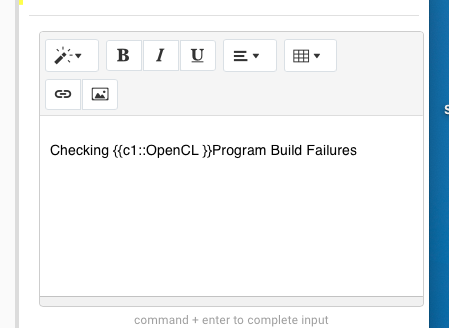
Which then allows you to drag and highlight an area of the page which is then copied into the flash card at the point of cursor and the side currently in focus.

One thing I noticed is that if you change the 'draggable' attribute to true (default is false) of the image auto-generated by polar to preview the text highlight (highlighted in red) in the document source
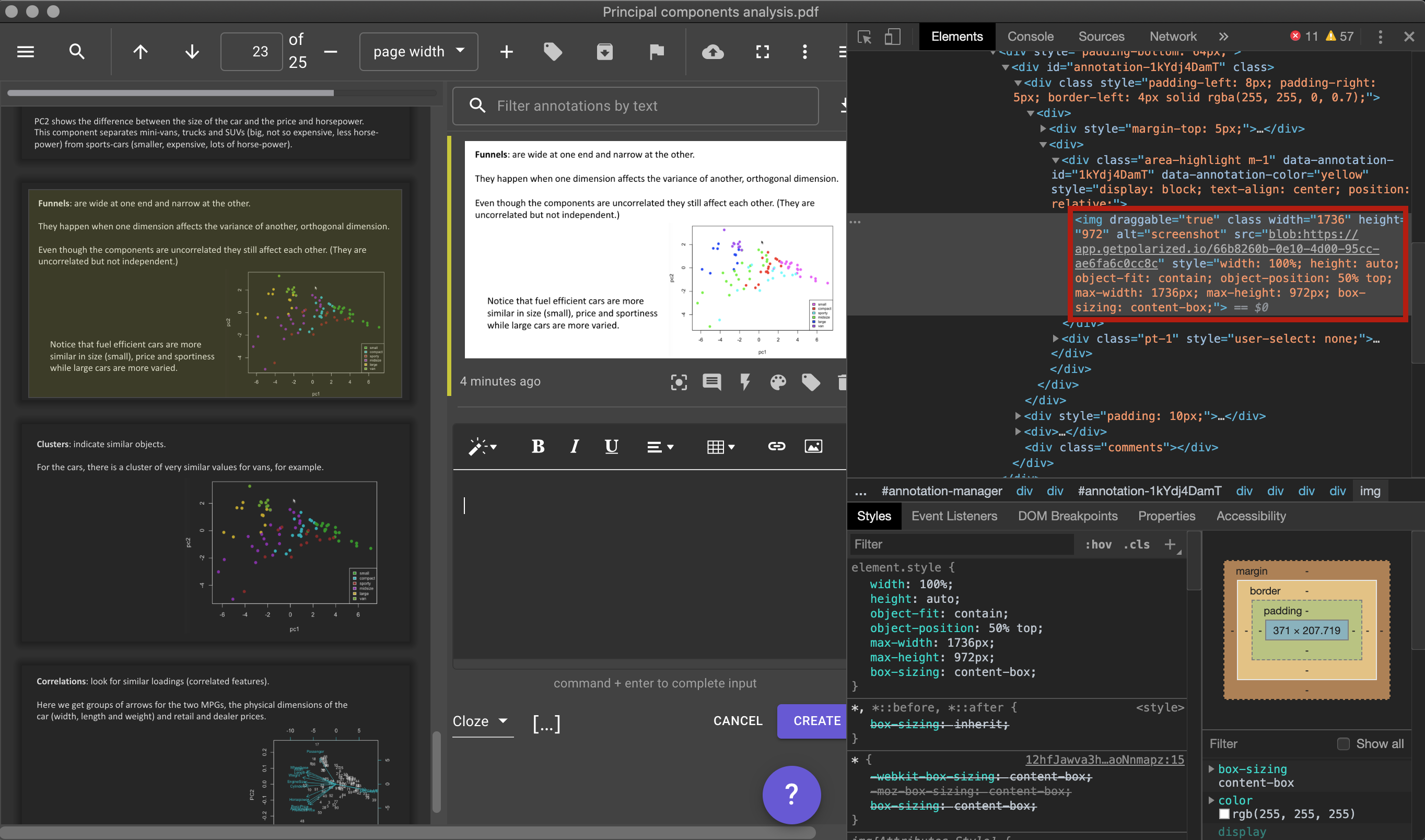
then you can just drag and drop that image into your comment/flashcard and it works how you'd expect (although it also pastes a text string "blob:https://app.get ..etc")