
script-server
 script-server copied to clipboard
 bugy
bugy
Web interface doesn't work on iphones
All my users that use iphones report that the web interface doesn't work for them. I don't have any iphones so it's hard for me to debug it better.
But I think it's a issue related to wss

Hi @Nottt, thanks for reporting Unfortunately, I don't have an iPhone either, hard to check now

I found someone with an Iphone and savy enough to help.
But I don't know where to start?
Users are able to open the script page but then they get a "failed to connect to server" error...and I know it's fine since all android and desktop users are fine
Hi @Nottt, I never had an iPhone and have zero experience how to debug applications there :( Which browser is it? Safari?
Probably you could start here: https://www.dummies.com/web-design-development/how-to-use-developer-tools-in-safari-on-ios/
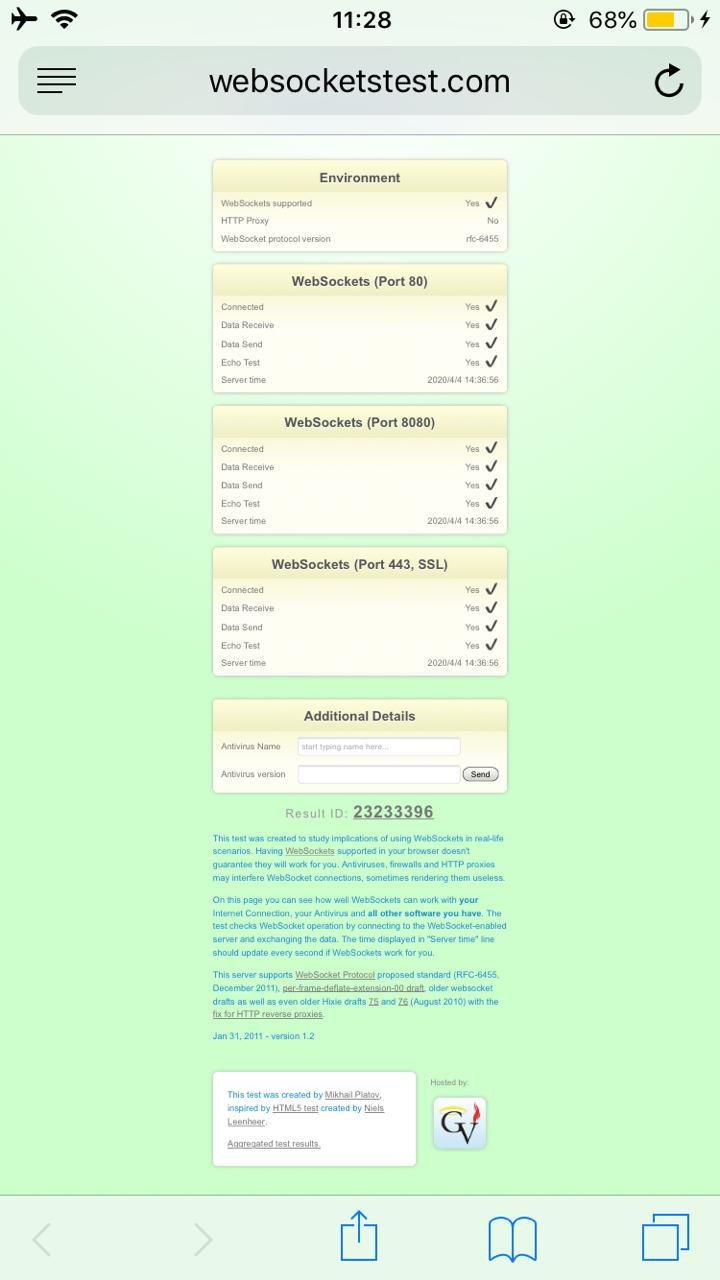
He doesn't speak english so it's a bit hard to translate stuff for him to follow...he enabled "inspector mode" but accessing the script server again doesn't show anything different...
God I hate iphones
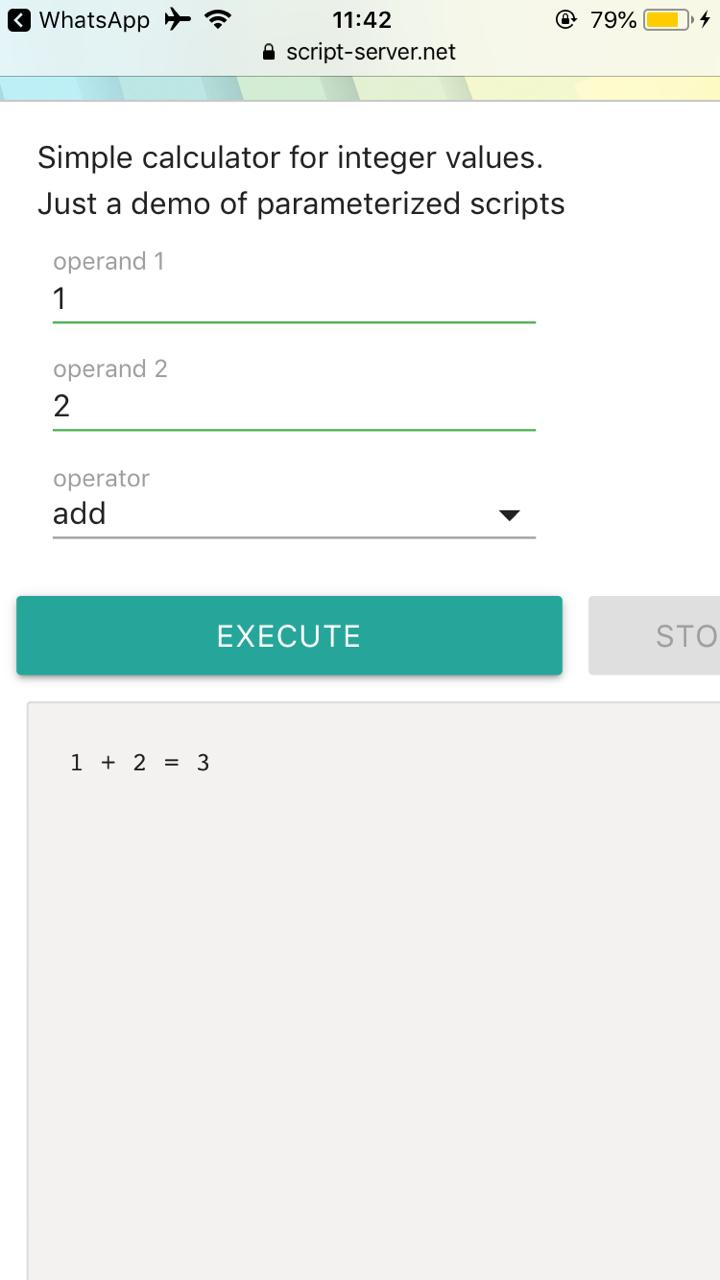
Are you using proxy? Could you check proxy logs? I think it's some missing proxy configs And one more question, is your server running with https?
My server is https only, and is behind Cloudflare.
I'm also using nginx authentication
Could you please check nginx logs, if you see his requests And script server logs
my script-server on iphone works, what doesn't work is the selection in the drop-down menus, the menu appears but it's impossible to make the choice. The same happens with script-server.net. both on chrome and safari.
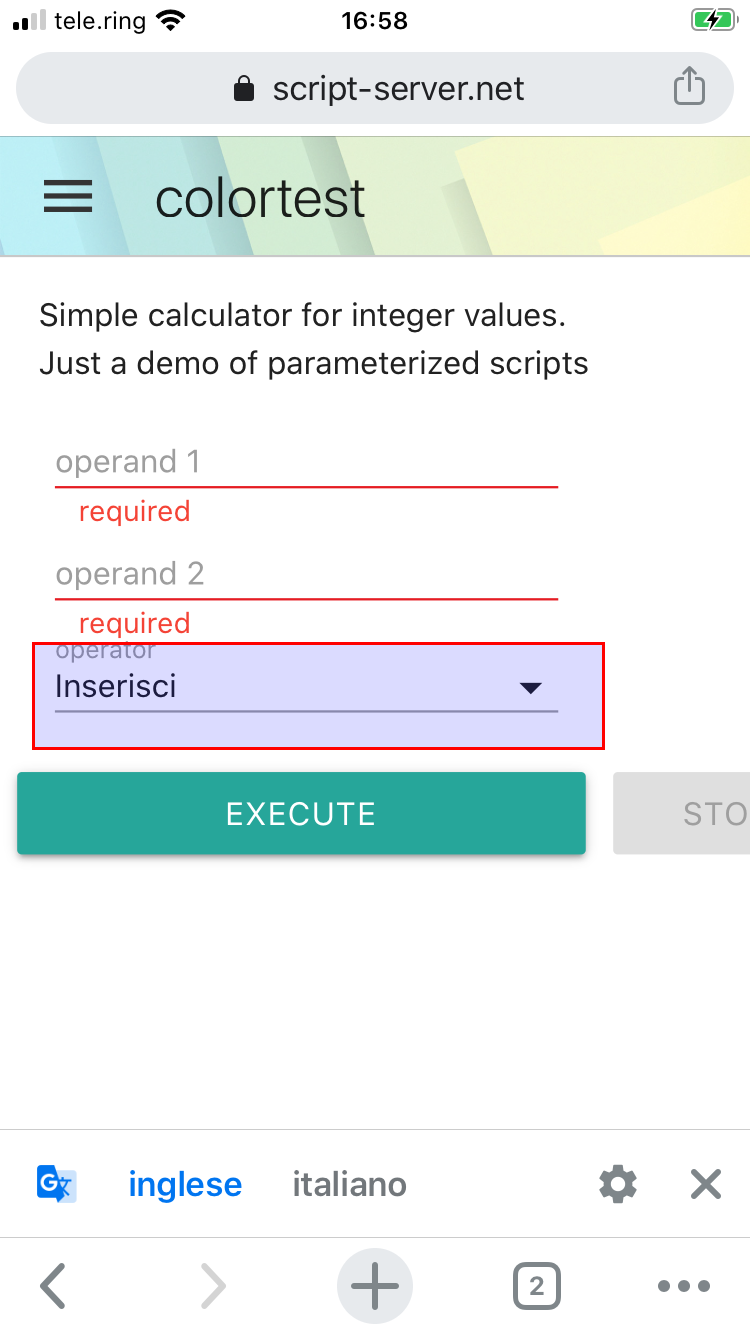

With the dropdown, it seems to be a known issue: https://github.com/Dogfalo/materialize/issues/3790 :( Not fixed for 3 years already.
Unfortunately, to fix it, I would need a device, so I could try and investigate CSS stuff
Nothing on my container logs, and I also use a nginx docker to reverse proxy my containers... The spam is too much to find anything useful.
@antonellocaroli can you test my script-server? I can give you access if you'd like to search for the issue
Hey guys - for now we found that using the browser-default class solves the issue for now...
See our original post here: https://github.com/Dogfalo/materialize/issues/3790#issuecomment-617795596

Hi, @legendarylion thanks for sharing!
Unfortunately, I don't like this option:
- Browser-default has completely different styles, which doesn't conform to other components
- I don't want to keep 2 different ways of having combobox (for normal users and iPhone users).
I'll need to find someone, who could give me an iPhone for a couple of days, so I could try to fix it :)
