GoMap

GoMap copied to clipboard
 bryceco
"Wireframe mode" as display option
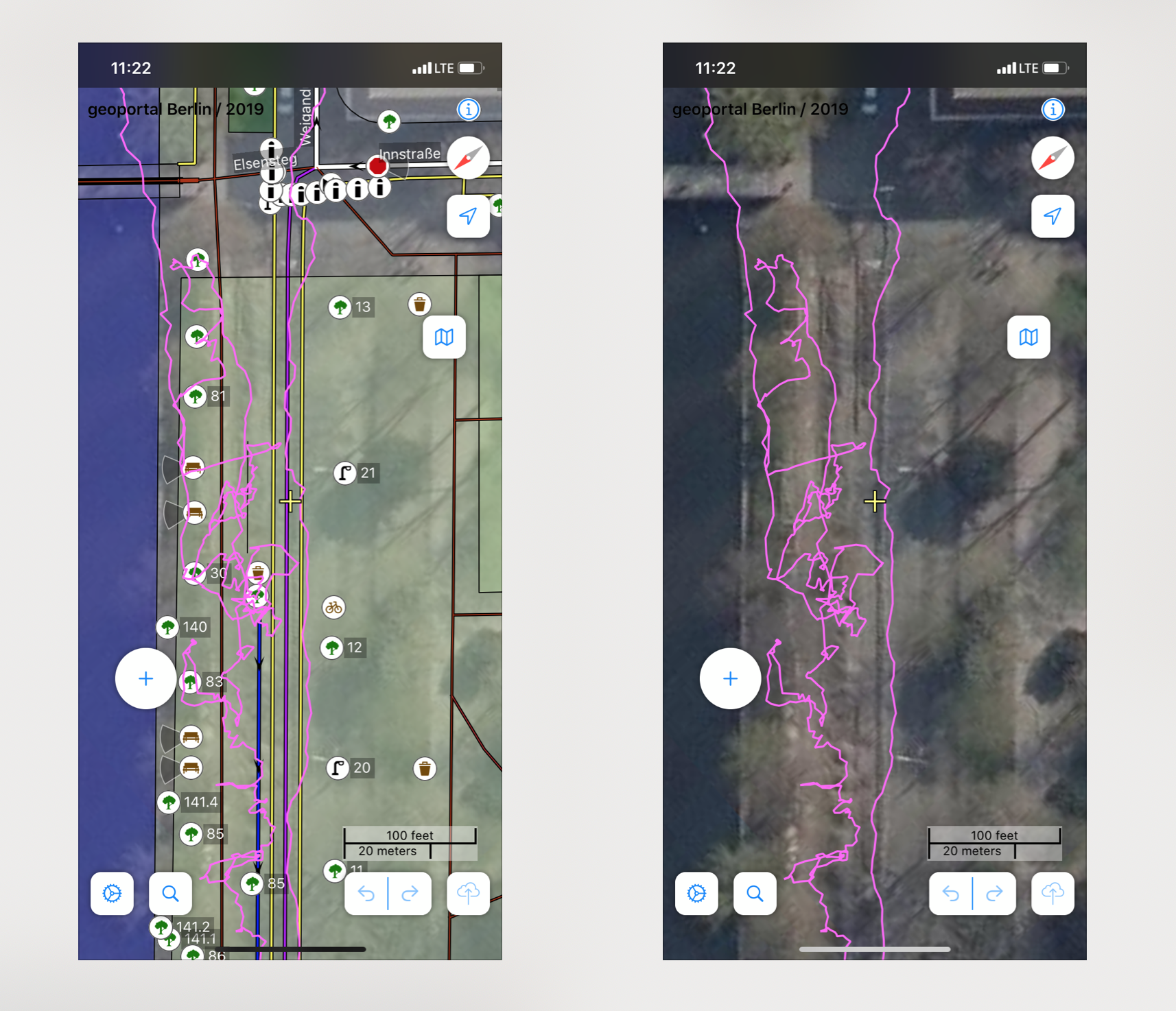
From time to time I map somewhere, where the areal images are hart to "read" but there are already areas map that overlay the image – which makes it even harder to see the areal image.
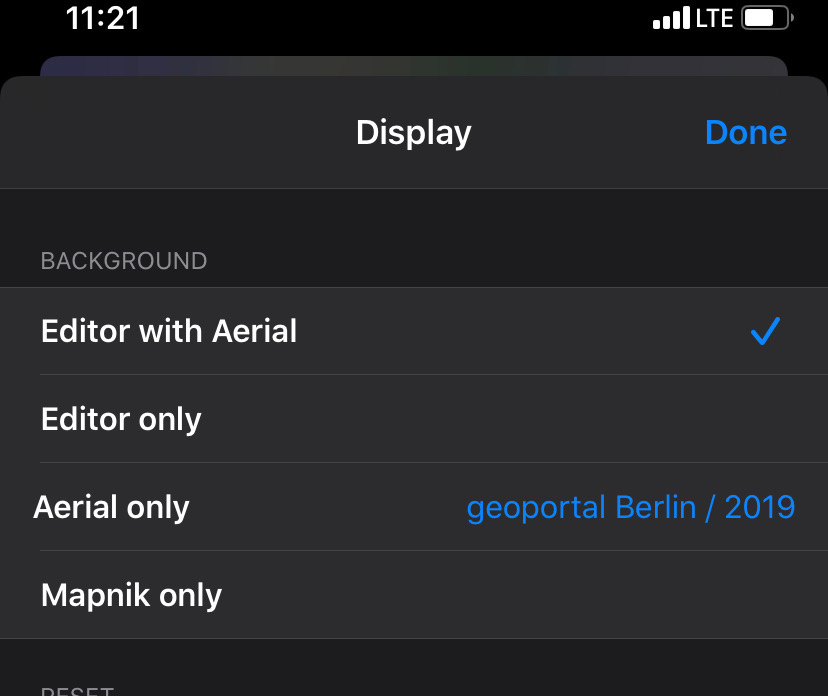
In iD I would use the wireframe mode to just see the lines of the existing mapping (without filling). In GoMap I need to tab through the UI – back and forth – to switch between "areal image only" and "map with areal image".
What do others think about a wireframe option (just lines, no filling) to extend this set of options?
Example:
This is the options set I refer to: